

Objects
Network objects are named, reusable values for addresses, networks, ports, identities, and remote address sets. Create an object once, then select it wherever Sylve offers that type instead of repeating raw values in firewall rules, static leases, switches, routes, jails, or VMs.
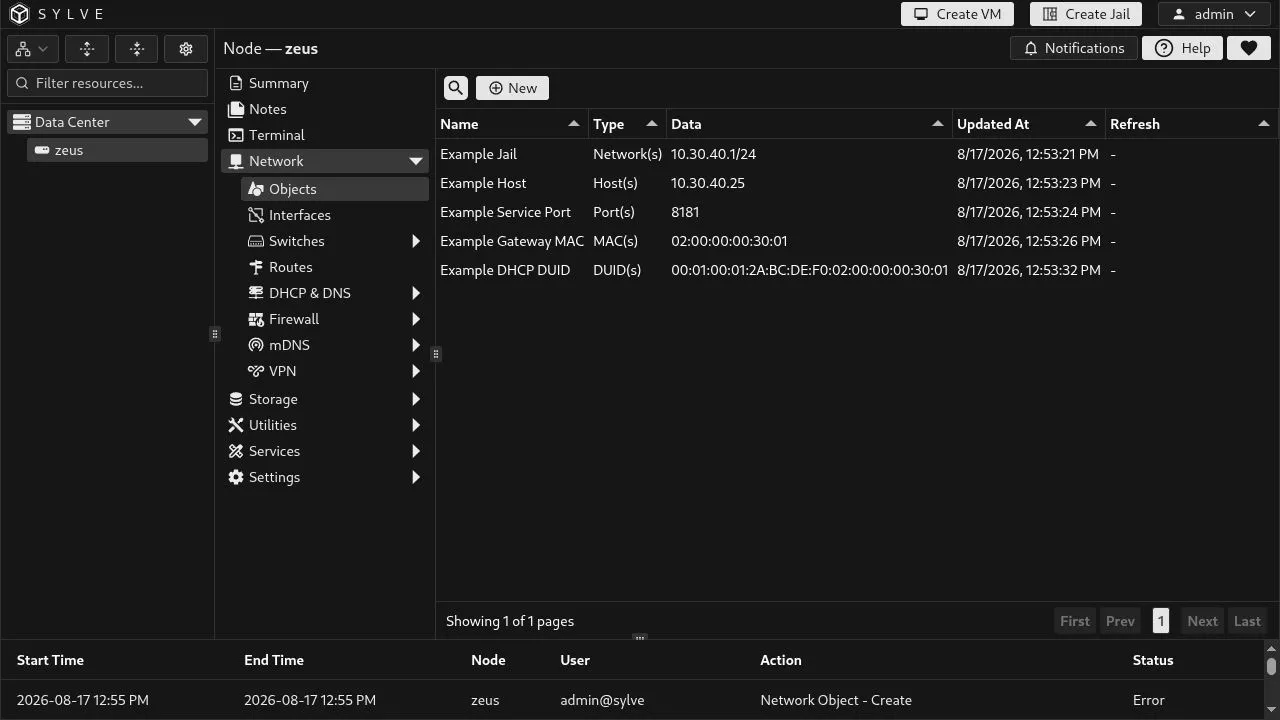
Object types
Section titled “Object types”| Type | Example | Used by |
|---|---|---|
| Host(s) | 192.0.2.25 |
Firewall addresses, routes, jail addresses and gateways, switches, DHCP lease IPs. |
| Network(s) | 10.30.40.1/24 |
Firewall addresses, route destinations, and switch networks. |
| Port(s) | 443, 8000:8010 |
Firewall traffic and NAT rule ports. |
| MAC(s) | 02:00:00:00:00:25 |
VM and jail NICs, DHCP static leases, and Standard Switch bridge identities. |
| DUID(s) | 00:04:... |
DHCPv6 static leases. |
| FQDN(s) | updates.example.net |
Firewall address matching; resolved and refreshed automatically. |
| List(s) | https://example.net/deny.txt |
Firewall address matching; downloaded and refreshed automatically. |
Network(s) means CIDR
Section titled “Network(s) means CIDR”A Network(s) value is always a CIDR block, not a host address. Use Host(s) for 10.30.40.25; use Network(s) for 10.30.40.1/24. The suffix defines the mask: /24 covers 256 IPv4 addresses, while 2001:db8:30::1/64 is an IPv6 LAN prefix. A Host or Network object cannot mix IPv4 and IPv6 values.
Create an object
Section titled “Create an object”Choose Network → Objects → New, give the object a purpose-based name, select a type, add its values, and click Create. Each value is a separate entry. A Port entry is one number or inclusive range, such as 443 or 8000:8010.
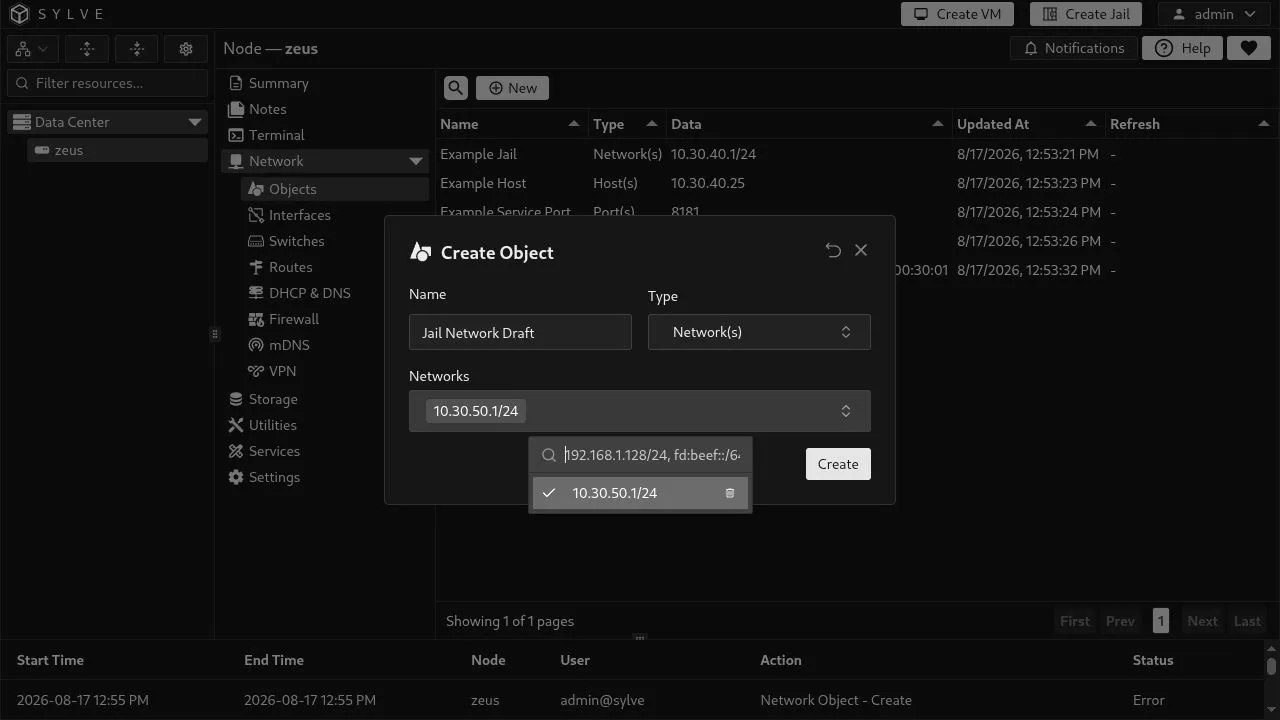
Example objects: Example Jail as Network(s) 10.30.40.1/24, Example Host as Host(s) 10.30.40.25, Example Service Port as Port(s) 8181, Example Gateway MAC as MAC(s), Example DHCP DUID as DUID(s), Example Service DNS as FQDN(s), and Example Remote List as List(s).
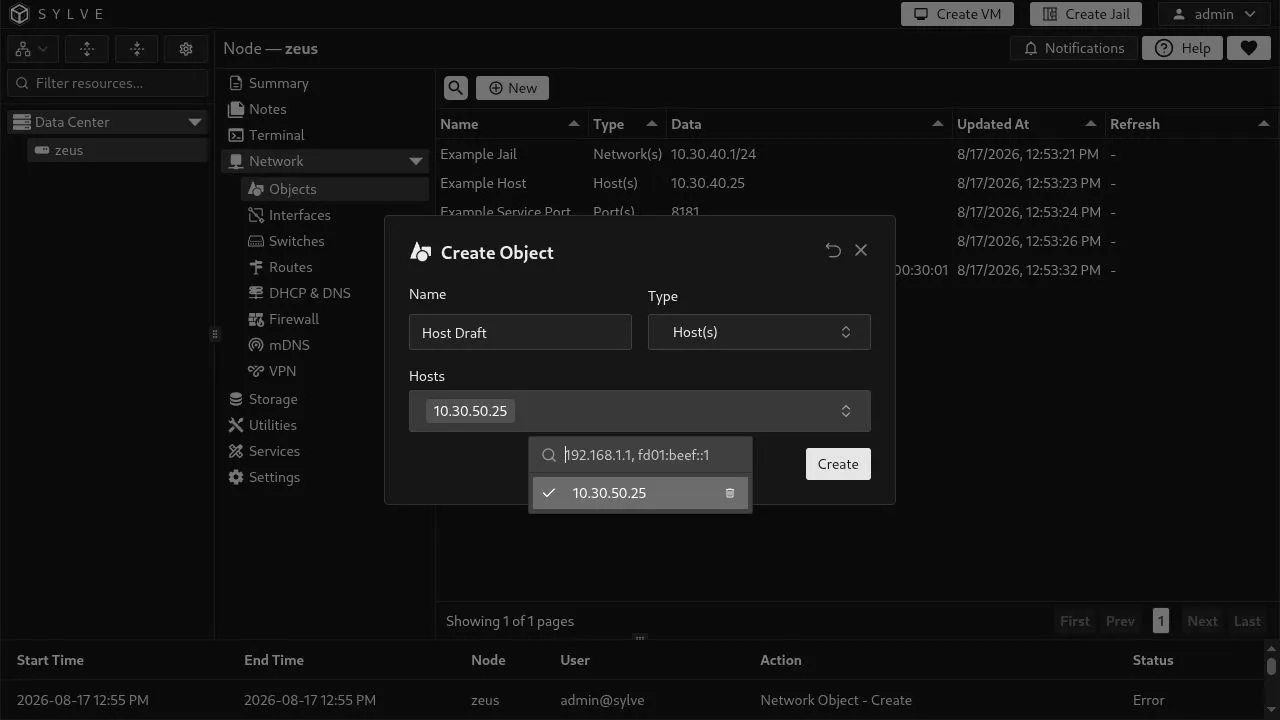
FQDN and List objects resolve or download their data on creation. The Refresh column records success, the last refresh time, or an error. List sources must be HTTP(S) and cannot include credentials.
Edit, delete, and bulk delete
Section titled “Edit, delete, and bulk delete”Select one row to reveal Edit and Delete. Editing is the right way to change a value in one place, but changing the type of an in-use object is rejected. DHCP leases require exactly one Host, MAC, or DUID value; route objects also require one value.
Select multiple unused rows to reveal Bulk Delete. Sylve checks every selected object first and blocks deletion if any is used by a firewall rule, DHCP lease, VM, jail, switch, or static route. Bulk deletion is all-or-nothing.
A MAC object used as a Standard Switch’s bridge identity must contain exactly one valid non-zero unicast address. While that object is in use, Sylve prevents edits that would violate the single-value requirement.