
Filesystems
A ZFS filesystem is a dataset that provides a mountable directory tree with its own storage, protection, and access-control properties. Use filesystems to separate workloads within a pool, such as shared files, application data, backups, or VM-related storage.
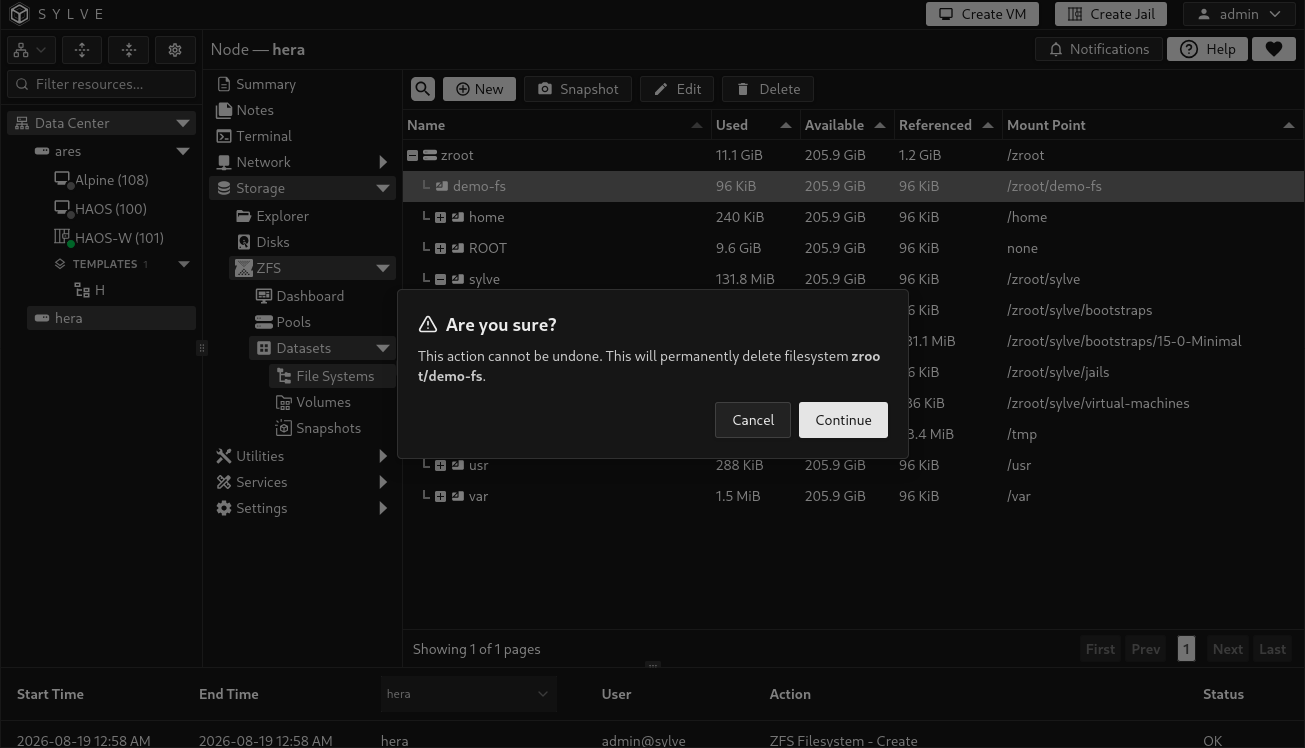
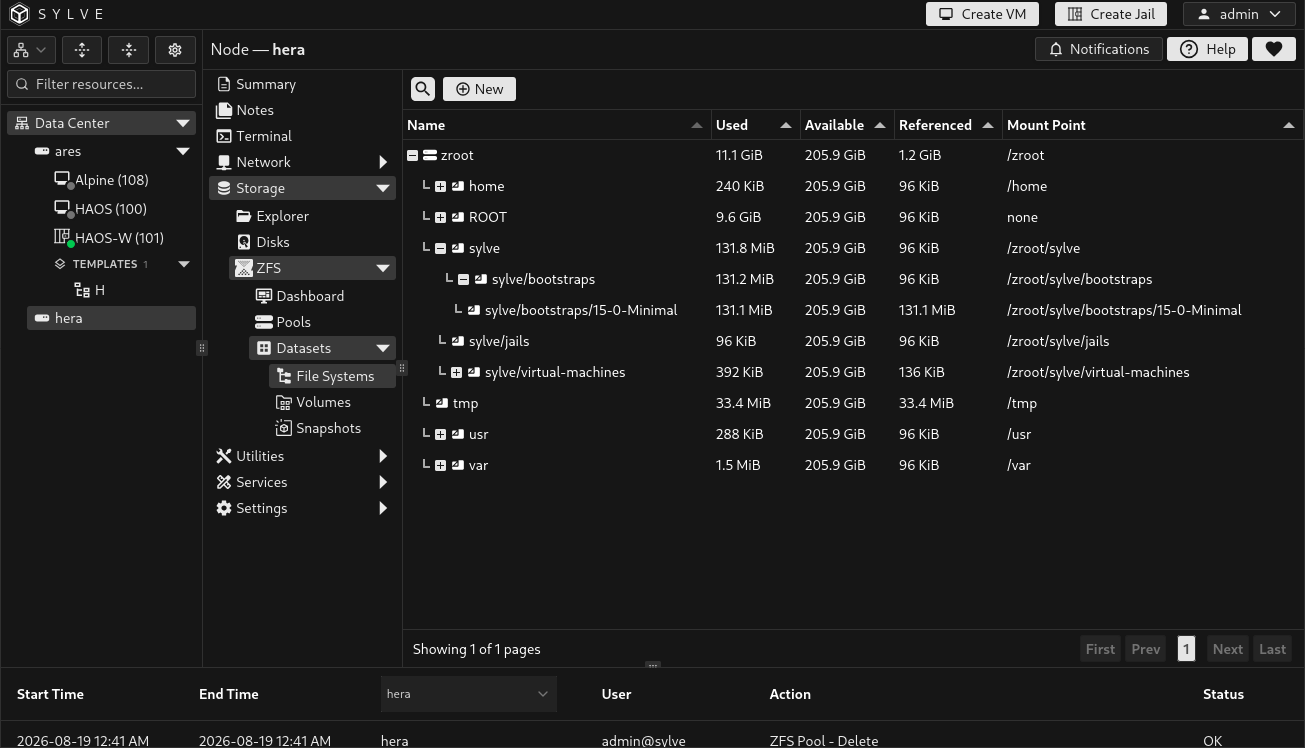
The Filesystems page groups datasets beneath their pool and parent filesystem. It shows Used, Available, Referenced, and Mount Point for each entry. Select one filesystem to reveal its actions. Select several non-root filesystems for bulk deletion.
Create a filesystem
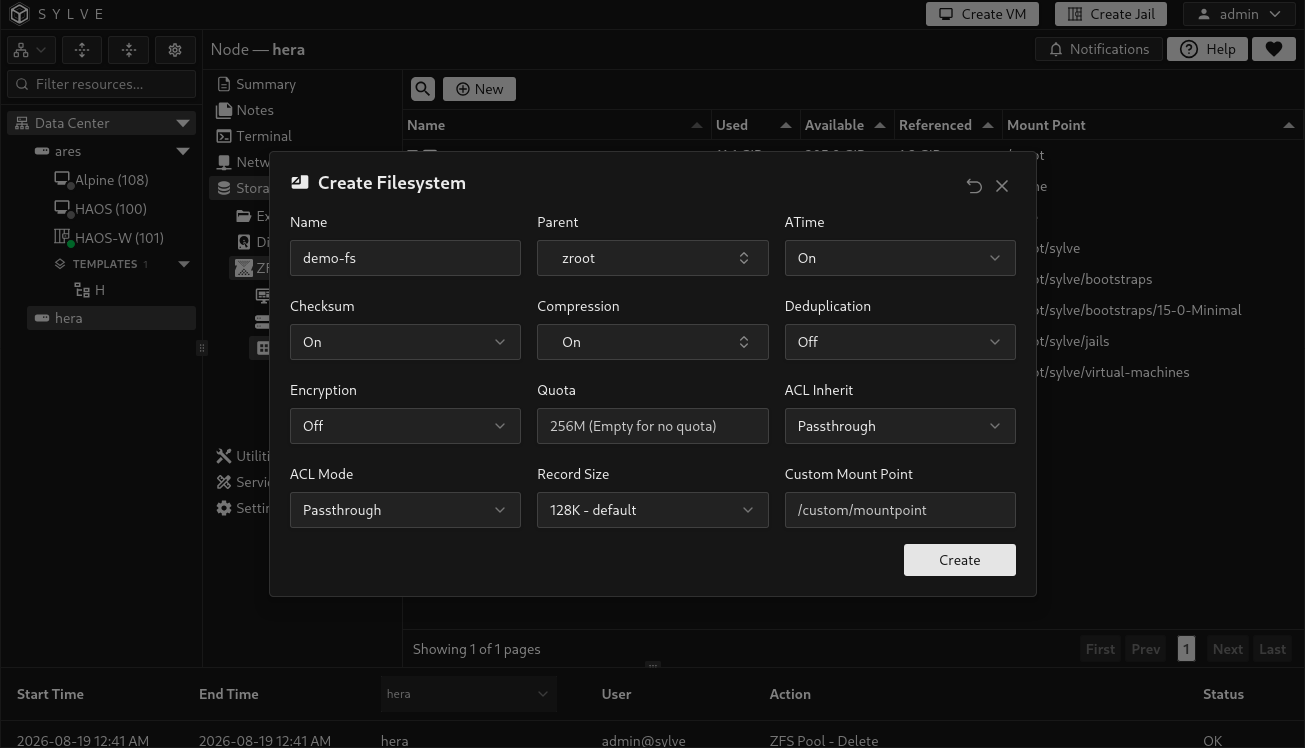
Section titled “Create a filesystem”Select New, enter a name, choose a parent filesystem, configure the properties needed for the workload, then select Create. The parent can be a pool root or another filesystem. Sylve creates the dataset as parent/name.
| Option | What it controls | Available values or behavior |
|---|---|---|
| Name | The final path component of the new filesystem. | Required. It must be a valid ZFS dataset name and be unique under the selected parent. |
| Parent | The pool-root or filesystem that will contain the new dataset. | Required. Only filesystem datasets can be parents. |
| ATime | Whether ZFS updates a file’s access time when it is read. | On or Off. Default: On. Disable it for workloads where access-time writes are unnecessary. |
| Checksum | Integrity algorithm for data blocks. | On, Off, fletcher2, fletcher4, sha256, or noparity. Default: On. |
| Compression | Per-dataset compression setting. | On, Off, gzip, lz4, lzjb, zle, zstd, zstd-fast, or a custom ZFS value. Default: On. |
| Deduplication | Block-level deduplication mode. | Off, On, or Verify. Default: Off. Enable only after sizing memory for the deduplication table. |
| Encryption | Encryption for this dataset. | Off, On, or an AES-CCM/AES-GCM cipher: 128, 192, or 256 bit. When the parent is encrypted, Inherit is also available. Default: Off. |
| Passphrase | Key material used when creating a separately encrypted filesystem. | Required when Encryption is not Off or Inherit. Sylve can generate a value. Store it securely before creating the dataset. |
| Quota | Maximum space this filesystem may consume. | Optional size such as 256G. Leave empty for no quota. The form limits the value to the selected parent’s currently available space. |
| ACL Inherit | How inherited NFSv4 ACL entries are handled on new children. | discard, noallow, restricted, passthrough, or passthrough-x. Default: passthrough. |
| ACL Mode | How ZFS handles ACL entries when POSIX mode bits are changed. | discard, groupmask, passthrough, passthrough-x, or restricted. Default: passthrough. |
| Record Size | Maximum block size used for files in the filesystem. | The presets are 8K - Postgres, 16K - MySQL, 128K - default, and 1M - Large Files. A custom byte value is also accepted. Default: 128K. |
| Custom Mount Point | Filesystem mount path. | Optional. Leave it empty to use the ZFS default mount point. |
Edit a filesystem
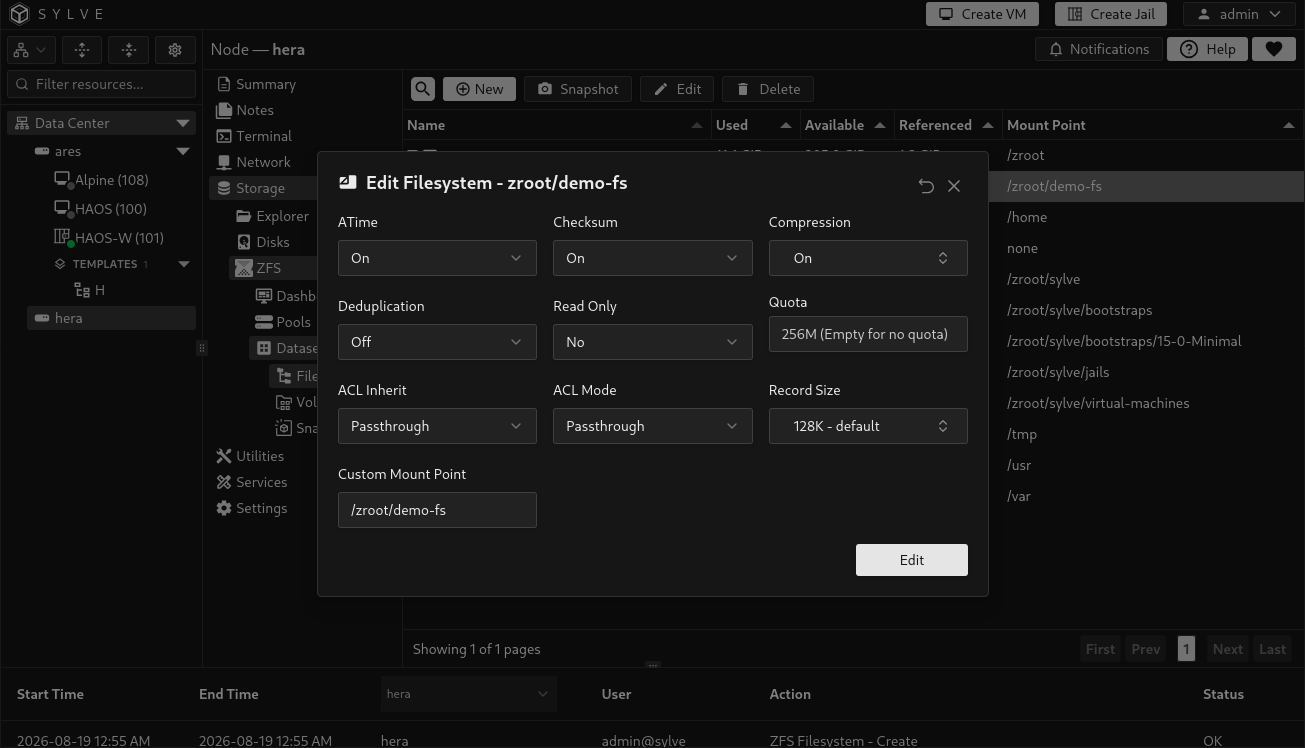
Section titled “Edit a filesystem”Select a non-root filesystem and choose Edit. The name, parent, and encryption configuration are not changed by this dialog. The editable fields are listed below.
| Option | Edit behavior |
|---|---|
| ATime, Checksum, Compression, Deduplication | Use the same values as during creation. Compression accepts a custom ZFS value. |
| Read Only | No (off) or Yes (on). Set it to Yes to prevent writes through the mounted filesystem. |
| Quota | Enter a size to apply a limit. Leave it empty to send a zero quota, which removes the limit. ZFS rejects a quota below data already used or reserved. |
| ACL Inherit and ACL Mode | Use the same ACL modes as the creation form. |
| Record Size | Use a preset or a custom byte value. Existing files keep their existing block layout until rewritten. |
| Custom Mount Point | Set a custom path, or leave it empty to restore the default /<dataset-name> path. This field is disabled for Sylve-managed datasets such as pool/sylve/.... |
Create a snapshot from a filesystem
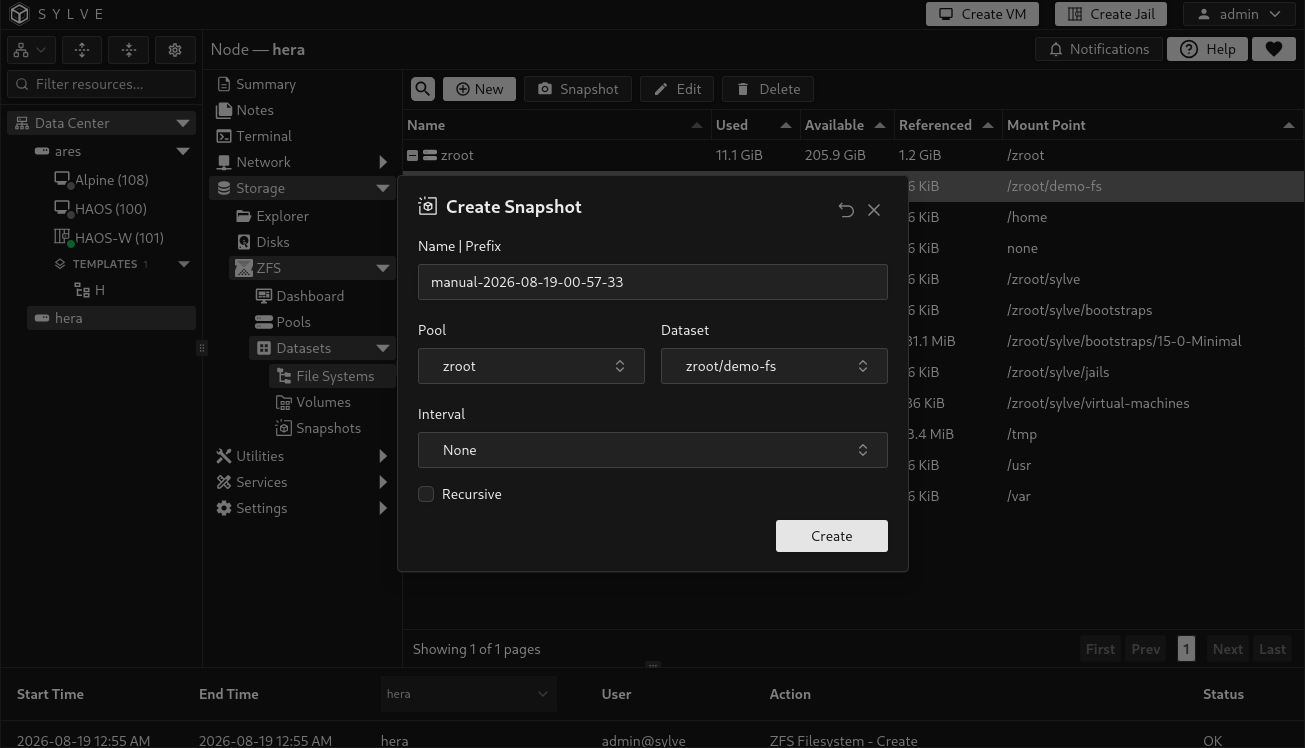
Section titled “Create a snapshot from a filesystem”With one filesystem selected, choose Snapshot to open the detailed snapshot form with that pool and dataset already selected. From there, create a one-time snapshot or configure a periodic snapshot job. See Snapshots for every schedule and retention option.
Delete filesystems
Section titled “Delete filesystems”Select Delete for one filesystem, or select several filesystems and choose Delete Datasets. Deletion is permanent. Deleting a filesystem recursively removes its descendants and snapshots, so select the highest intended dataset only when you mean to remove its entire subtree.
Sylve will not delete a pool root, the critical sylve, sylve/virtual-machines, or sylve/jails filesystems, or a dataset tree that is referenced by a VM.