

Network
The Network page controls how a jail connects to the node’s networks. A jail can inherit the host’s IPv4 or IPv6 stack, use one or more custom switch attachments, or have no network configuration.
Choose a networking model
Section titled “Choose a networking model”| Model | Behavior | Best suited for |
|---|---|---|
| Inherited | The jail shares the selected host protocol stack without a custom switch attachment. | Simple services that do not require an isolated network stack. |
| Custom attachments | Each interface connects through a manual or standard Sylve switch and has its own MAC, VLAN, and addressing configuration. | VNET jails, multiple interfaces, VLANs, and independently addressed workloads. |
| No networking | Both inheritance options are disabled and no custom attachments exist. | Isolated workloads or initial configuration. |
Inheritance and custom attachments cannot be combined. Enabling either inherited protocol removes every existing custom attachment.
Review network attachments
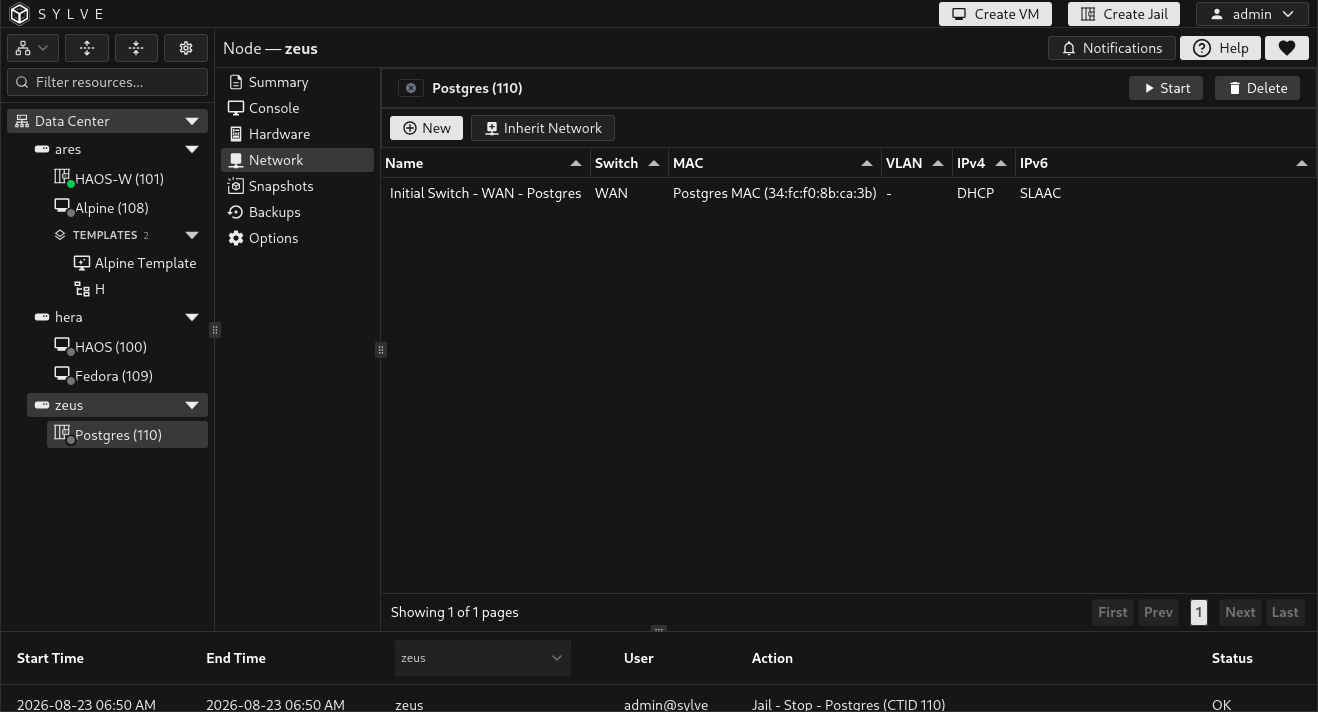
Section titled “Review network attachments”When inheritance is disabled, the table shows each custom attachment:
| Column | Meaning |
|---|---|
| Name | The attachment’s unique name within this jail. |
| Switch | The manual or standard switch carrying the interface. |
| MAC | The selected or automatically generated MAC address. |
| VLAN | The VLAN tag, or - when the attachment is untagged. |
| IPv4 | DHCP, a static address with its gateway, or -. |
| IPv6 | SLAAC, a static address with its gateway, or -. |
Select a row to reveal its Edit and Delete actions. Clear the selection to show the inheritance action again.
Configure inheritance
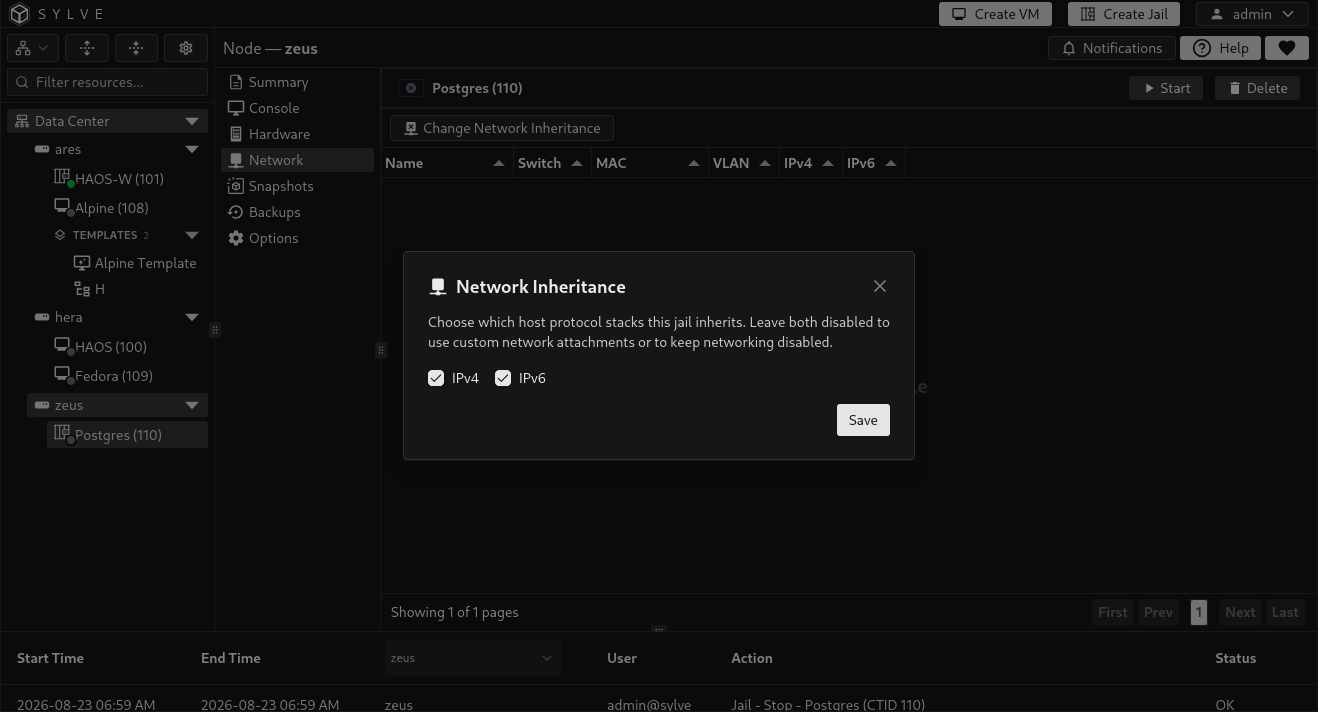
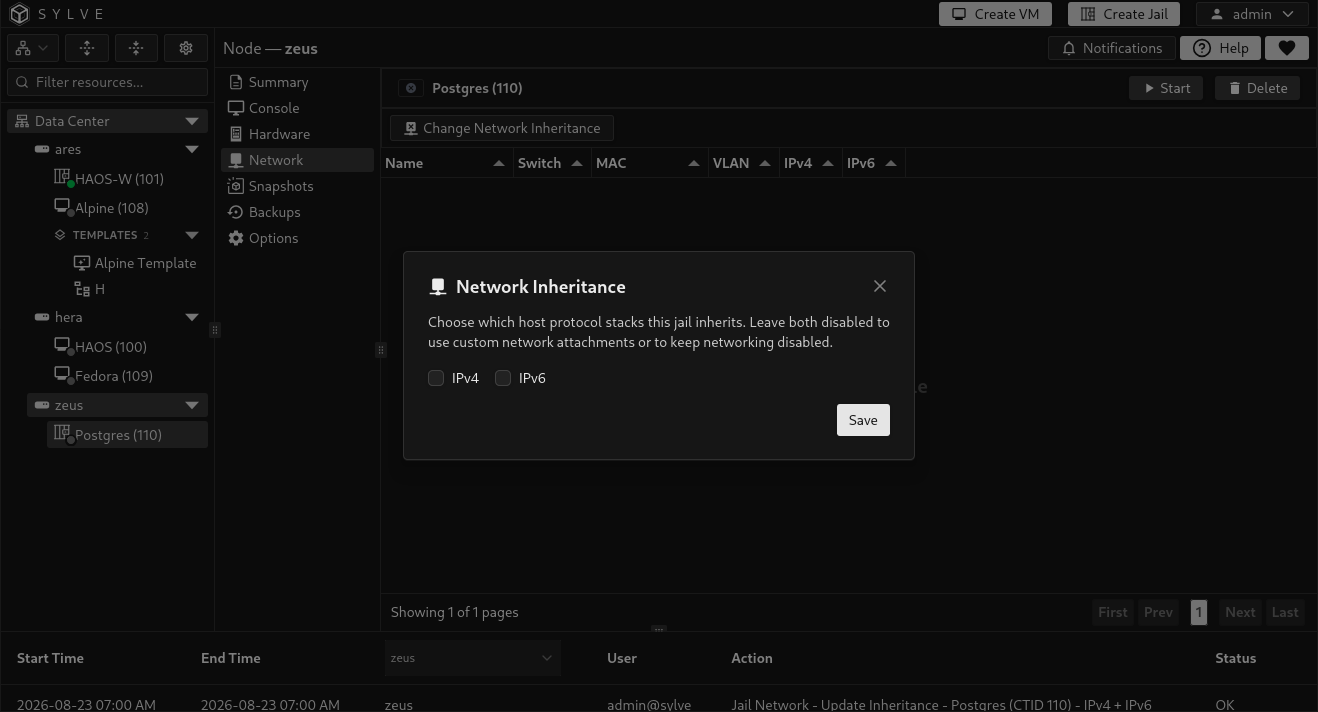
Section titled “Configure inheritance”With no row selected, choose Inherit Network or Change Network Inheritance. Select either or both protocol stacks:
- IPv4 inherits the host’s IPv4 network stack.
- IPv6 inherits the host’s IPv6 network stack.
- Leaving both disabled permits custom attachments or a network-isolated jail.
If custom attachments already exist, the dialog warns how many will be removed and requires a second confirmation. This removal is permanent. Disabling inheritance later does not restore those attachments.
Create an attachment
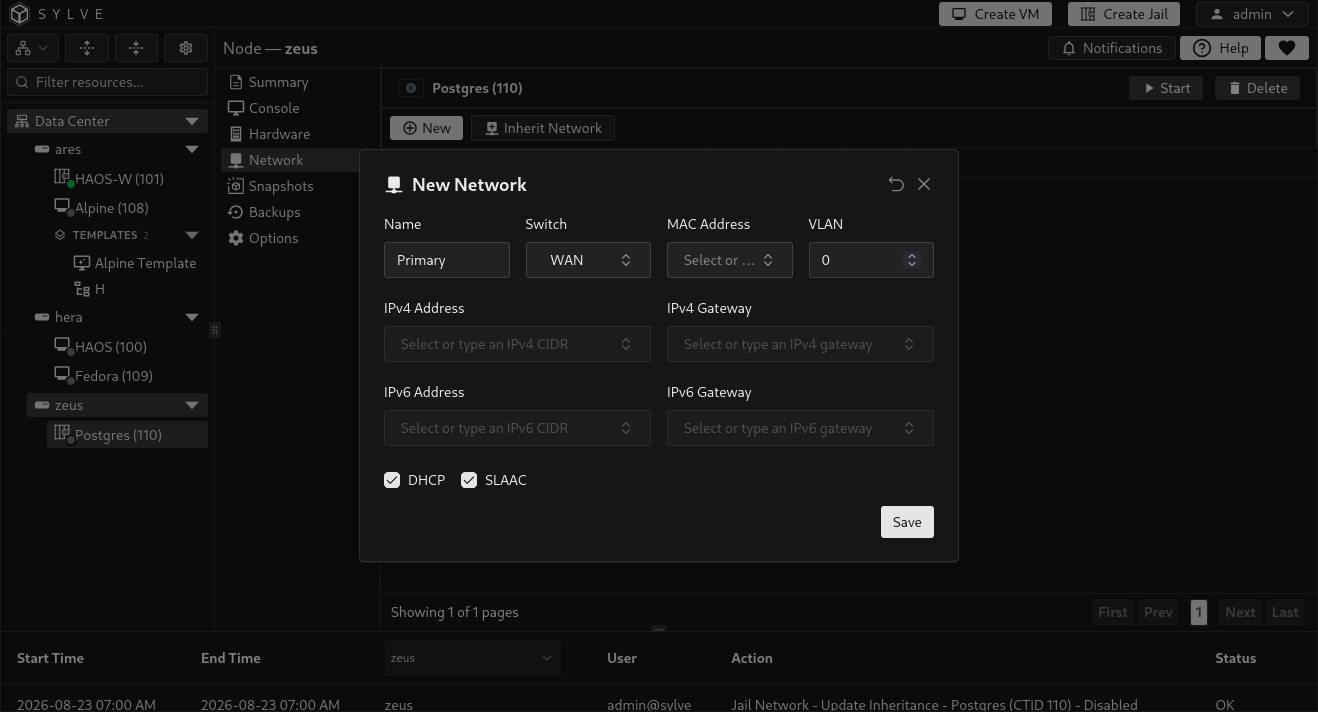
Section titled “Create an attachment”Disable both inheritance options, select New, and configure the interface.
Identity and switching
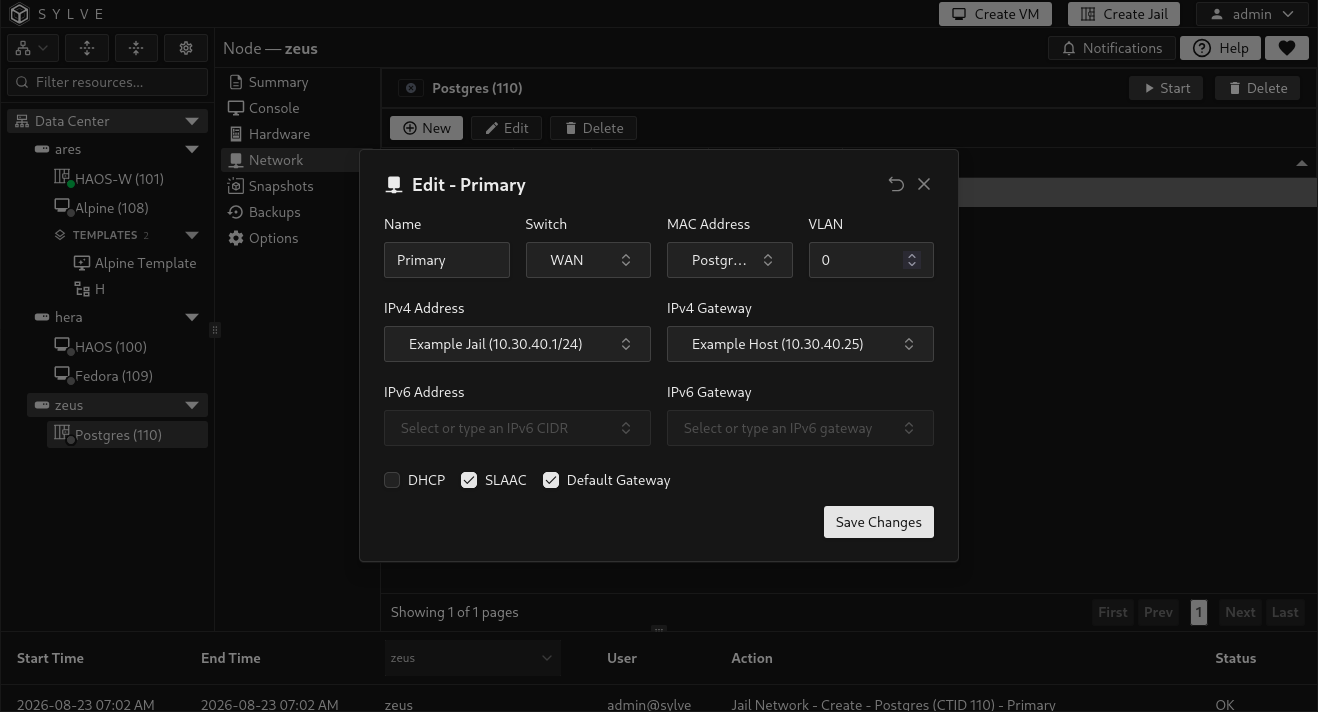
Section titled “Identity and switching”| Field | Description |
|---|---|
| Name | A unique attachment name, up to 128 characters. |
| Switch | An existing manual or standard switch on this node. |
| MAC Address | An existing single-entry MAC object or a raw MAC address. Leave it empty to generate one automatically. |
| VLAN | A tag from 1 to 4095. Use 0 for an untagged attachment. |
If you type a raw MAC or address instead of selecting an object, Sylve validates the value and creates a corresponding network object. The value must not already be assigned where uniqueness is required. Objects created this way remain in the node’s network-object inventory after the attachment is removed.
IPv4 addressing
Section titled “IPv4 addressing”For a FreeBSD jail, enable DHCP to obtain IPv4 configuration dynamically. Enabling it clears and disables the static IPv4 address and gateway fields.
For static addressing, leave DHCP disabled and provide:
- An IPv4 network value in CIDR notation, such as
10.254.100.44/24. - An optional IPv4 gateway host address, such as
10.254.100.1.
You can select suitable single-entry Network and Host objects instead of entering raw values.
IPv6 addressing
Section titled “IPv6 addressing”For a FreeBSD jail, enable SLAAC to obtain IPv6 addressing automatically. Enabling it clears and disables the static IPv6 address and gateway fields.
For static addressing, leave SLAAC disabled and provide an IPv6 network value in CIDR notation and, when needed, an IPv6 gateway host address.
Linux jails do not support the DHCP or SLAAC options in this form. Configure their attachments with static values.
Default route
Section titled “Default route”Enable Default Gateway on the attachment that should provide the jail’s default route. Only one attachment in a jail can hold this role.
For static addressing, selecting Default Gateway requires at least one IPv4 or IPv6 gateway. When both DHCP and SLAAC are enabled together, the explicit Default Gateway option is unavailable because the routes are learned dynamically.
Edit an attachment
Section titled “Edit an attachment”Select one attachment and choose Edit. The same validation rules used during creation apply when changing its switch, MAC address, VLAN, addressing, or default-route role.
Switching to DHCP clears the saved static IPv4 address and gateway. Switching to SLAAC does the same for IPv6. Those values are not restored automatically if the dynamic option is disabled later.
Delete an attachment
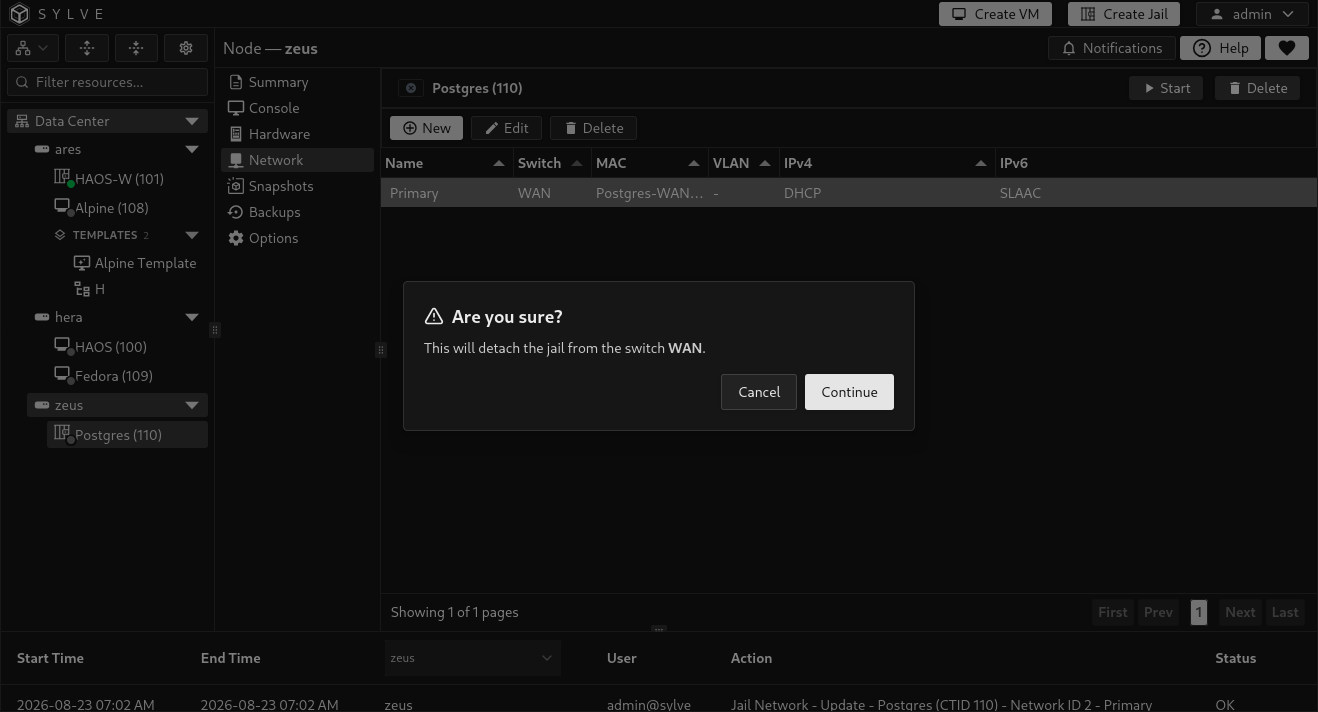
Section titled “Delete an attachment”Select the attachment, choose Delete, and confirm the switch named in the warning. Deleting an attachment removes the jail’s interface configuration and detaches it from the switch. It does not delete the switch or its associated network objects.
When a change is refused
Section titled “When a change is refused”A network change can be rejected when:
- The jail is running or a lifecycle operation is pending.
- The jail is being restored.
- The current node does not own the jail’s replication lease.
- An attachment name or default-gateway role is already used by this jail.
- A referenced switch or network object no longer exists.
- A raw address, gateway, MAC address, or VLAN is invalid.
- A single-use network object or value is already assigned.
Correct the conflicting value, or wait for the active operation to finish, then retry while the jail is inactive.