Options
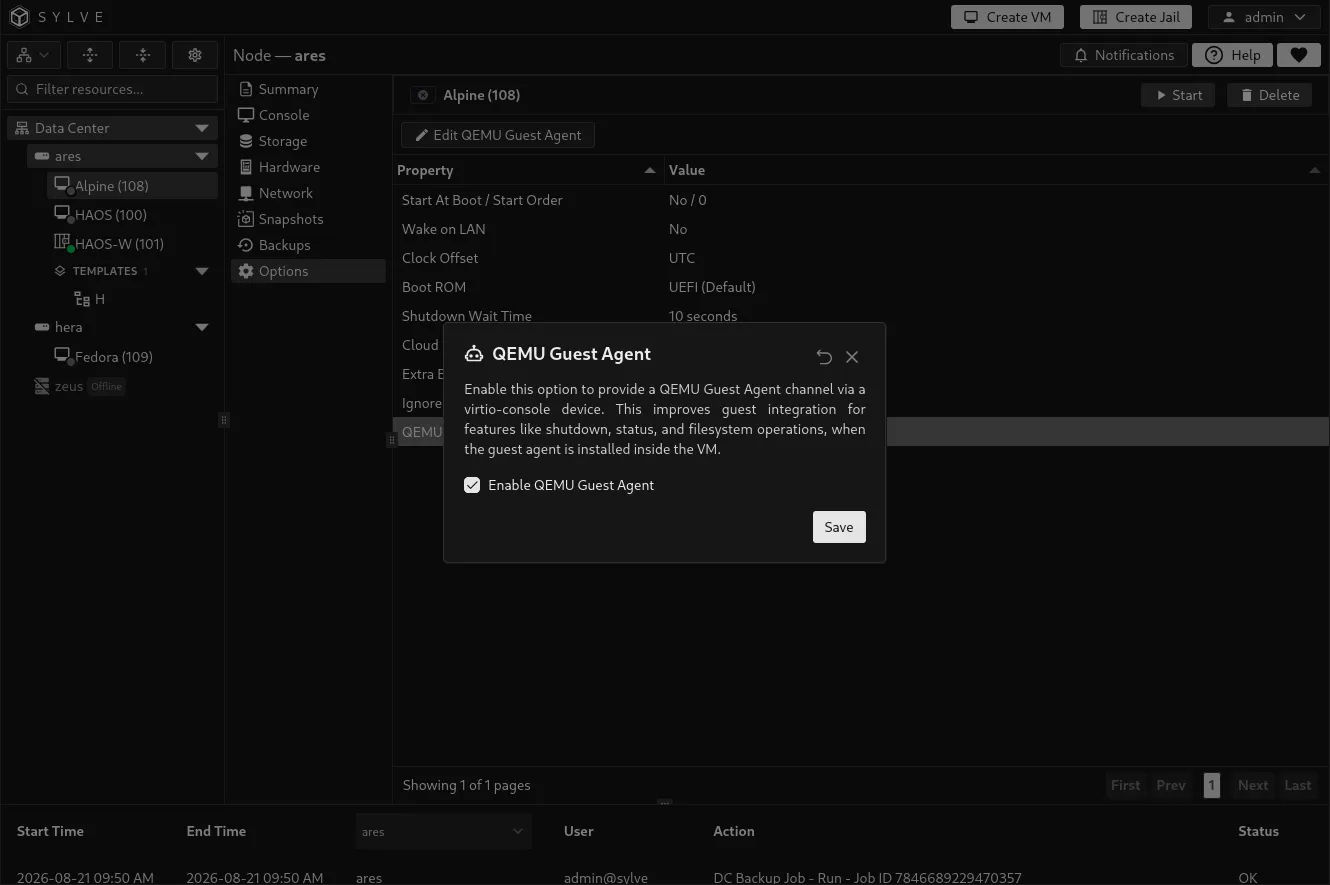
The Options tab contains VM-wide behavior that does not belong to an individual disk, network interface, or hardware device. Select an option in the table, then choose Edit to change it.
Start at boot and start order
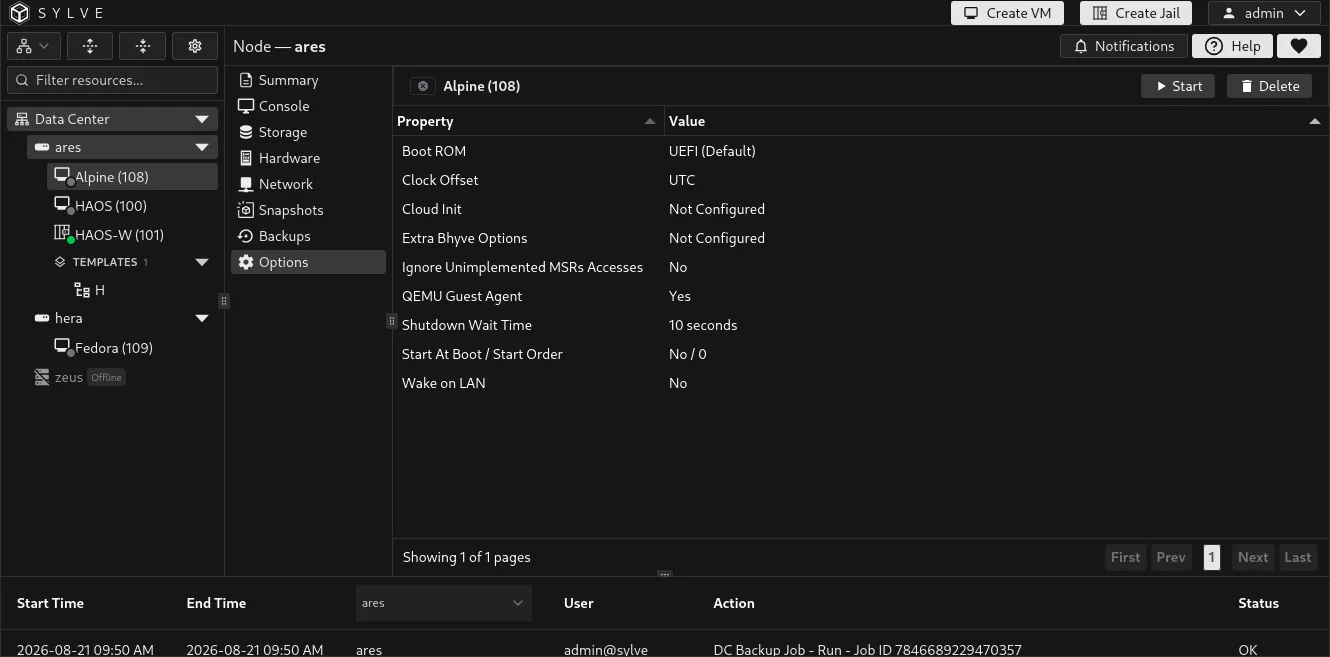
Section titled “Start at boot and start order”Enable Start at Boot to start the VM when the node starts. Start Order is a non-negative whole number that controls its relative position among the node’s autostart VMs. Use lower values for infrastructure that needs to be ready first, such as a router or DNS server.
The order is meaningful only for VMs with Start at Boot enabled. It is not a boot delay and does not guarantee that services inside an earlier VM are fully ready before the next one starts.
Wake on LAN
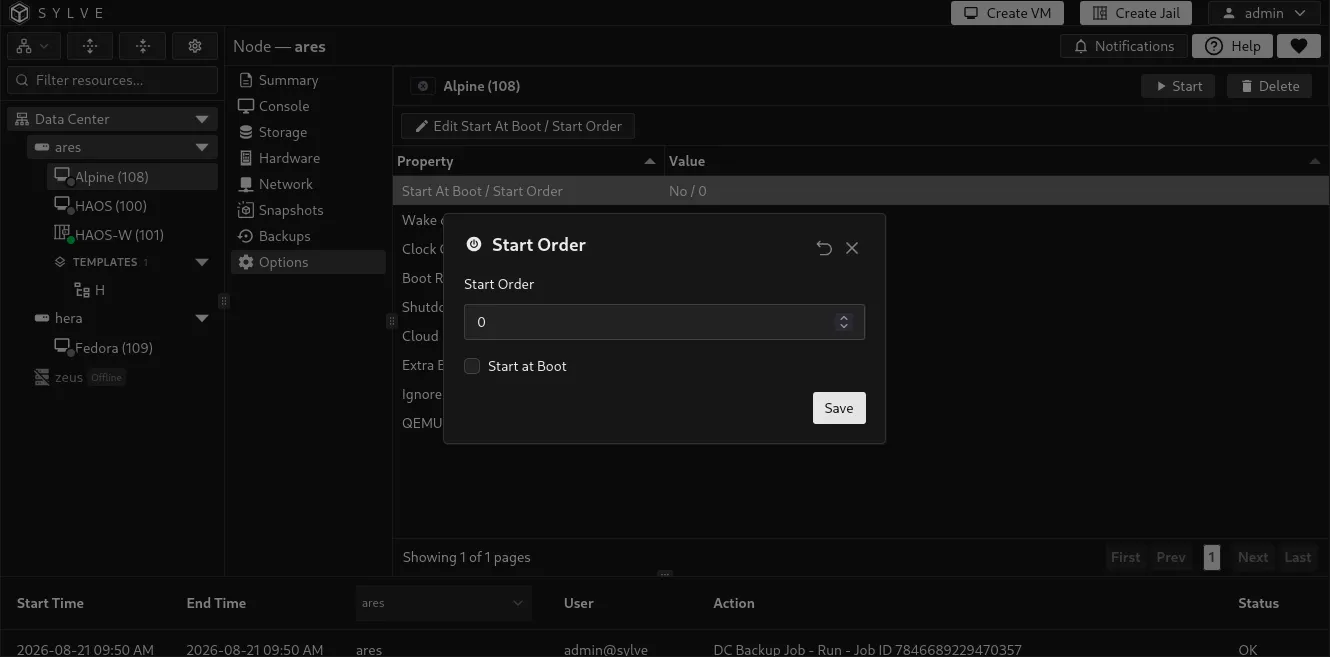
Section titled “Wake on LAN”Enable Wake on LAN to allow a magic packet to start this VM. Sylve accepts magic packets for every MAC address currently attached to the VM, so a VM with several interfaces can be woken through any one of them.
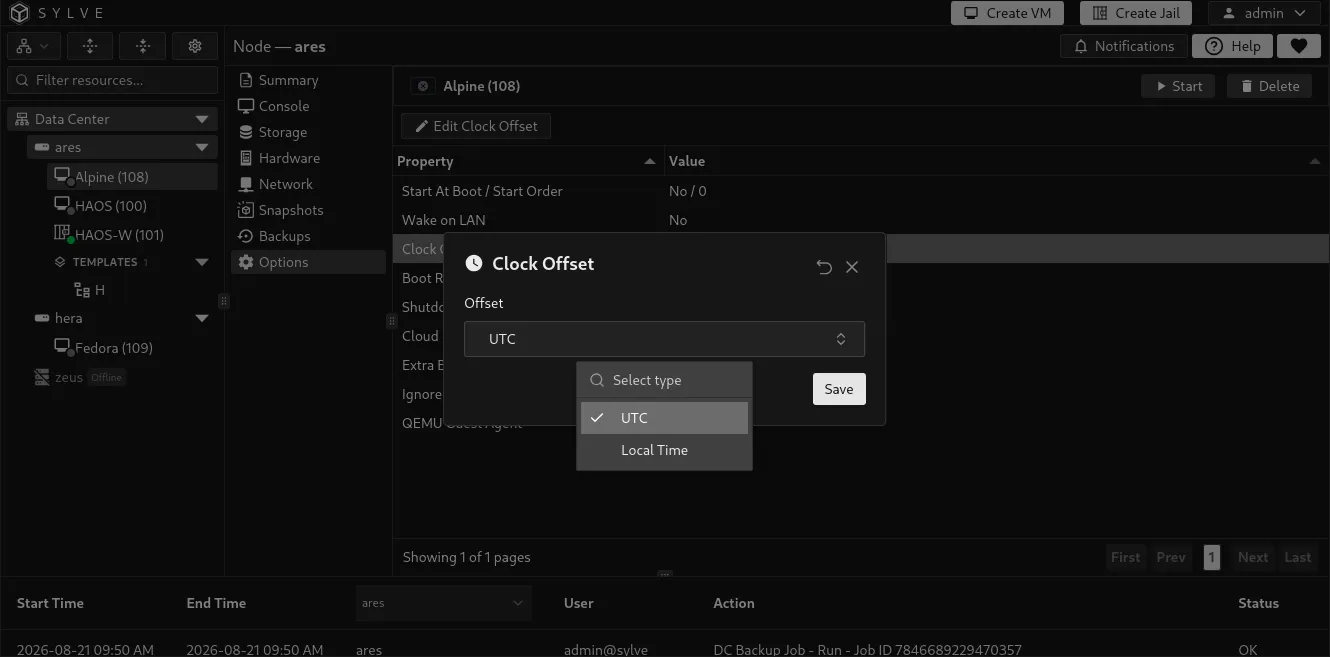
Clock offset
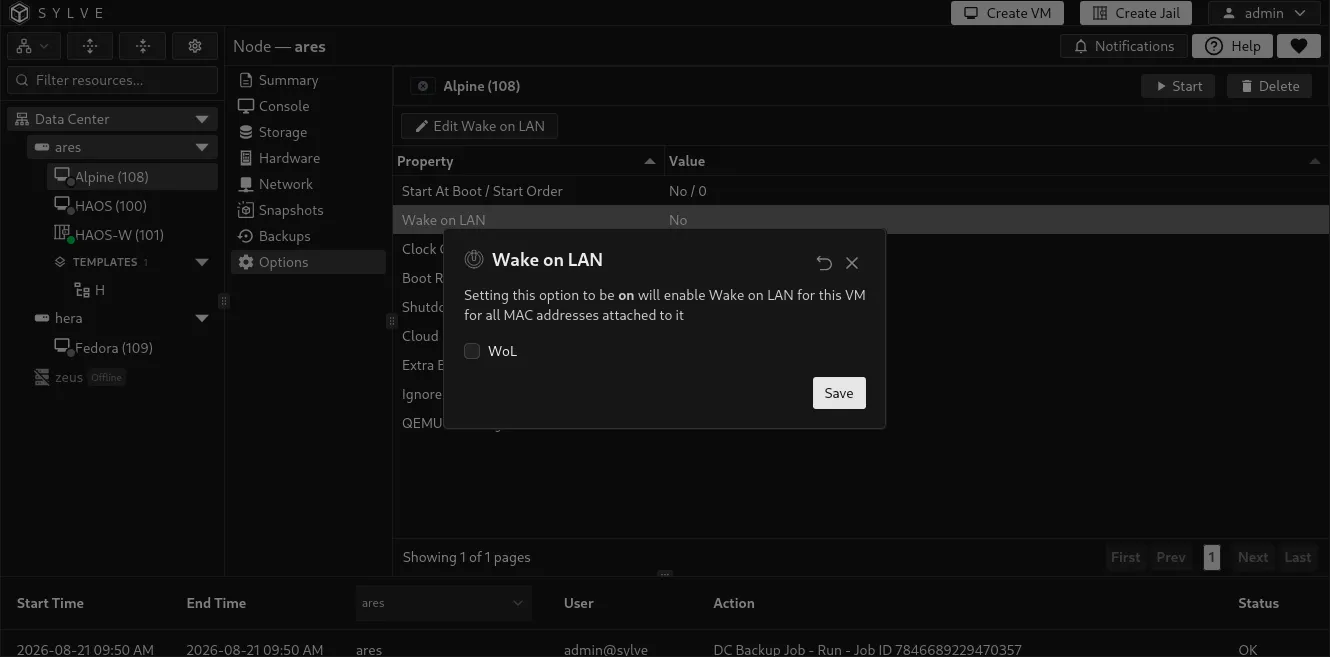
Section titled “Clock offset”Choose UTC for most modern guests. Choose Local Time only when the guest operating system expects its hardware clock to be local time. Mixing the host, guest, and operating-system time assumptions can cause clock shifts after reboots or daylight-saving changes.
Boot ROM
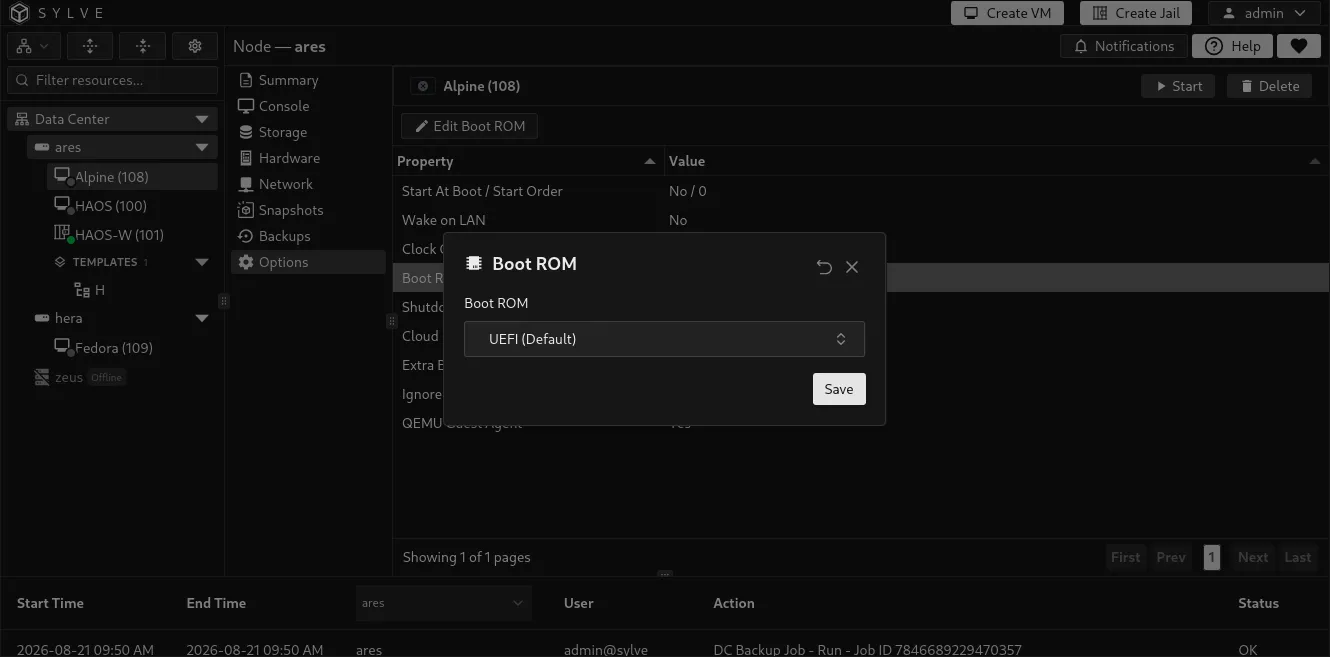
Section titled “Boot ROM”The available firmware depends on the node architecture:
| Node architecture | Available boot ROMs |
|---|---|
amd64 |
UEFI (Default) or None |
arm64 |
U-Boot (Default) or None |
Choose None only when the guest has a specific boot arrangement that does not need Sylve-managed firmware. Changing firmware can make an existing guest unbootable until its bootloader and disk layout match the new choice.
Shutdown wait time
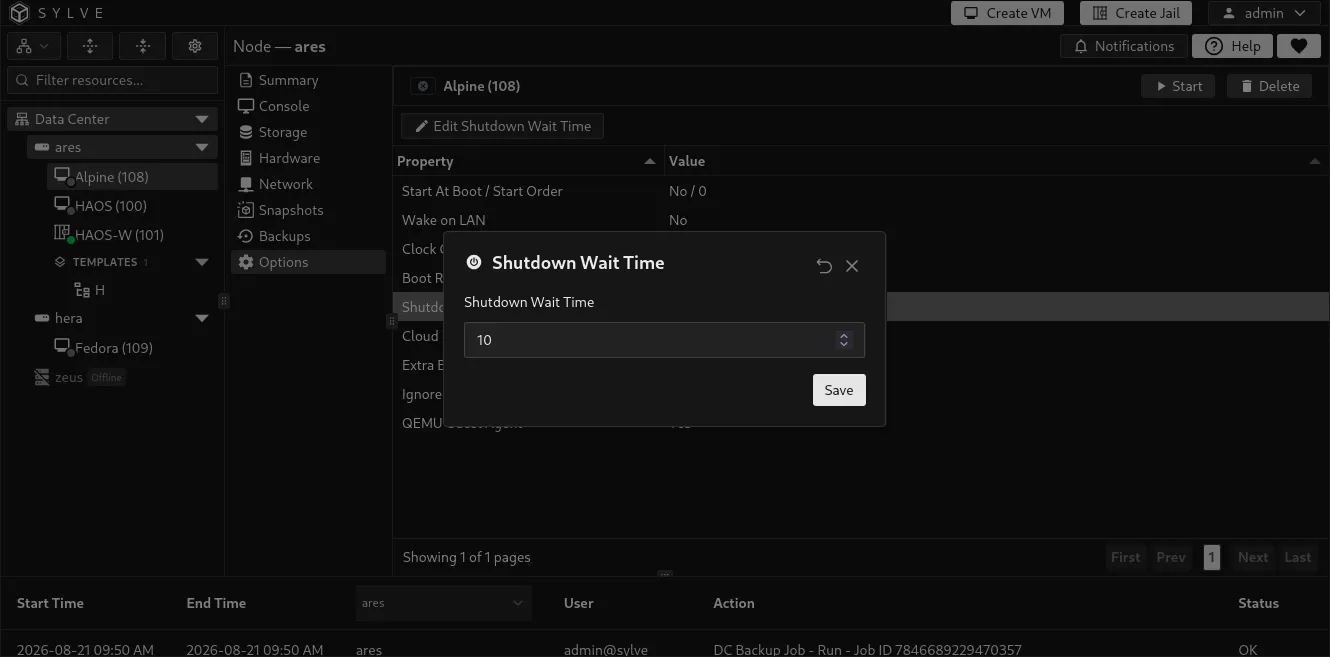
Section titled “Shutdown wait time”Shutdown Wait Time is the time, from 1 to 3,600 seconds, Sylve allows a graceful guest shutdown to complete before it forces the VM off. Set a longer value for operating systems or applications that need additional time to stop cleanly.
Cloud-Init
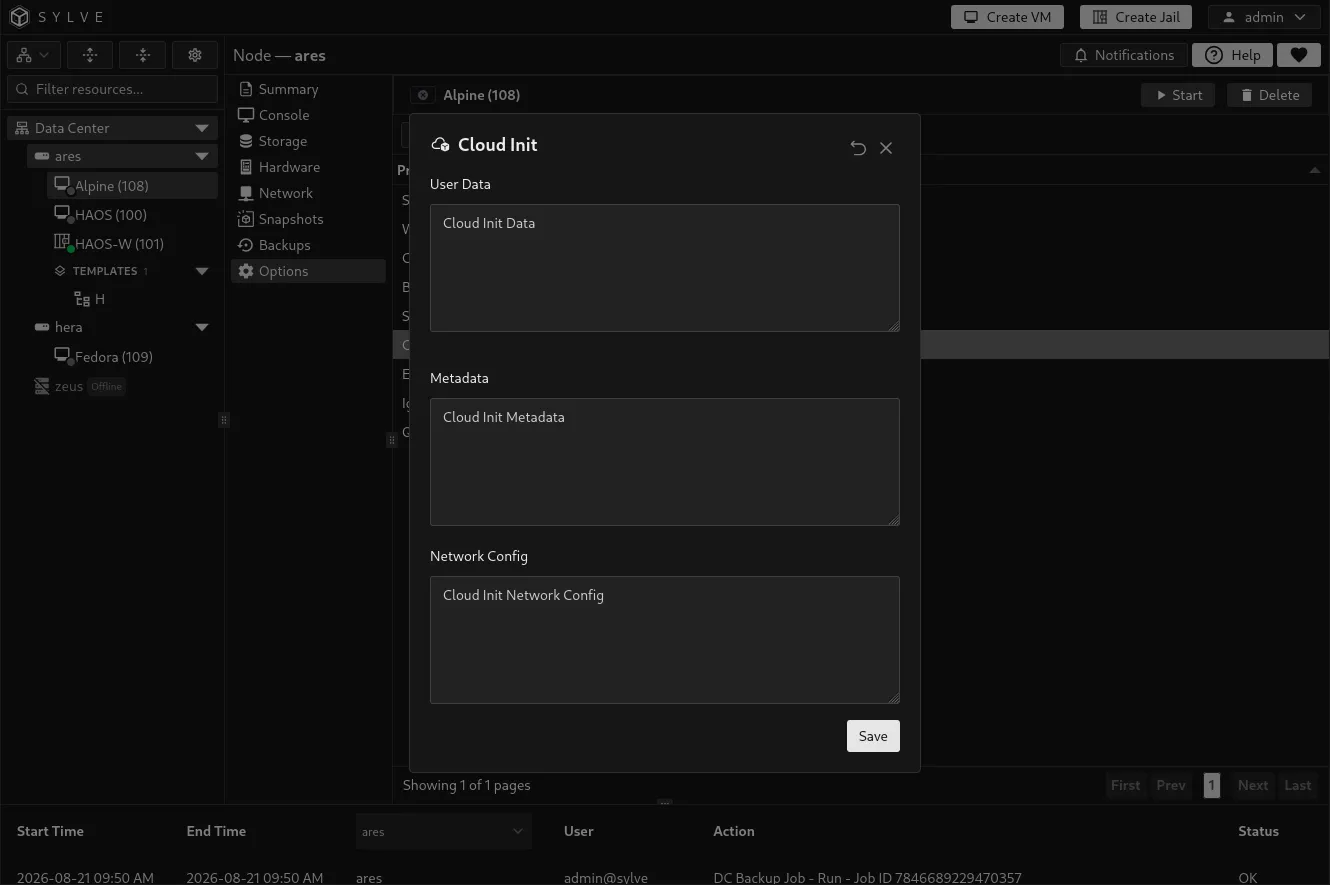
Section titled “Cloud-Init”Use Cloud Init to edit the VM’s embedded Cloud-Init User Data, Metadata, and optional Network Config. User Data and Metadata must either both be empty or both be supplied, and Sylve validates all provided content as YAML.
Cloud-Init only works when the VM uses a Cloud-Init-capable guest image. Download an image of that type through Downloader or use a Cloud-Init template when creating the VM.
Extra bhyve options
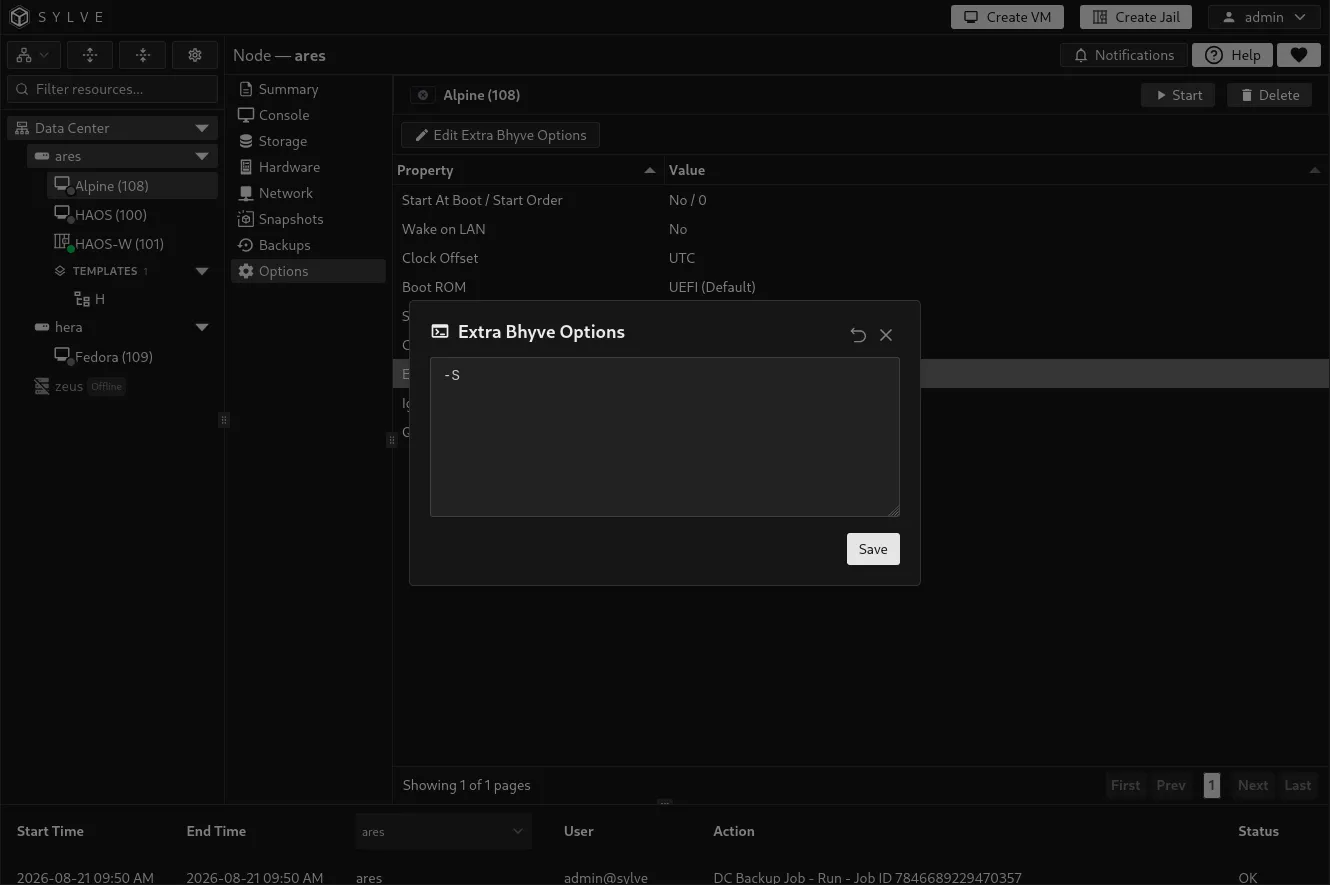
Section titled “Extra bhyve options”Extra Bhyve Options is an advanced escape hatch for passing additional bhyve arguments to this VM. Enter one option per line. Sylve removes blank lines, preserves the remaining option order, and limits the configuration to 128 options, 4,096 bytes per option, and 64 KiB in total.
Ignore unimplemented MSR accesses
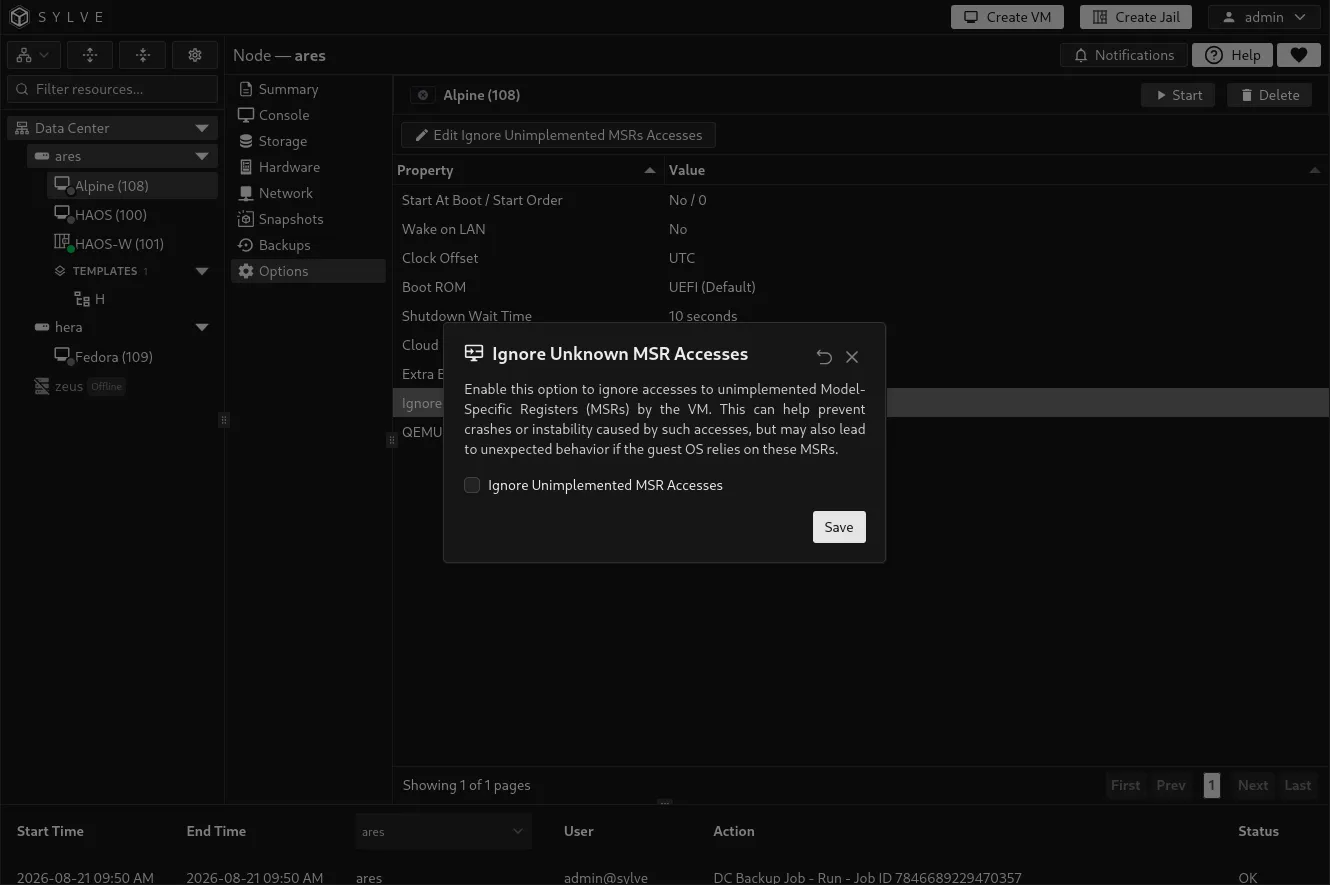
Section titled “Ignore unimplemented MSR accesses”Ignore Unimplemented MSR Accesses makes bhyve ignore guest accesses to Model-Specific Registers it does not implement. Use it only as a compatibility workaround for a known guest problem. It can avoid failures caused by unsupported MSR accesses, but may hide behavior the guest expects and lead to other instability.
QEMU Guest Agent
Section titled “QEMU Guest Agent”Enable QEMU Guest Agent to add the VirtIO guest-agent channel. Install and run the compatible guest agent inside the VM as well. When both sides are ready, Sylve can use it for improved guest integration, including guest-aware shutdown, status, and filesystem operations.
Enabling the option alone does not install or start the agent in the guest.