Notes
Data Center → Notes stores notes in the cluster rather than on one individual node. Use it for operational runbooks, maintenance context, recovery contacts, and handover information that should follow the Data Center.
Use notes as a cluster smoke test
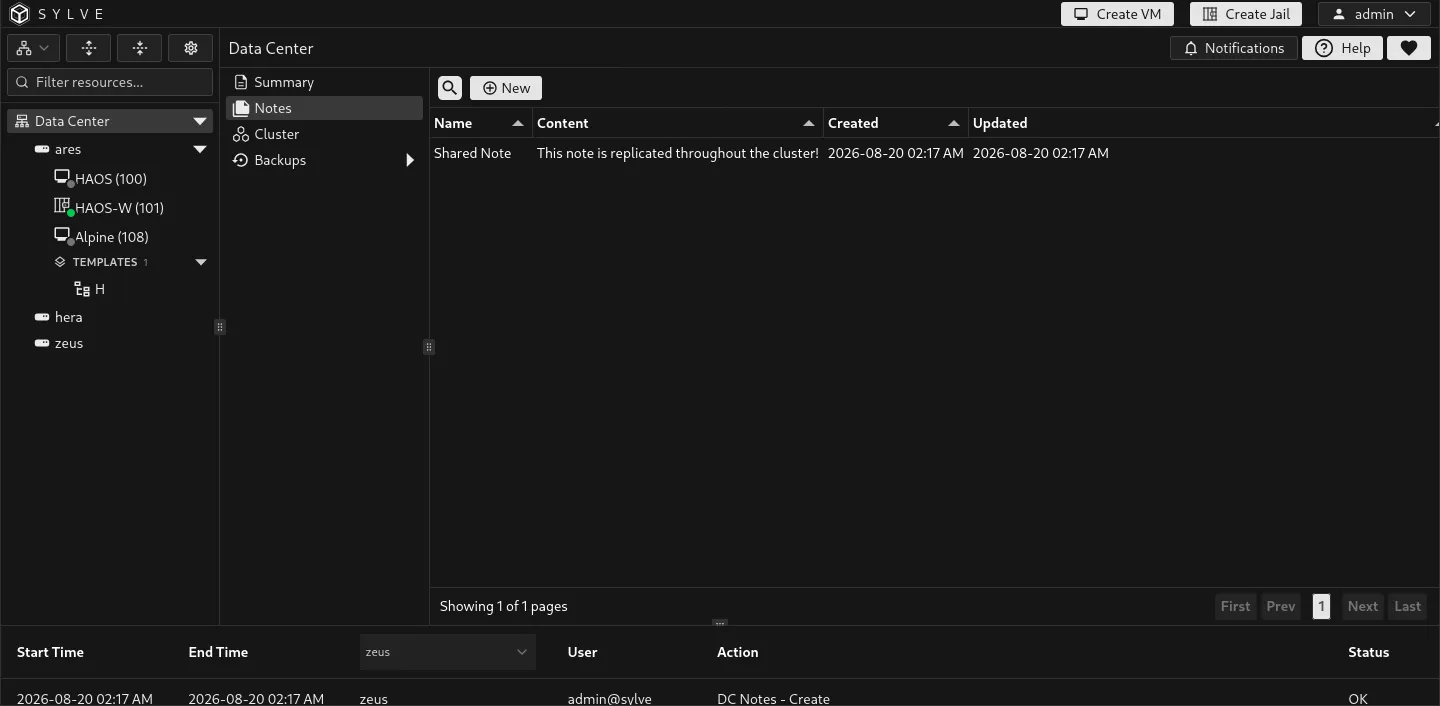
Section titled “Use notes as a cluster smoke test”After creating or joining a cluster, create a short Data Center note on one node, then open Data Center → Notes from another member and confirm that it appears. Editing or deleting that test note should also be reflected across the cluster.
This is a useful quick check that shared Raft-backed data is functioning before you rely on cluster-wide configuration such as backup targets and jobs. It does not replace checking quorum, member health, or workload-specific recovery behaviour.
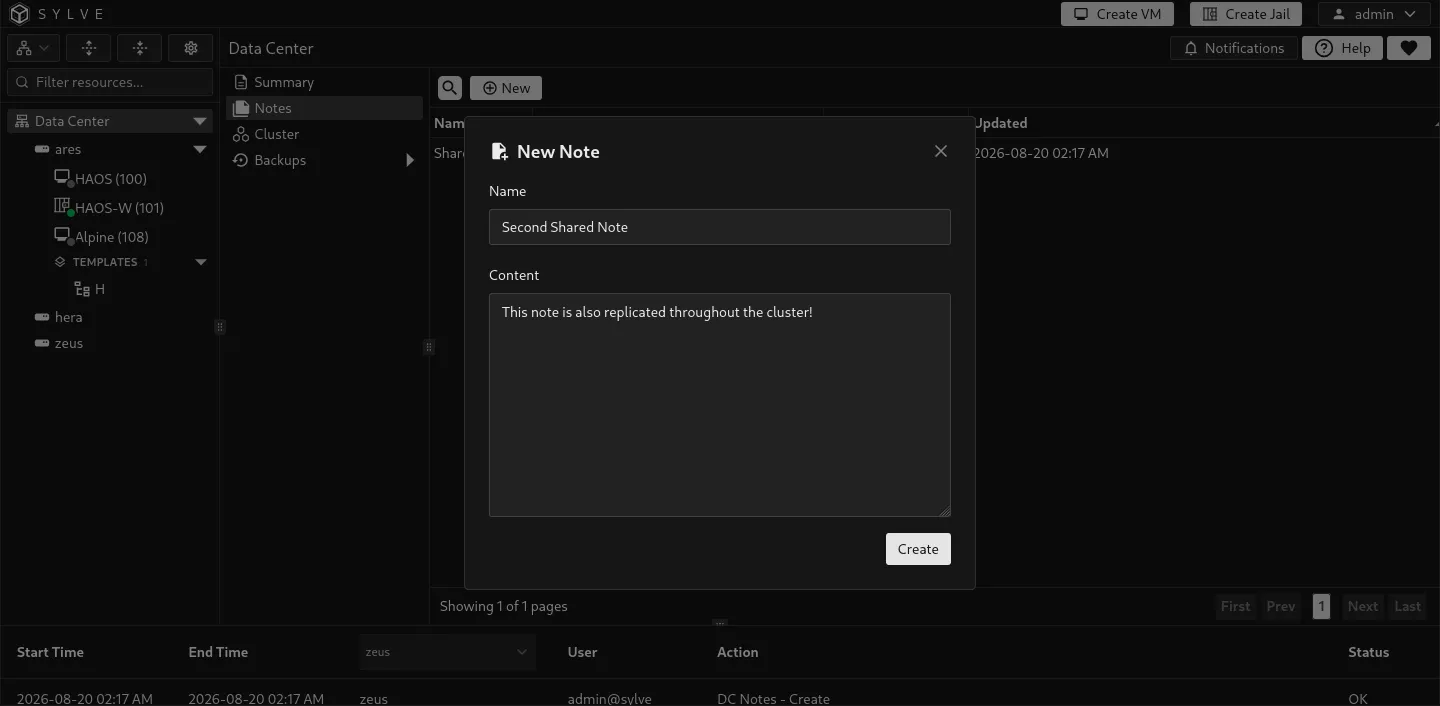
Create a note
Section titled “Create a note”Select New, then enter a Name and Content. Both are required. Content supports Markdown and is rendered when you view a note, which makes it suitable for headings, lists, links, and short procedures.
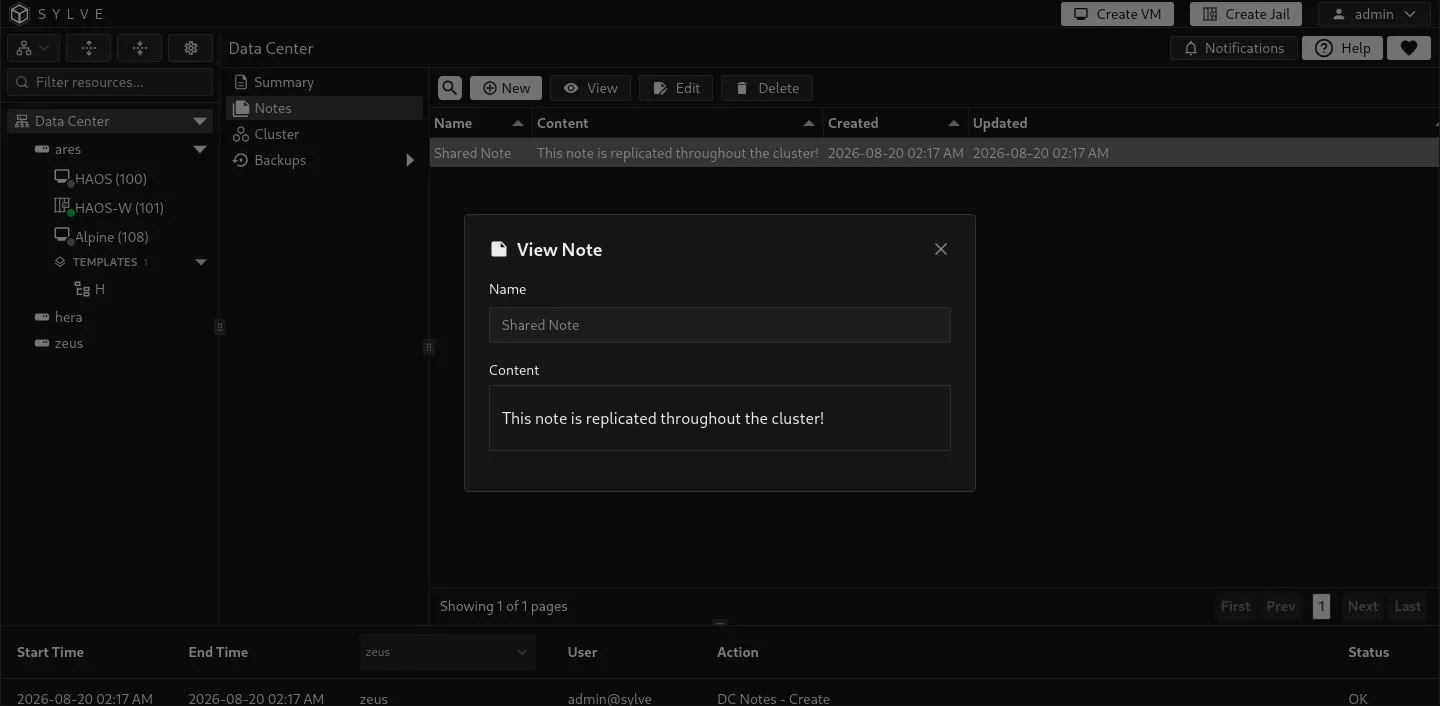
View and edit notes
Section titled “View and edit notes”Select one note to reveal View, Edit, and Delete. The table shows a short content preview along with creation and update times. Use View to see the rendered Markdown, and Edit to modify the source text. The editor’s reset control restores the currently saved version while the dialog is open.
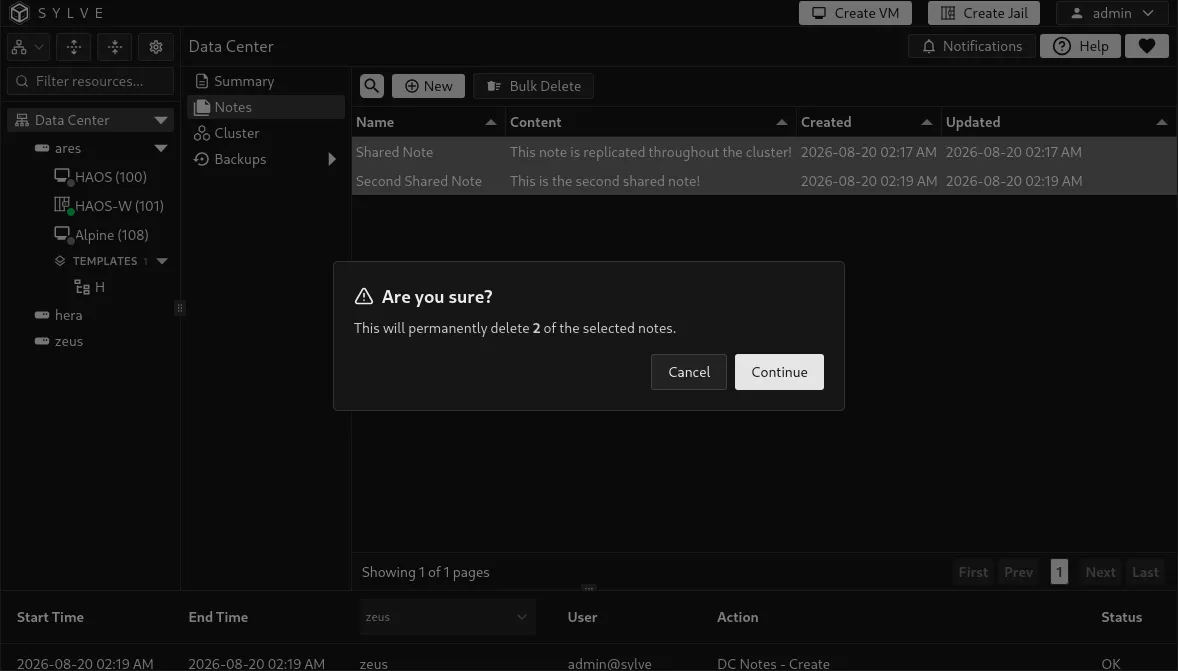
Delete notes
Section titled “Delete notes”Select one note to delete it, or select multiple rows and use Bulk Delete. Deletion is permanent, so retain longer runbooks in your version-controlled documentation as well when appropriate.