

Advanced
Firewall → Advanced is an escape hatch for PF configuration that does not fit a Traffic Rule or NAT Rule. Each editor accepts raw PF text and inserts it at a fixed point in the generated /etc/pf.conf.
Use the managed rule pages whenever they can express the policy. Advanced content is global, is not represented as a Sylve rule object, and can change how every managed rule behaves.
How the page works
Section titled “How the page works”The Editable Sections list on the left selects an insertion point. Generated pf.conf renders the current draft without saving it and validates the complete candidate with pfctl -nf. On Disk shows the configuration currently written by Sylve, not the unsaved draft.
The examples below are saved on the demo host and shown through the generated configuration. 192.0.2.0/24, 198.51.100.0/24, and 203.0.113.0/24 are documentation-only address ranges. Replace bridge0, addresses, and labels with values for the host you administer.
Advanced rules refer to FreeBSD interface names, not Sylve switch labels. The demo’s Manual Switch is named WAN, but it attaches to the existing host bridge bridge0, so the raw PF examples correctly use bridge0.
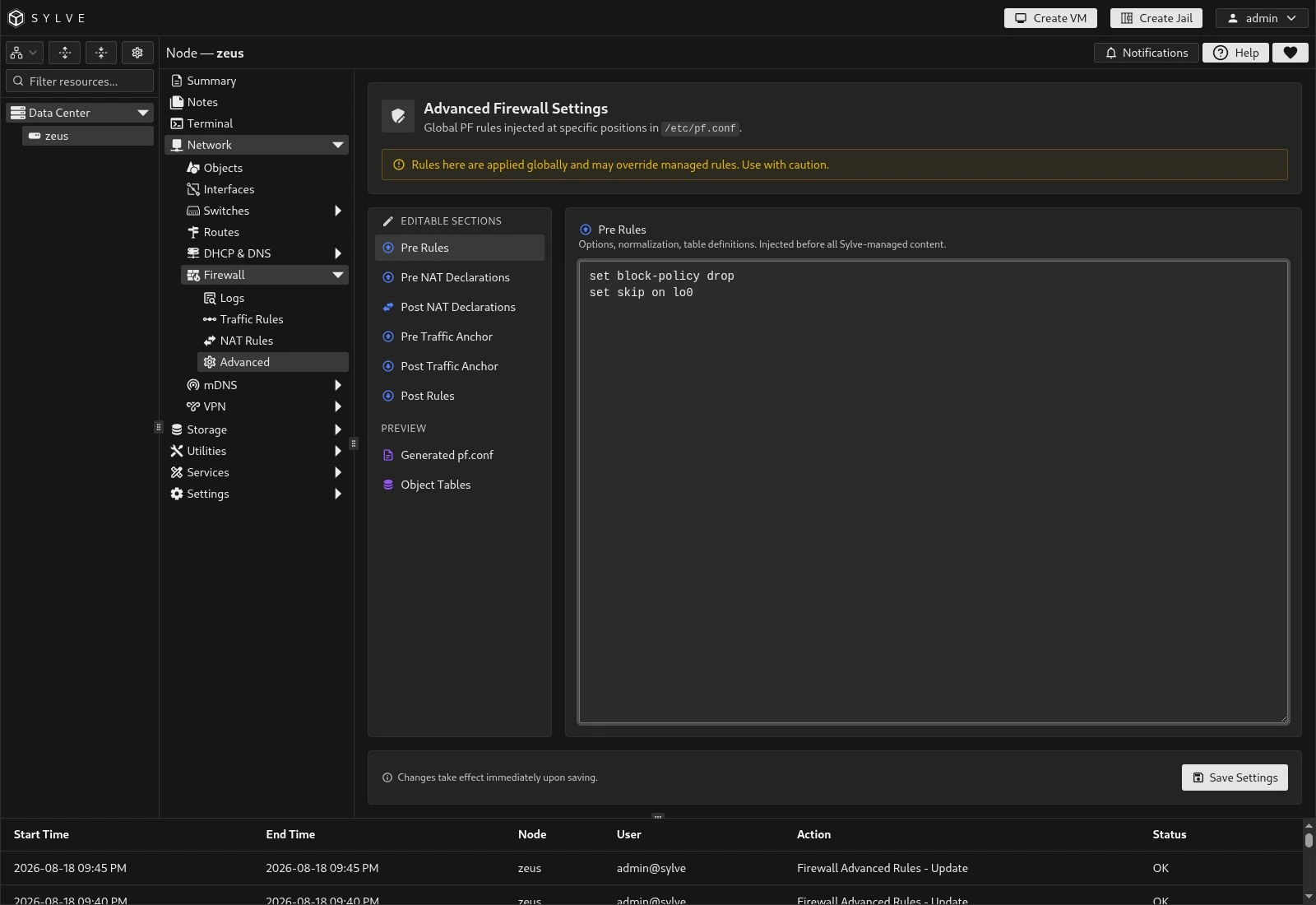
Saving trims each section, validates the rendered configuration first, then applies it when the firewall service is enabled. If the apply step fails, Sylve restores the previous Advanced settings and reapplies the earlier configuration. PF syntax validation is valuable, but it cannot tell whether a broad rule is the policy you intended.
Placement matters
Section titled “Placement matters”Sylve renders the main configuration in this order:
Pre RulesSylve object tablesPre NAT DeclarationsSylve nat / rdr / binat anchor declarationsPost NAT DeclarationsSylve NAT rule anchorPre Traffic AnchorSylve Traffic Rule anchorPost Traffic AnchorPost RulesThe names describe the insertion point, not a separate firewall engine. PF still processes translation before filtering.
| Section | Use it for | Example |
|---|---|---|
| Pre Rules | Global set options, normalization, and independent table definitions that must appear before managed content. |
set block-policy dropset skip on lo0 |
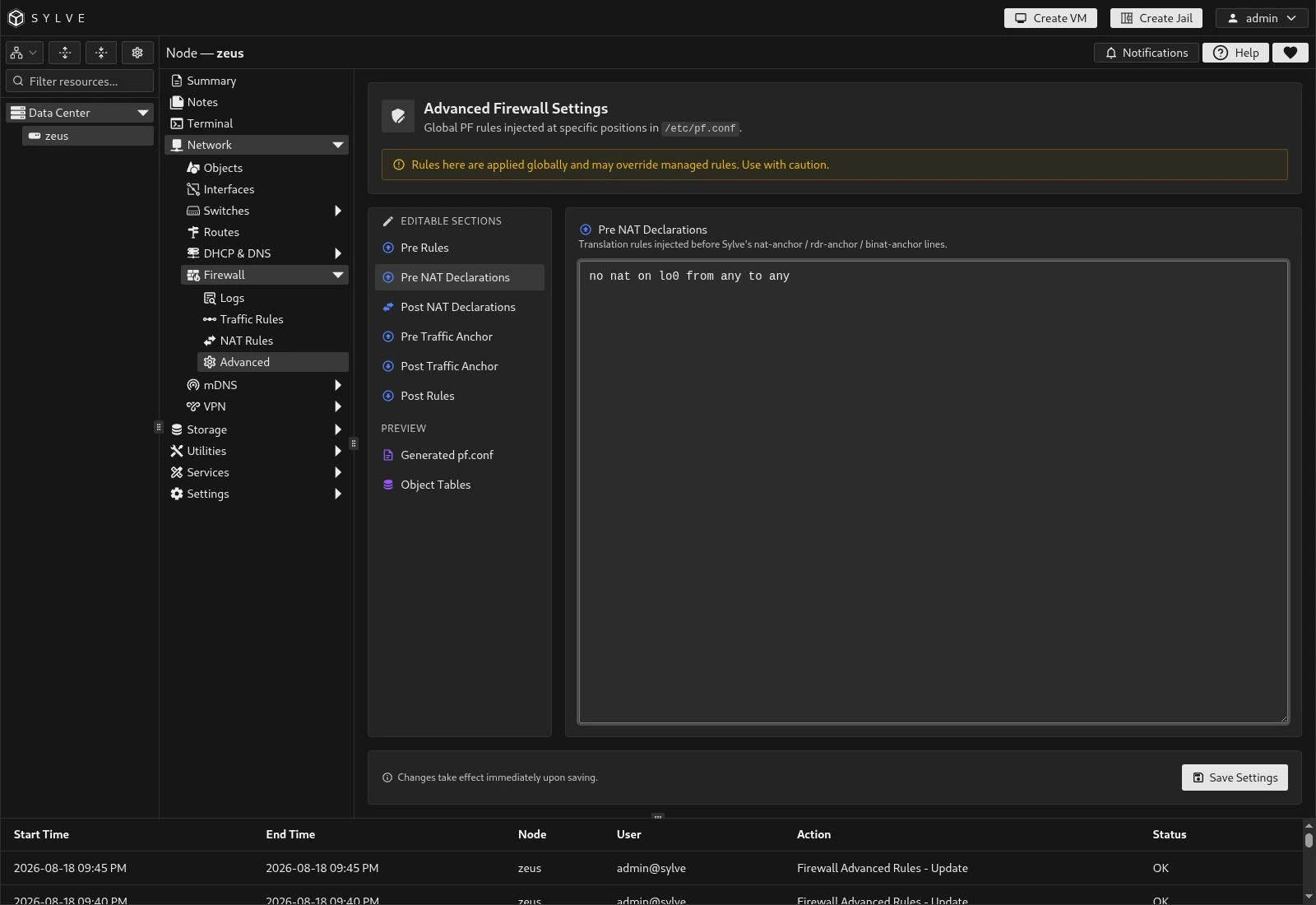
| Pre NAT Declarations | Translation rules or exclusions that must be declared before Sylve’s translation anchors. | no nat on lo0 from any to any |
| Post NAT Declarations | A narrow match rule that should sit after translation declarations but before the managed NAT anchor and filter section. |
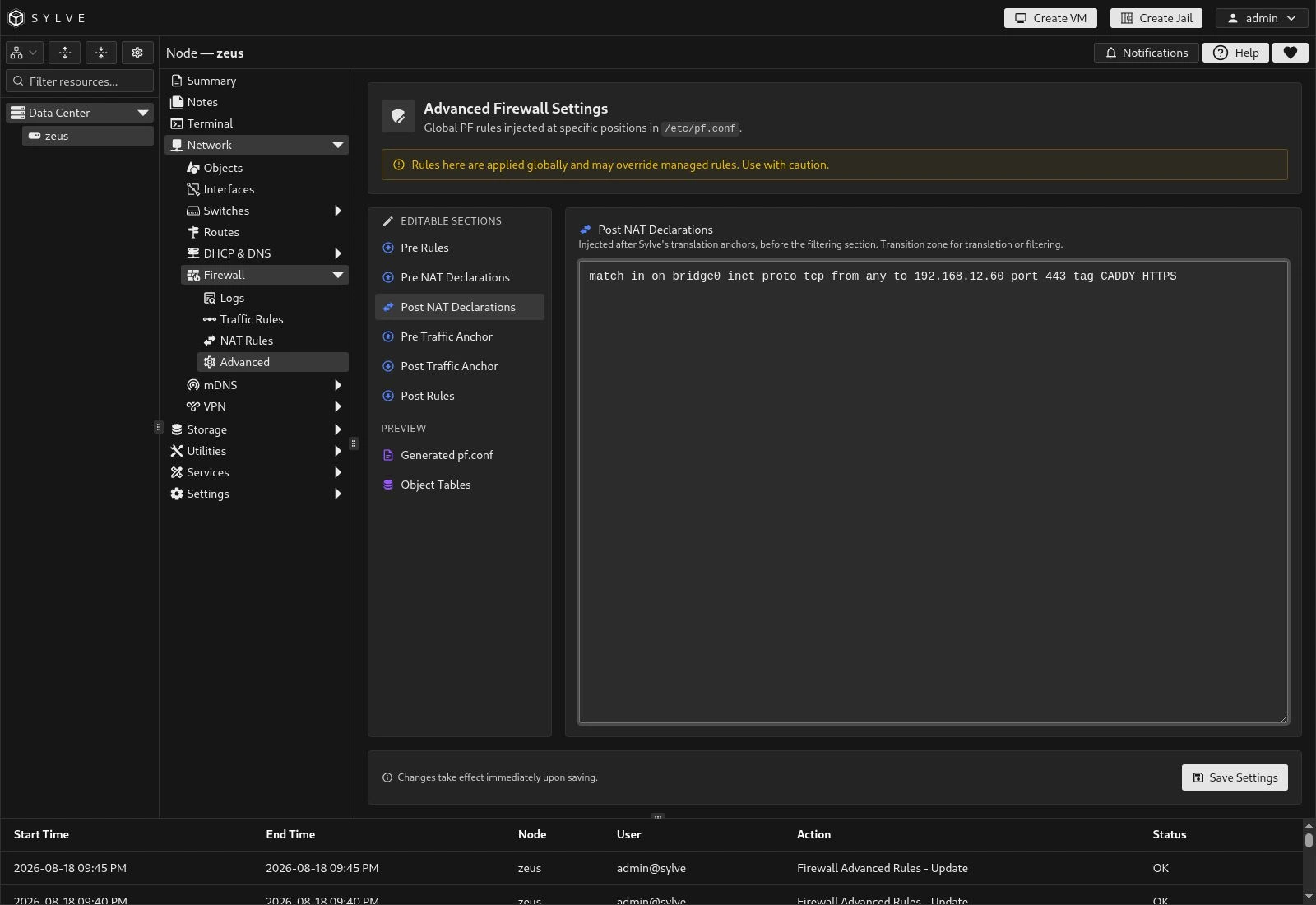
match in on bridge0 inet proto tcp from any to 192.168.12.60 port 443 tag CADDY_HTTPS |
| Pre Traffic Anchor | A global filter exception that must be considered before managed Traffic Rules. | block in quick on bridge0 inet from 198.51.100.0/24 to any label "drop-test-net" |
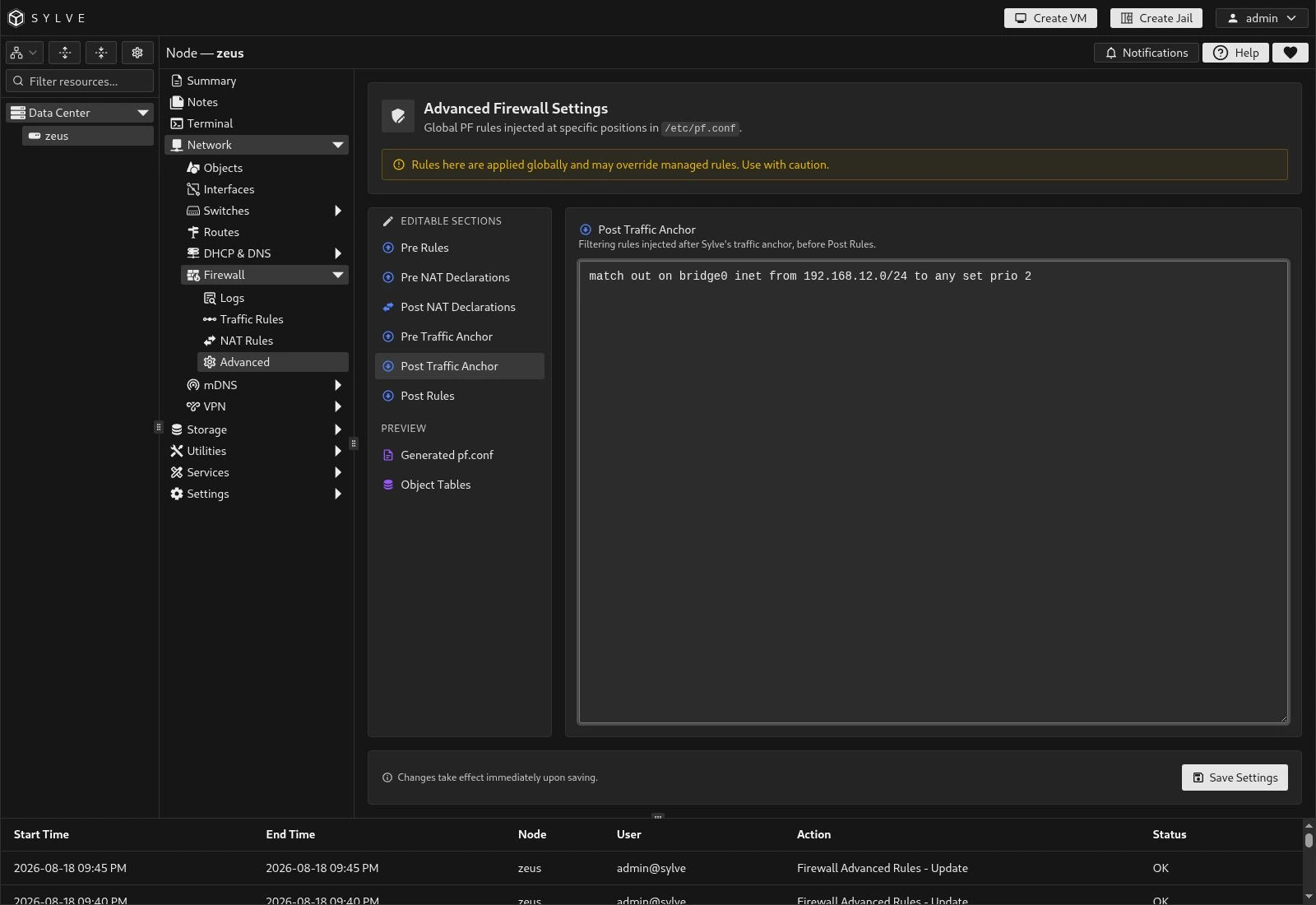
| Post Traffic Anchor | A filter adjustment that should run after managed Traffic Rules. | match out on bridge0 inet from 192.168.12.0/24 to any set prio 2 |
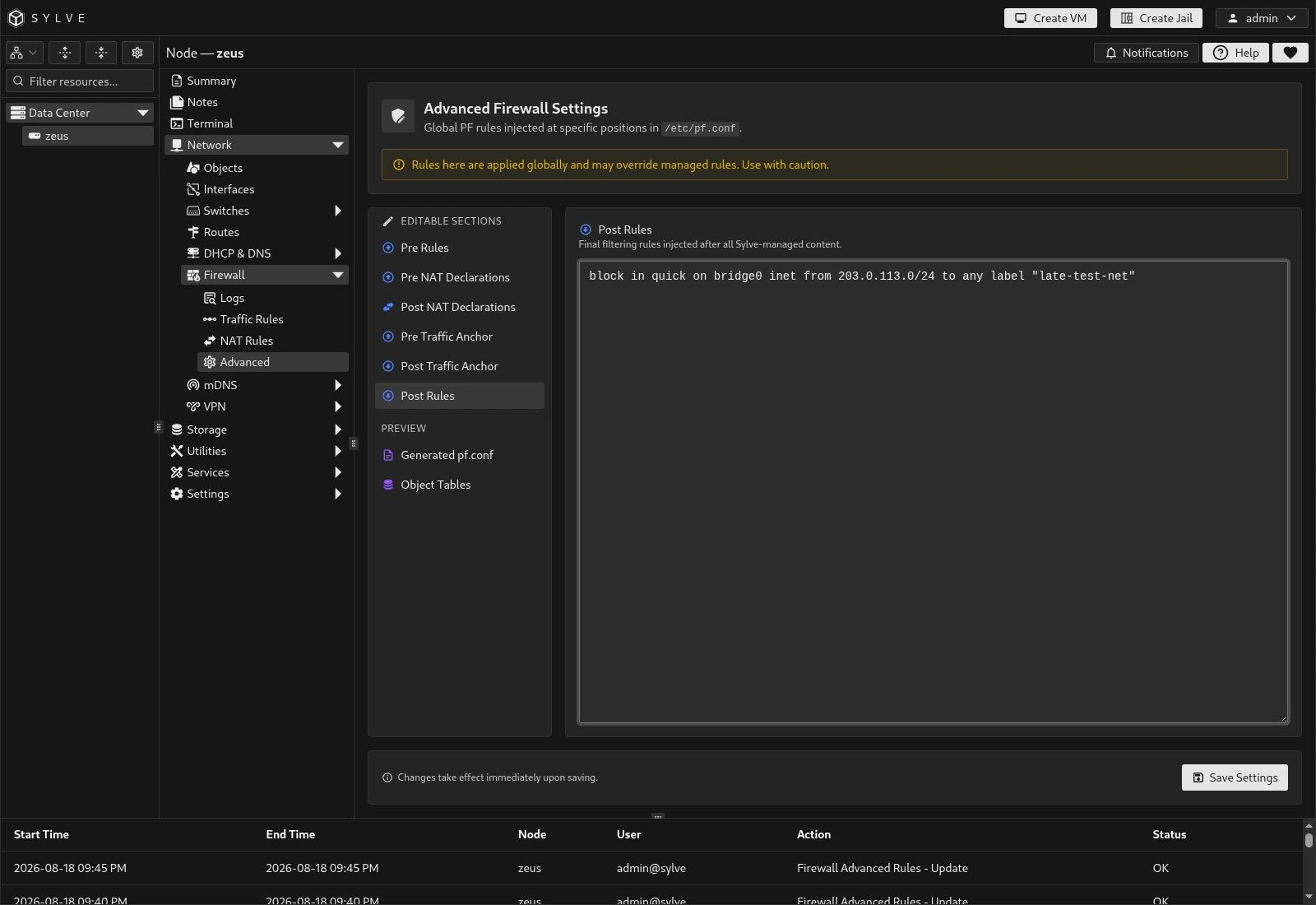
| Post Rules | A final, deliberately ordered fallback or exception after all managed content. | block in quick on bridge0 inet from 203.0.113.0/24 to any label "late-test-net" |
Translation-adjacent sections
Section titled “Translation-adjacent sections”Pre NAT Declarations is before the three nat-anchor, rdr-anchor, and binat-anchor declarations. Use it for a translation rule or exclusion that has to be available ahead of those anchors. The example keeps loopback traffic out of NAT, which is normally a harmless exception when loopback is already skipped.
Post NAT Declarations comes after those declarations and before Sylve enters the filtering section. The example is a match rule that tags inbound HTTPS traffic headed for Caddy’s translated address. match adds a property without itself choosing pass or block, making it a better fit than a second broad access rule when all that is needed is a tag or other PF modifier. This is a tagging-only example: nothing else in this guide matches tagged CADDY_HTTPS. In a real policy, add a later rule that consumes the tag if it should affect routing, shaping, logging, or access control.
Do not assume an Advanced DNAT example replaces the NAT Rules page. Use the managed page for normal service publishing so Sylve can validate the target, display counters, and keep the rule tied to its configuration.
Before and after Traffic Rules
Section titled “Before and after Traffic Rules”The two traffic-anchor sections bracket anchor "sylve/traffic-rules", which loads the Traffic Rules created in the UI.
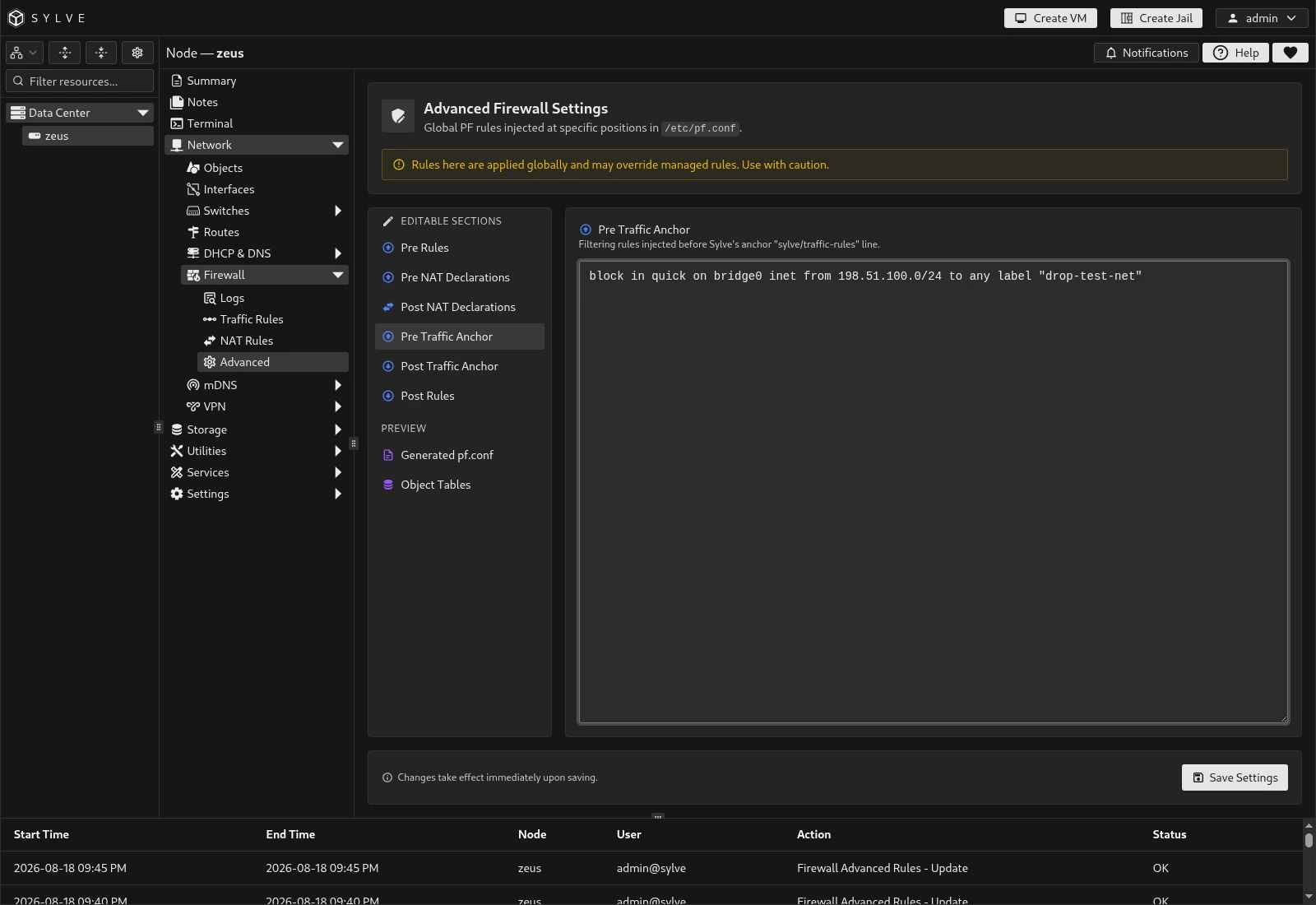
- Pre Traffic Anchor is for a rule that must be considered first. The shown
block in quickis intentionally narrow and uses a documentation range. Withquick, later Traffic Rules cannot reverse the decision for matching packets. - Post Traffic Anchor is for a rule that should see packets only after managed Traffic Rules have been evaluated. The example uses
match outto set priority for LAN egress traffic without adding another pass decision. - Post Rules is the final insertion point. Its example shows a last, narrow block. It is not a substitute for a baseline firewall policy and should never be a careless
block allon a remotely administered host.
Preview the assembled configuration
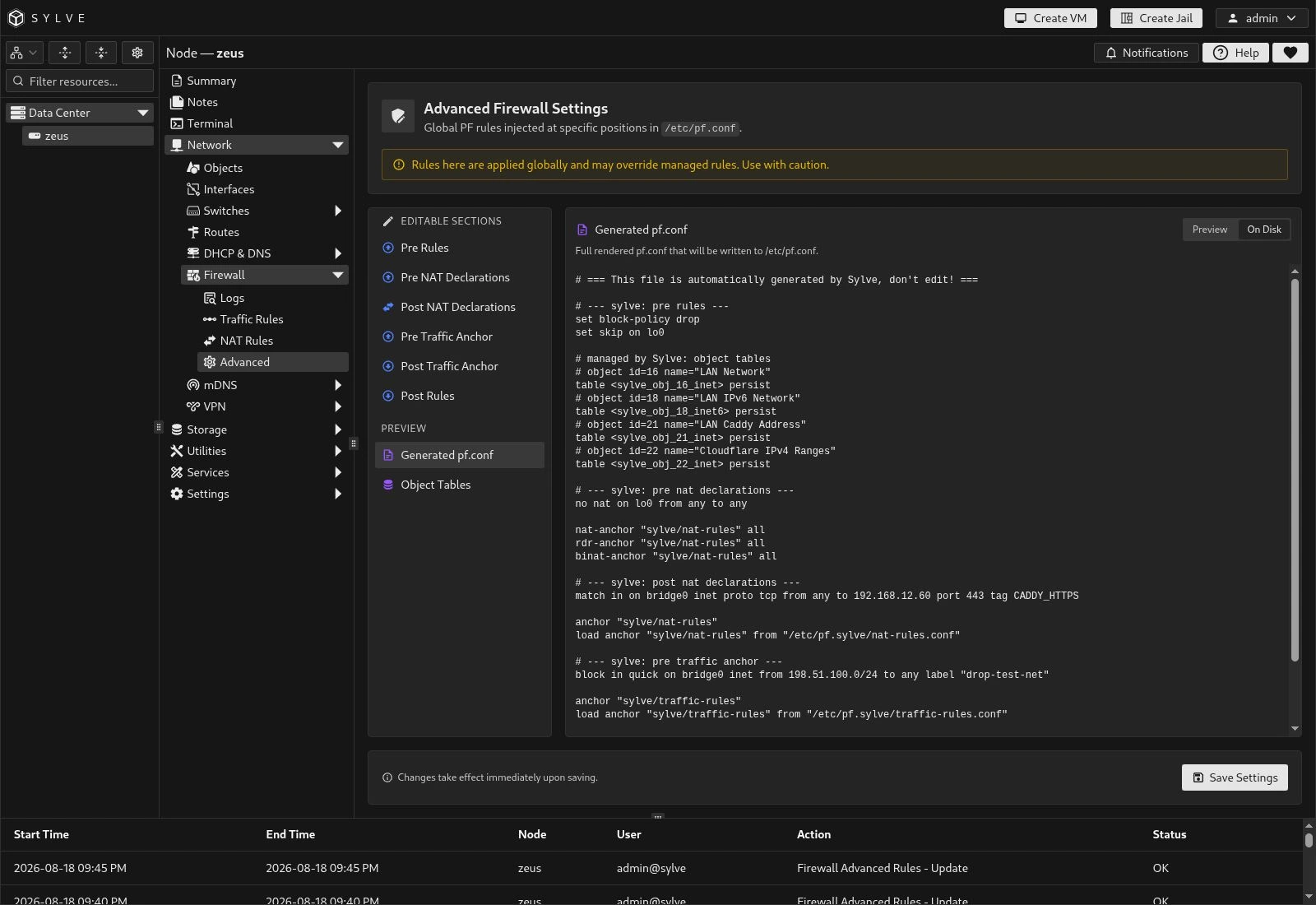
Section titled “Preview the assembled configuration”Open Generated pf.conf after editing to see the candidate in its real position. The preview includes the managed object tables, NAT rules, and Traffic Rules, then runs PF syntax validation against the combined configuration. Use this view to verify ordering and confirm that a custom rule uses the interface, address family, address, and port you intended.
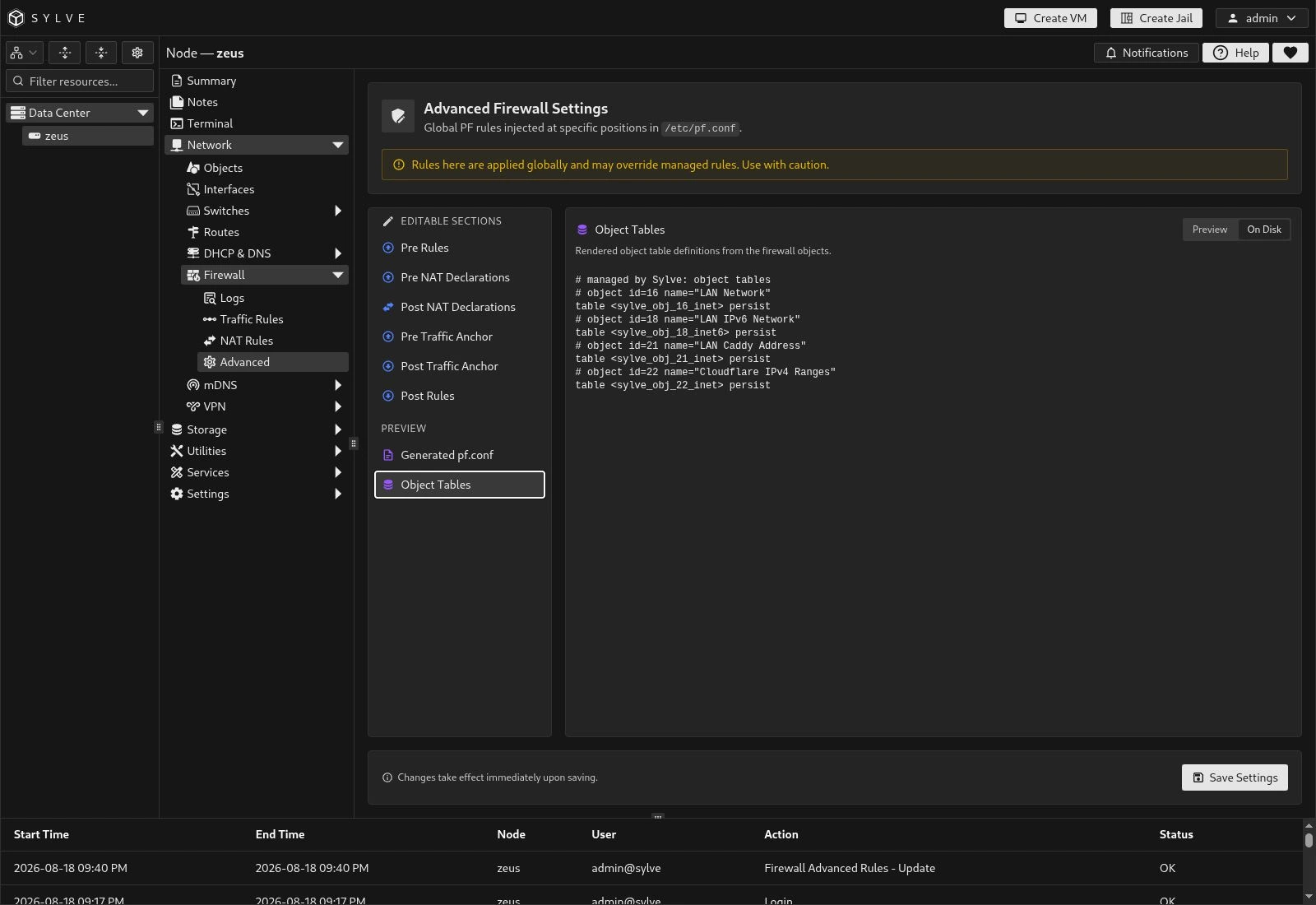
Object Tables shows the tables rendered from objects used by enabled managed firewall rules. It is a diagnostic view. The generated table identifiers include internal object IDs and can change with configuration, so do not treat them as a stable interface for hand-written Advanced rules.
A safe working sequence
Section titled “A safe working sequence”- Start with the smallest possible PF rule and use a specific interface, family, address, and port.
- Put it in the latest section that satisfies the ordering requirement, then reason about PF evaluation. A
quickrule preempts later matches; withoutquick, a later matching filter rule can become the decision that applies. - Open Generated pf.conf and check the surrounding lines, not only the custom snippet.
- Save only after the Preview validates. Reopen On Disk to confirm the applied configuration.
If a policy can be represented by a Traffic Rule, NAT Rule, object, or route, prefer that managed feature. Advanced Firewall is for the remaining cases where direct PF control is genuinely necessary.