

Ranges
A range is the dynamic address pool served by Sylve’s DHCP & DNS service for one enabled switch. Create one range per address family; the IP type cannot be changed after creation.
Enable the switch first
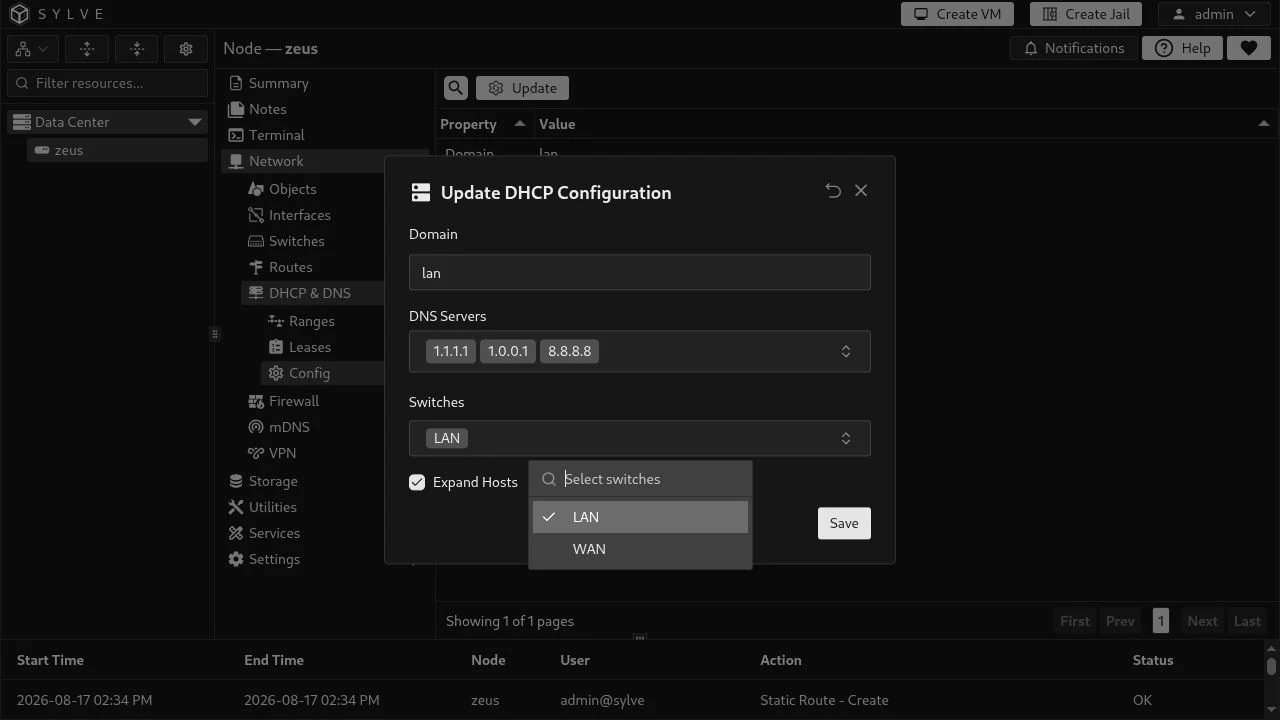
Section titled “Enable the switch first”Before a switch appears in the range form, enable it from Network → DHCP & DNS → Config. Choose Update, select the switch, and save. This enables Sylve’s DHCP & DNS service on that bridge; it does not make the switch’s DHCP checkbox a client setting.
LAN pools
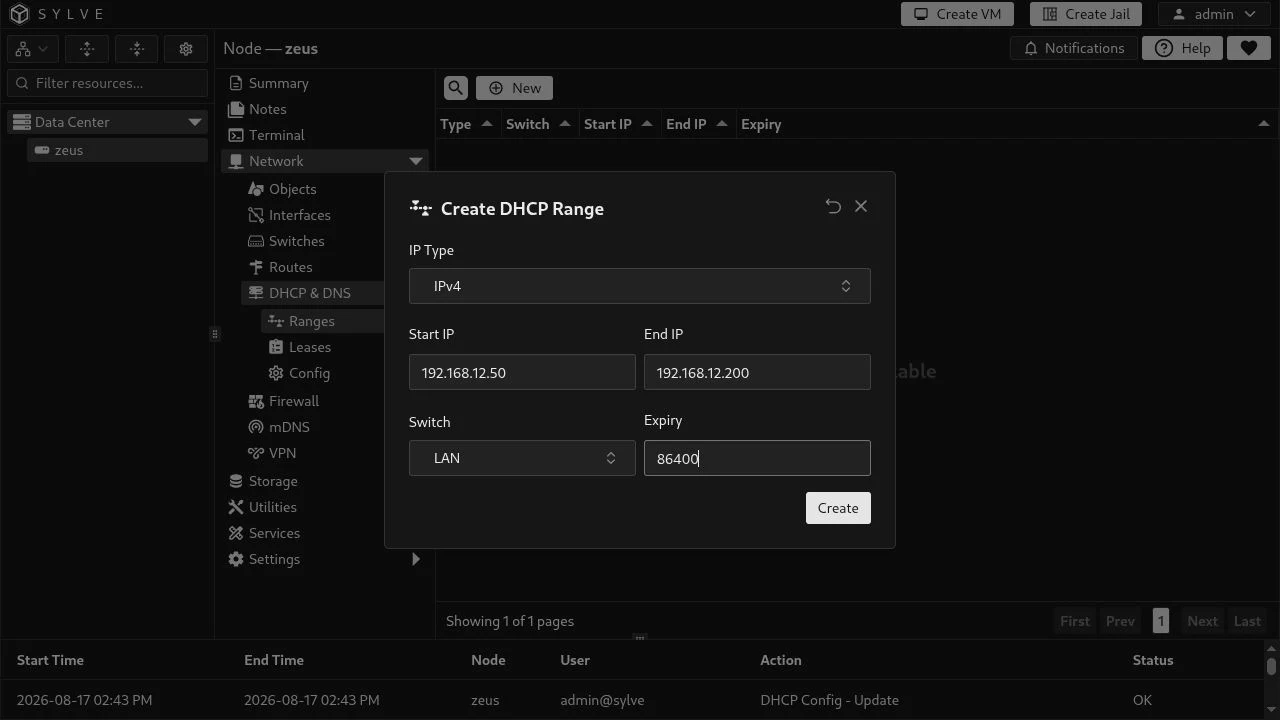
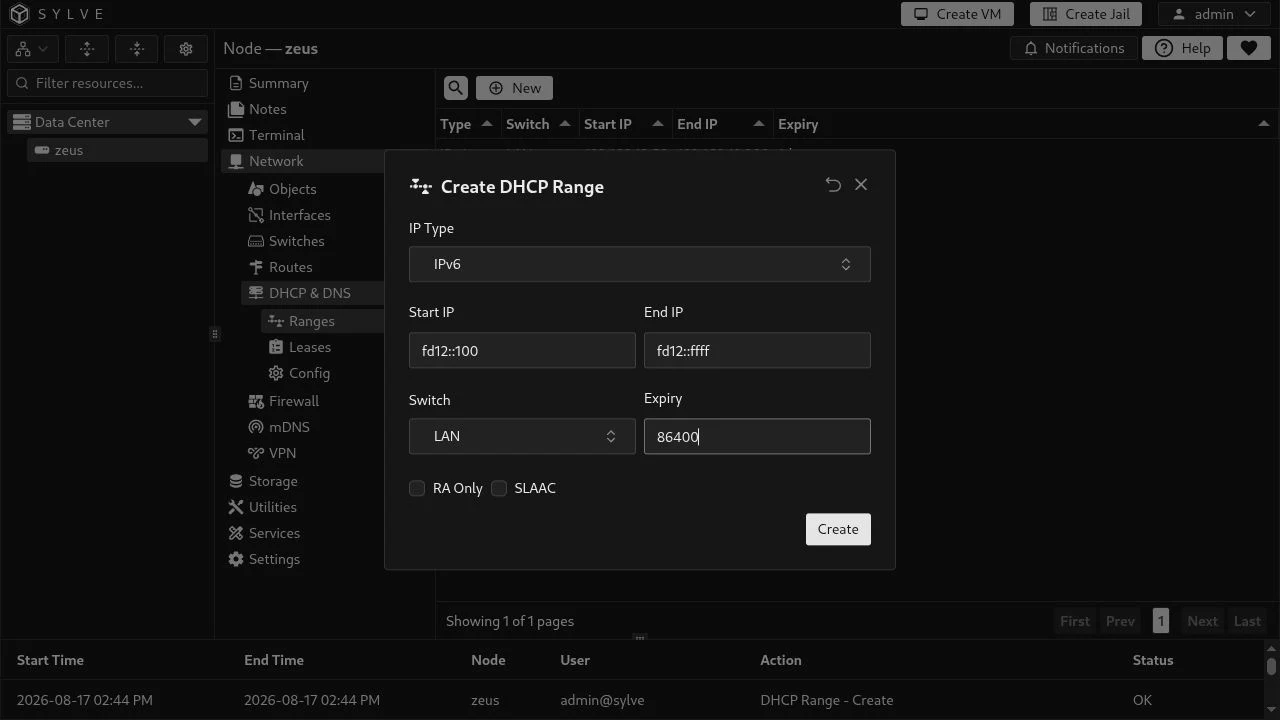
Section titled “LAN pools”The existing LAN switch has 192.168.12.1/24 and fd12::1/64 configured, so the following pools are valid and avoid the bridge address:
| Type | Start | End | Expiry |
|---|---|---|---|
| IPv4 | 192.168.12.50 |
192.168.12.200 |
86400 seconds (one day) |
| IPv6 | fd12::100 |
fd12::ffff |
86400 seconds (one day) |
Create the IPv4 pool by selecting IPv4, LAN, the start and end addresses, and the lease expiry.
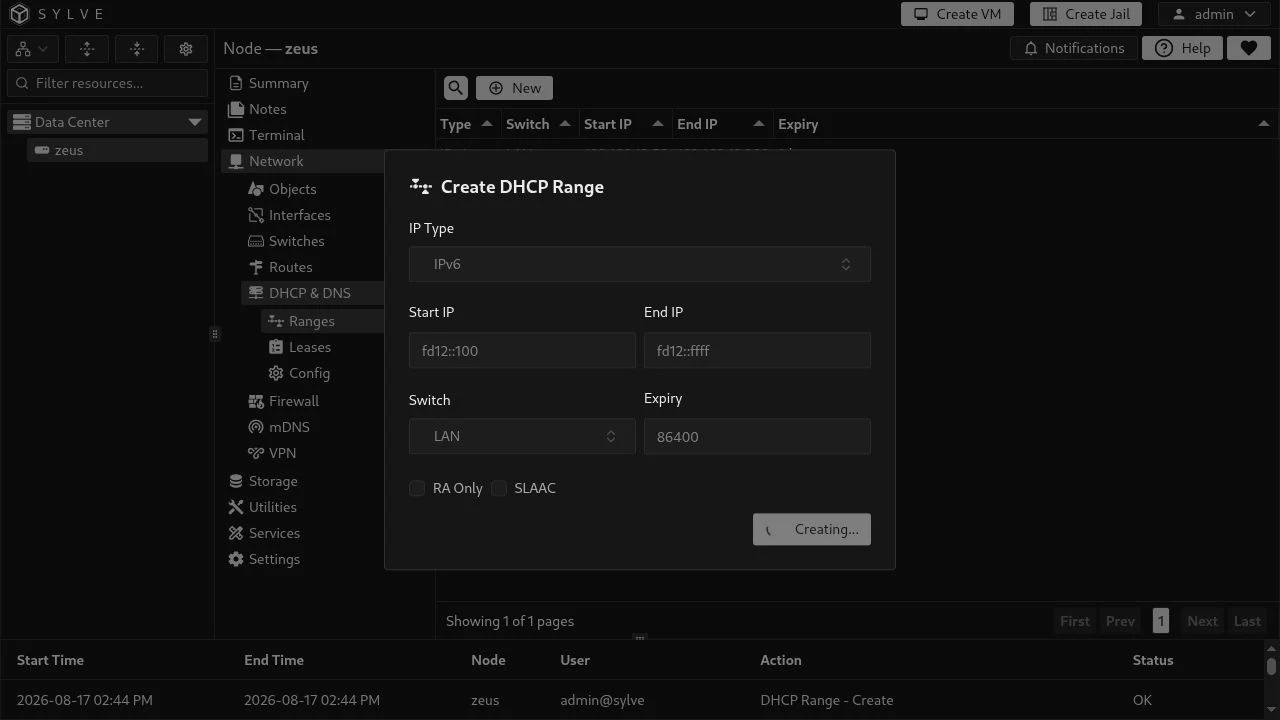
For the IPv6 pool, choose IPv6 and use addresses from the fd12::/64 prefix.
Field behavior
Section titled “Field behavior”| Field | Meaning |
|---|---|
| IP Type | IPv4 or IPv6. The selection is permanent for that range. |
| Start IP / End IP | Inclusive lease bounds. They must be ordered, match the selected family, and lie inside the selected switch’s subnet. |
| Switch | Exactly one enabled Standard or Manual Switch. A switch accepts only one range per family. |
| Expiry | Lease duration in seconds; 0 is an infinite lease where supported. |
| RA Only | IPv6 only. Send Router Advertisements without a DHCPv6 address pool; leave both addresses empty for this mode. |
| SLAAC | IPv6 only. Advertise the prefix for stateless client autoconfiguration. It may be combined with DHCPv6 for clients that need DHCPv6 options. |
IPv4 ranges cannot use RA Only or SLAAC. Avoid including bridge addresses, gateways, static leases, or infrastructure addresses in a pool.