

Options
The Options page contains jail-wide settings that do not belong to hardware, storage, or a network interface. Select a property in the table, then select Edit in the toolbar to change it.
The table shows a shortened preview for long or multi-value settings. Open an editor to inspect the complete value.
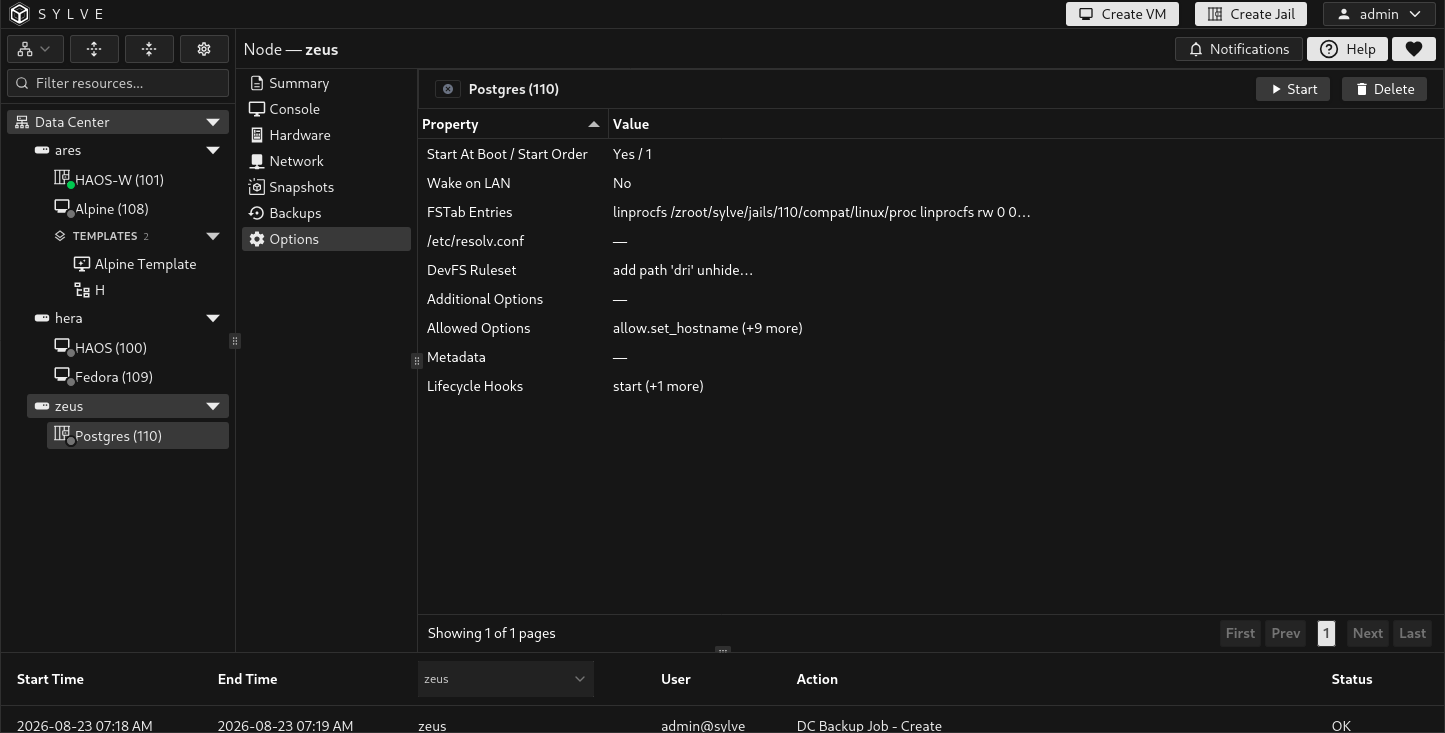
Start at boot and start order
Section titled “Start at boot and start order”Enable Start at Boot to start the jail when the node starts. Start Order is a non-negative whole number that controls the jail’s relative position among workloads configured to start automatically. Lower numbers start first.
Start order is not a delay and does not confirm that services inside an earlier jail are ready before the next workload starts.
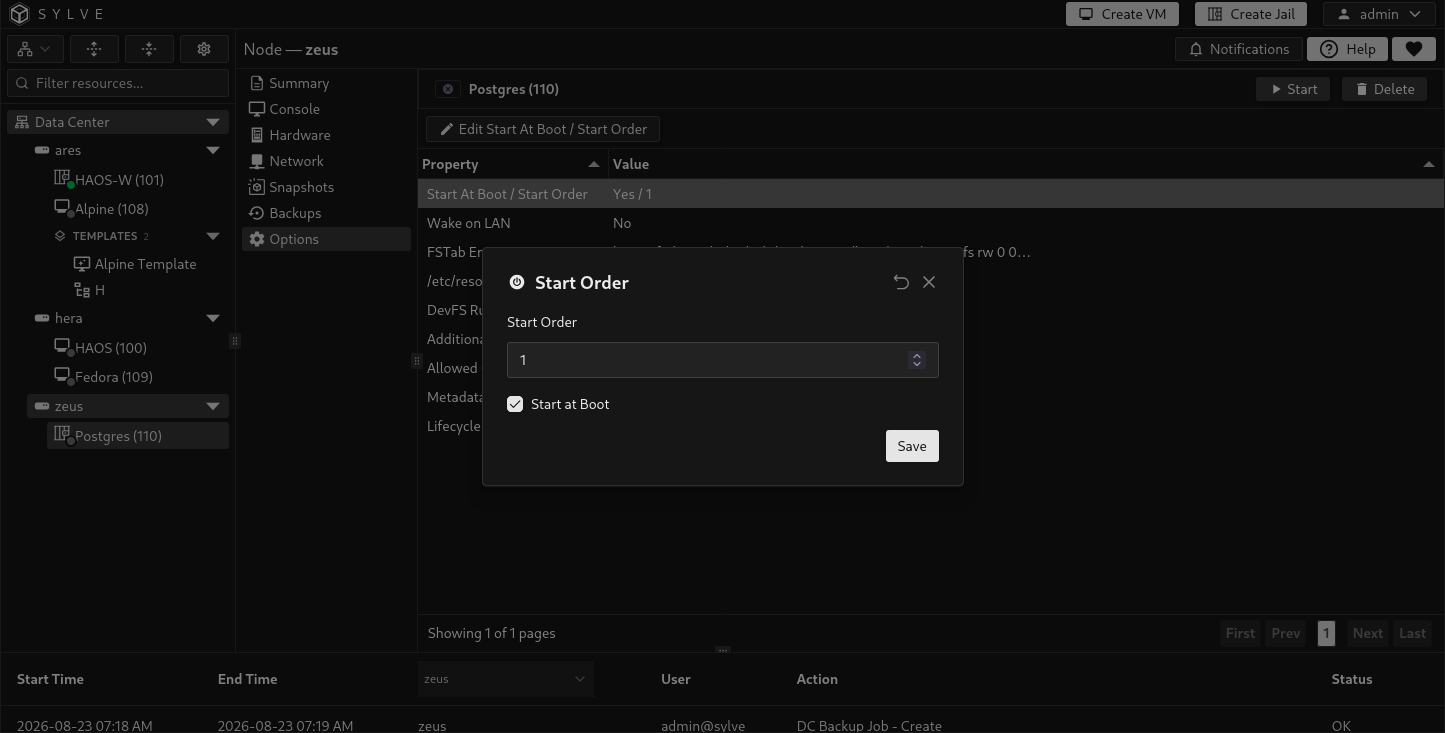
Execution timeout
Section titled “Execution timeout”Execution Timeout sets the maximum number of seconds FreeBSD waits for each exec.* command used by the jail lifecycle. This includes the normal startup and shutdown commands as well as enabled lifecycle hooks.
The default is 120 seconds. Enter a whole number from 1 through 2147483647. Use a longer timeout when services inside the jail need more time to start or stop cleanly.
The timeout applies to each command individually, not to the complete start or stop operation. A hook that exceeds the limit can fail the lifecycle operation, so increase the value only when the command is expected to take longer.
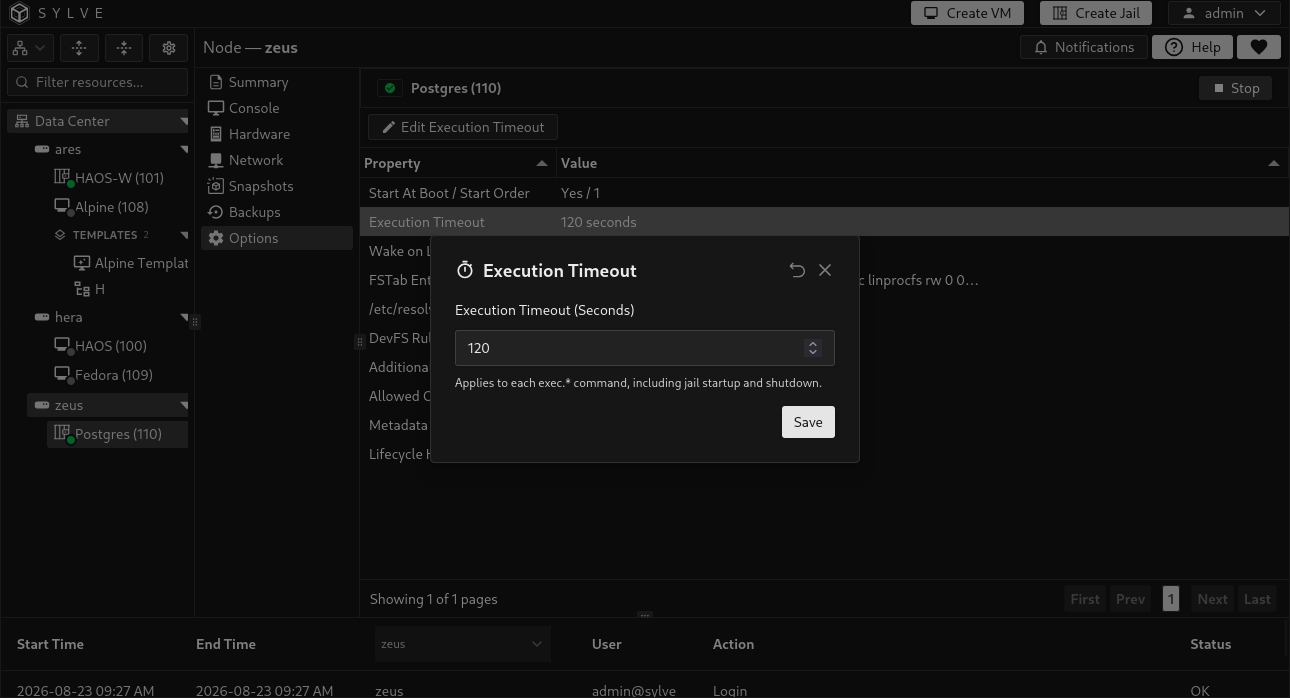
Wake on LAN
Section titled “Wake on LAN”Enable Wake on LAN to allow a magic packet to start the jail. The setting applies to every MAC address attached to the jail, so any current interface can receive the wake request.
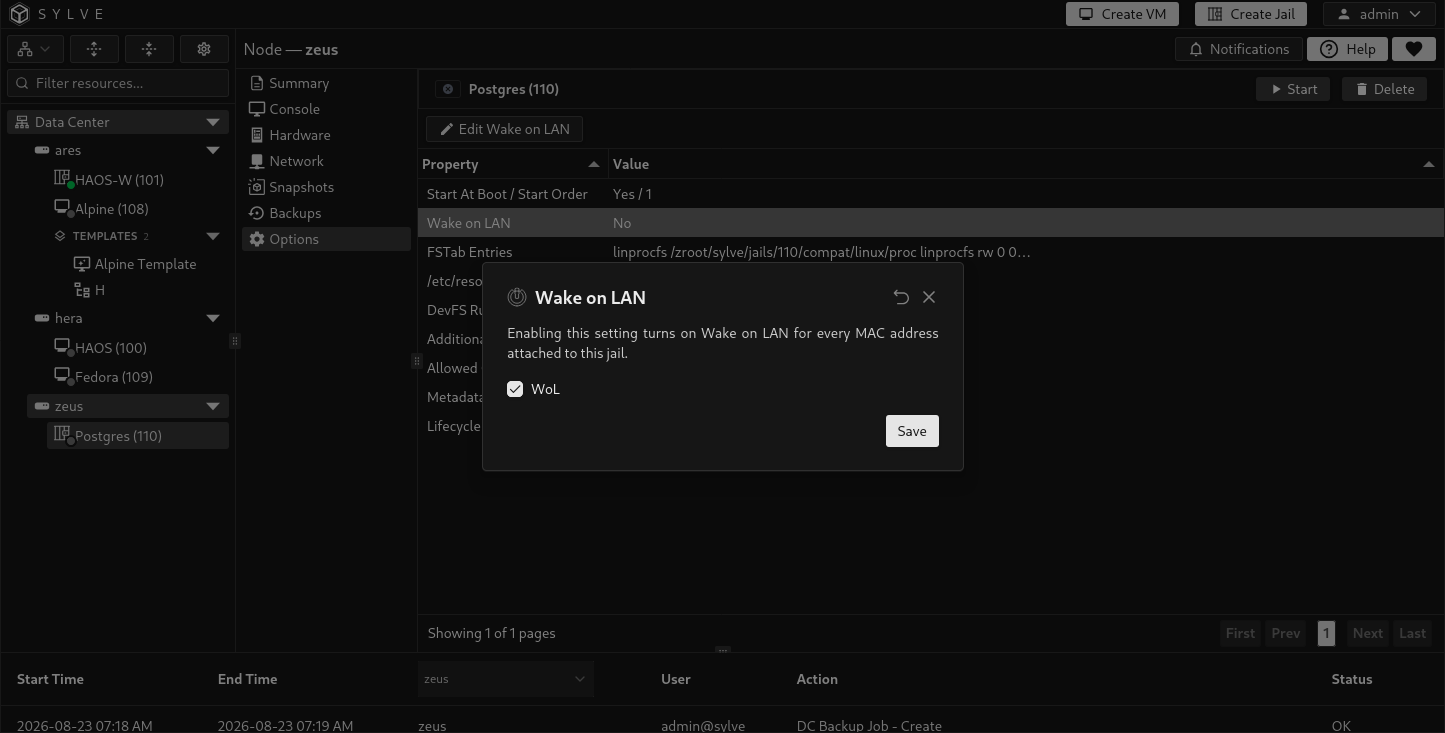
FSTab entries
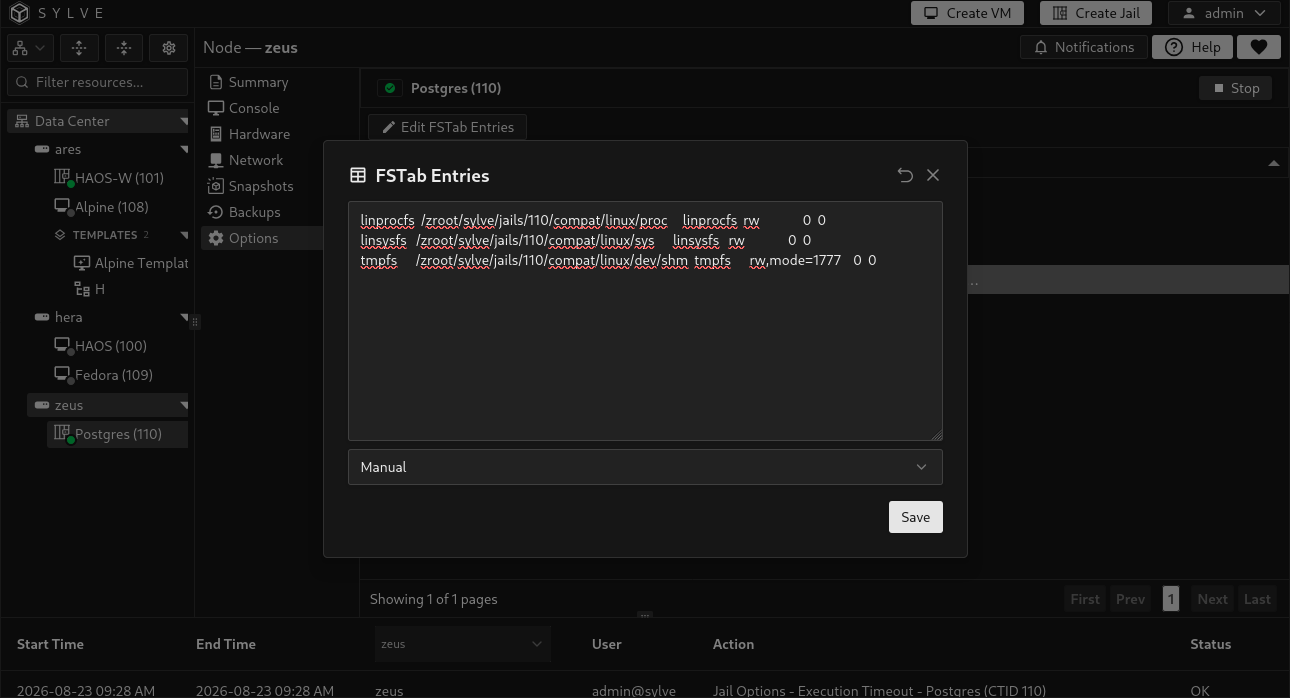
Section titled “FSTab entries”Use FSTab Entries to manage mounts that FreeBSD applies through the jail’s generated fstab file. Enter standard fstab lines in the manual editor.
For a Linux jail, choose Simple Linux to generate the standard mounts required by the Linux compatibility environment. Sylve resolves and validates the host-side mountpoint of the jail’s root ZFS dataset before generating the entries. Editing the generated text changes the selector back to Manual.
If the root dataset cannot be identified or its mountpoint cannot be resolved, Simple Linux is unavailable and the page reports the resolution error. Fix the jail’s base storage or ZFS mountpoint before using the preset. Manual entries remain available.
Resolver configuration
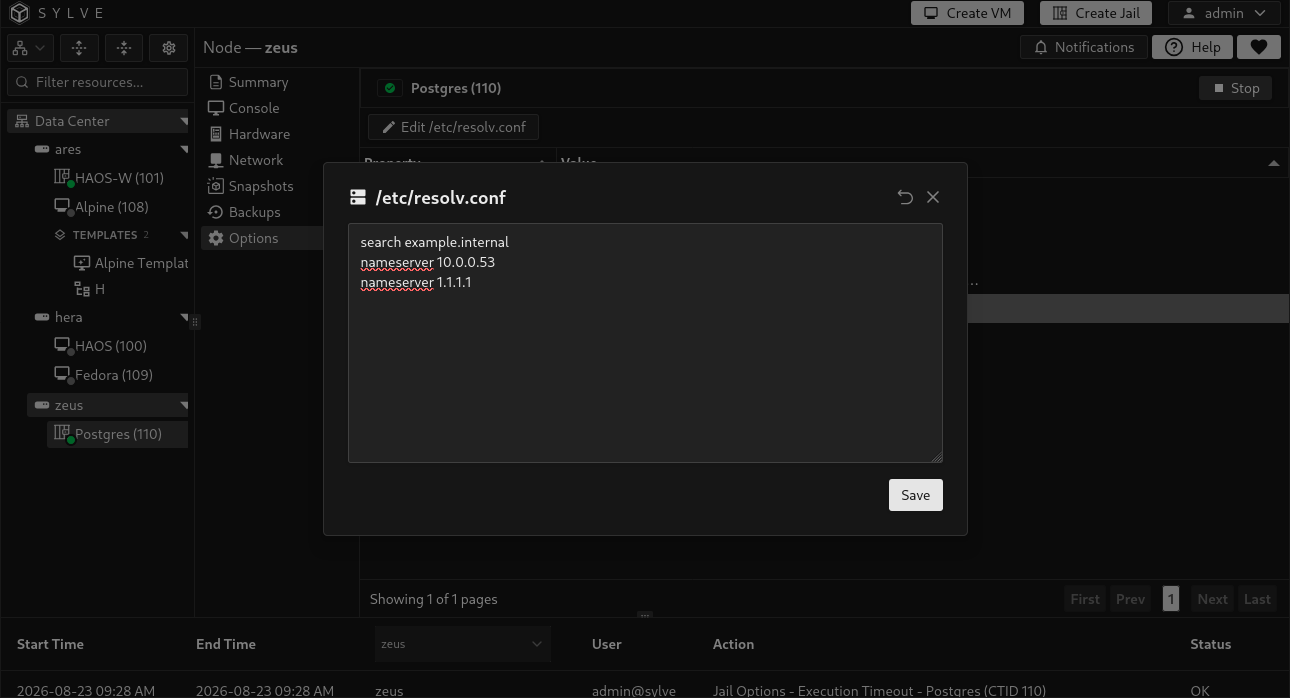
Section titled “Resolver configuration”Use /etc/resolv.conf to manage the jail’s DNS resolver file. For example:
search example.internalnameserver 10.0.0.53nameserver 1.1.1.1Saving writes the content directly to /etc/resolv.conf inside the jail. Clearing the editor removes the managed file. Applications inside a running jail can use the new resolver configuration when they next perform a lookup.
DevFS ruleset
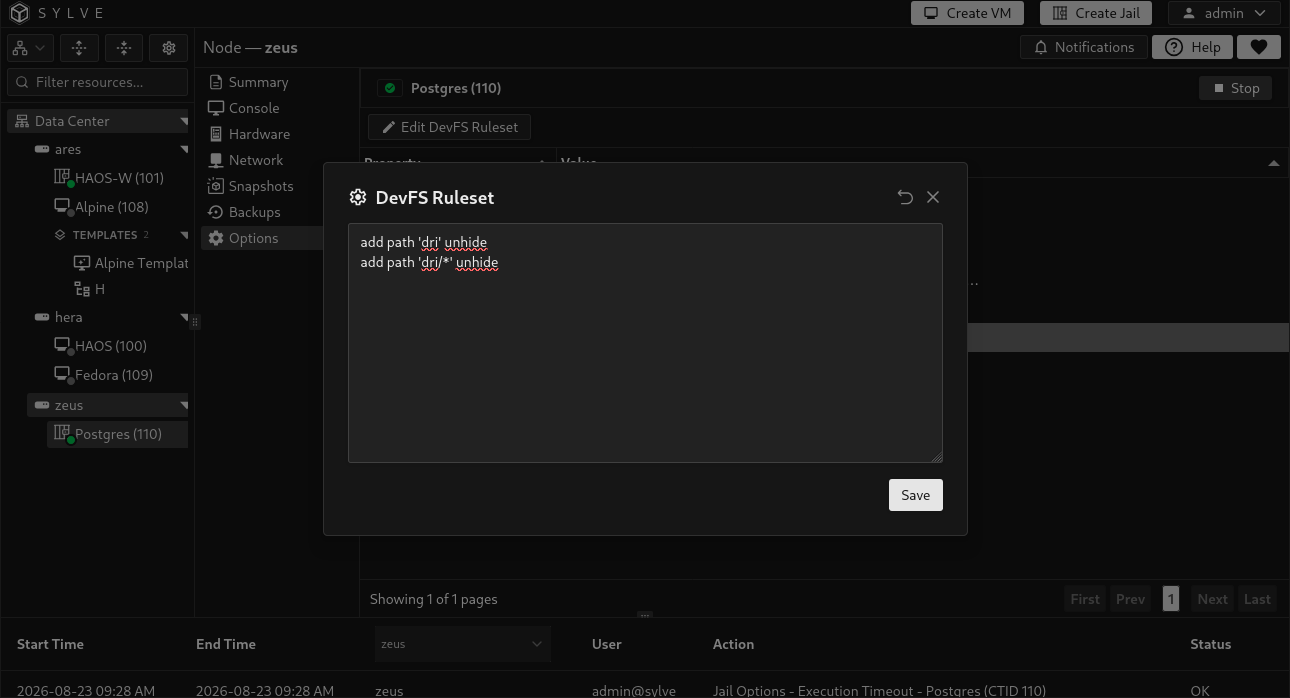
Section titled “DevFS ruleset”Use DevFS Ruleset to control which device nodes are visible inside the jail. Enter only rule statements, not a numbered ruleset header. For example, these rules expose BPF devices and USB serial adapters:
add path 'bpf*' unhideadd path 'cuaU*' unhideSylve places the rules in a jail-specific block, connects that ruleset to the jail configuration, and reloads DevFS. Clearing the editor removes the custom rules and restores the default managed ruleset.
The row is hidden when DevFS management is disabled in the node configuration.
Additional options
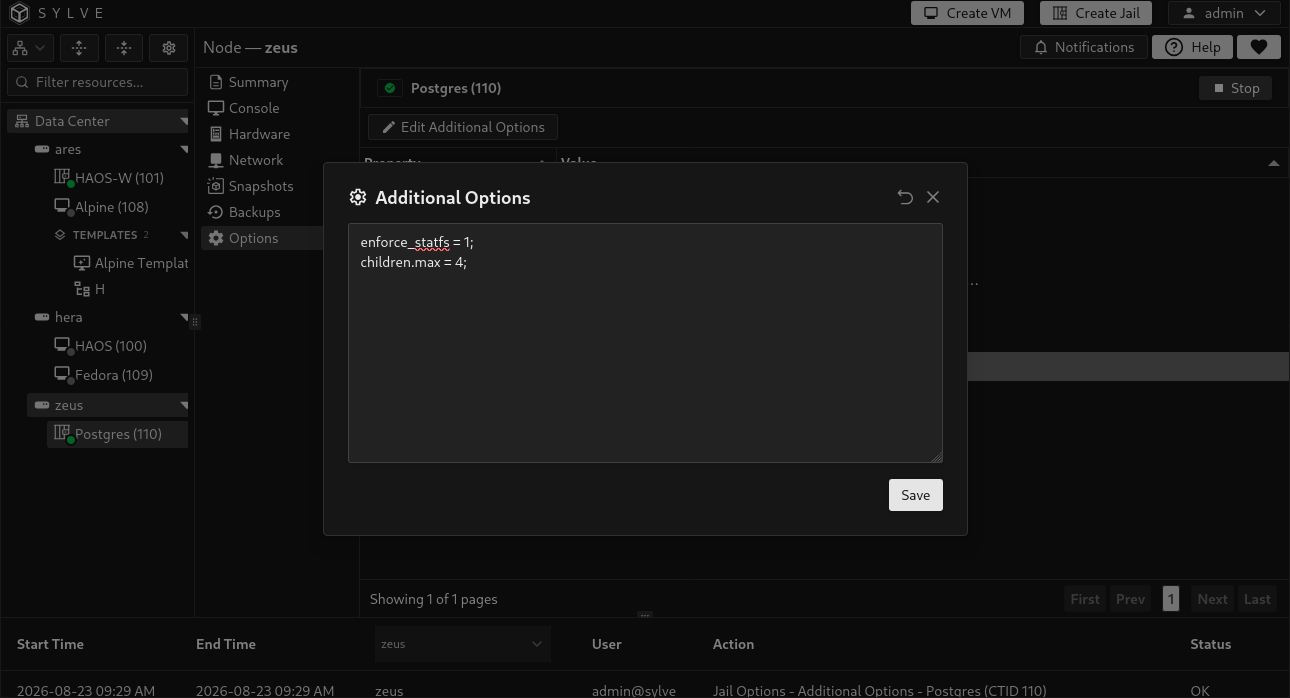
Section titled “Additional options”Additional Options is an advanced escape hatch for adding raw jail.conf statements that Sylve does not expose elsewhere. Enter complete statements, including their trailing semicolons. For example:
enforce_statfs = 1;children.max = 4;Sylve stores these statements in a managed block in the jail configuration. Do not repeat settings already managed by another page, add outer jail braces, or copy Sylve’s managed block markers into this field.
Allowed options
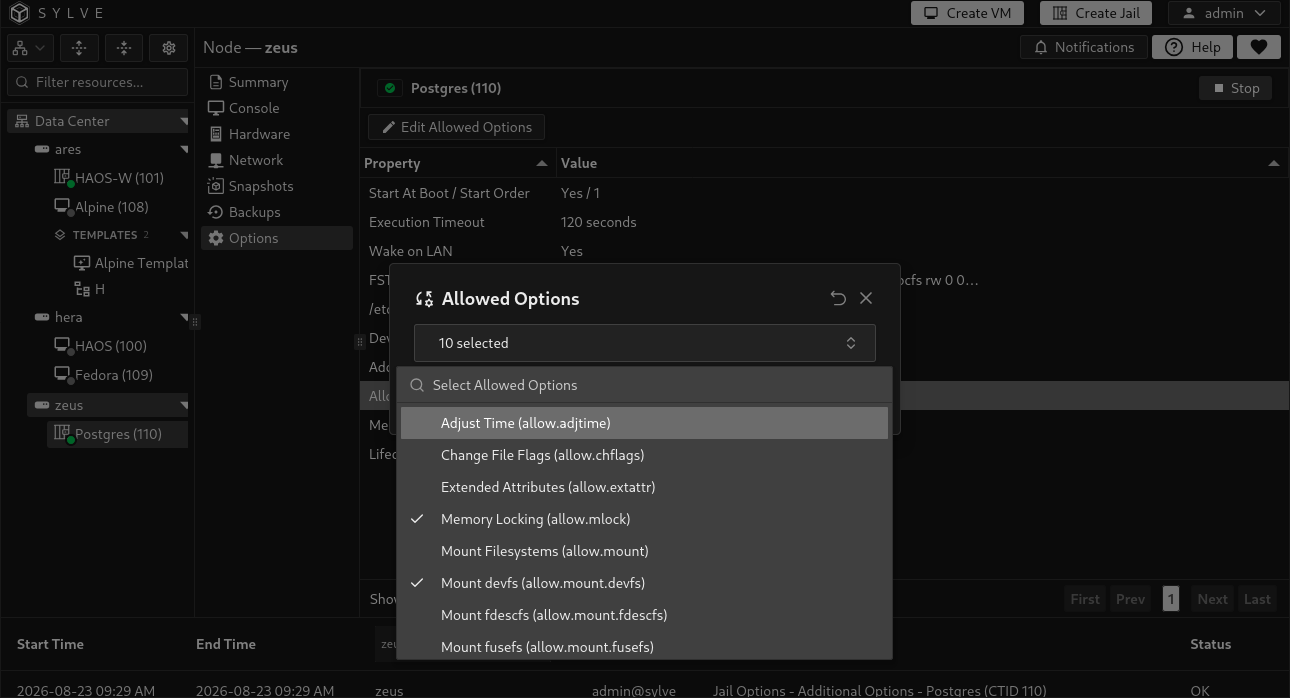
Section titled “Allowed options”Use Allowed Options to grant specific FreeBSD jail capabilities. The selector includes permissions for operations such as mounting filesystems, using raw sockets, changing the hostname, routing traffic, and running nested virtual machines.
Grant the smallest set the workload needs. Some commonly used permissions are:
| Option | Purpose |
|---|---|
allow.raw_sockets |
Allows raw sockets, commonly needed by tools such as ping. |
allow.mount |
Allows the jail to mount supported filesystems. Filesystem-specific permissions may also be required. |
allow.mount.devfs |
Allows DevFS mounts when DevFS management is enabled on the node. |
allow.mount.nullfs |
Allows nullfs mounts. |
allow.mount.zfs |
Allows ZFS mounts. Additional ZFS delegation is still required. |
allow.routing |
Allows changes to the network routing table. |
allow.set_hostname |
Allows the jail to change its own hostname. |
allow.vmm |
Allows access required for nested virtual-machine workloads. |
The selected values are normalized and written to the jail configuration. If DevFS management is disabled, allow.mount.devfs is unavailable and saving removes an existing selection of that option.
Metadata
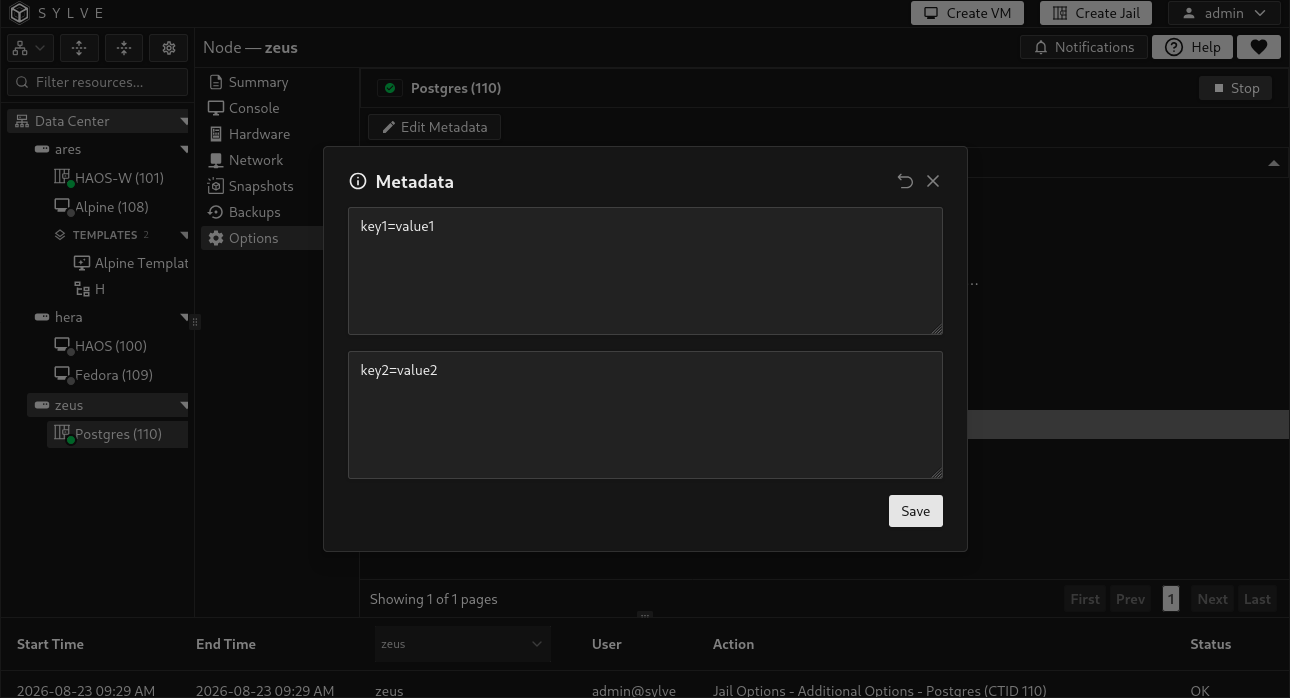
Section titled “Metadata”Metadata provides two free-form values:
- Meta is exposed as the
metajail parameter. - Environment is exposed as the
envjail parameter.
Use them for information consumed by jail hooks or other tooling. Sylve stores each value as a quoted jail.conf string, preserving valid UTF-8 text and rejecting NUL bytes.
Lifecycle hooks
Section titled “Lifecycle hooks”Lifecycle hooks run custom shell scripts at specific points while a jail starts or stops. Enable only the phases you need and provide a non-empty script for each enabled phase.
| Phase | Execution environment | When it runs |
|---|---|---|
Pre-start (exec.prestart) |
Node | Before the jail starts. |
Start (exec.start) |
Jail | Starts services inside the jail. Replaces the normal start command when enabled. |
Post-start (exec.poststart) |
Node | After the jail has started. |
Pre-stop (exec.prestop) |
Node | Before the jail begins stopping. |
Stop (exec.stop) |
Jail | Stops services inside the jail. Replaces the normal stop command when enabled. |
Post-stop (exec.poststop) |
Node | After the jail has stopped. |
The Start and Stop phases are not additional callbacks. FreeBSD jails use /bin/sh /etc/rc and /bin/sh /etc/rc.shutdown automatically while these custom hooks are disabled. Enabling either hook replaces its corresponding default command. Include the normal behavior in your script if the jail still needs it.
Older FreeBSD jail records that stored these standard commands as custom hooks are normalized automatically when Sylve starts. They may therefore appear disabled after an upgrade while retaining the same normal FreeBSD startup and shutdown behavior.
For example, a custom Start script that preserves normal FreeBSD service startup could contain:
#!/bin/sh/bin/sh /etc/rclogger -t sylve-jail "custom start hook completed"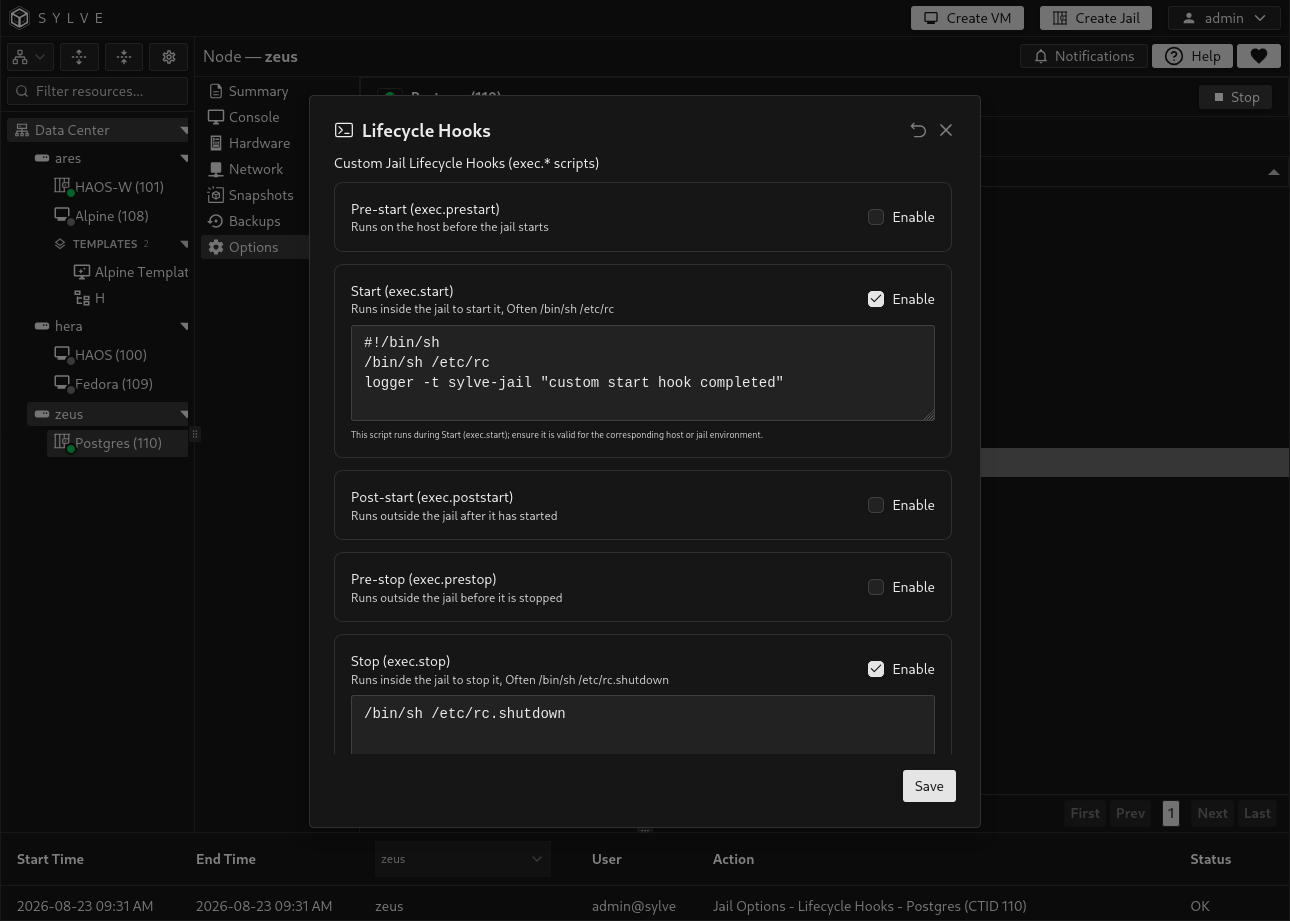
When controls are unavailable
Section titled “When controls are unavailable”The edit action is disabled while another jail operation is pending or when the jail is in a transitional or unavailable state. Wait for the current operation to finish and try again.
Options that update only the generated jail configuration take effect during a later lifecycle transition. Direct file changes, such as /etc/resolv.conf, and the host DevFS rules reload are applied when saved. If an update fails partway through, Sylve attempts to restore the previous database and file state.