

Settings
Multicast DNS, or mDNS, lets devices on the local network discover services without a conventional DNS server. Sylve advertises its mDNS records only while the mDNS system service is enabled. Enable it from System Settings → Services before configuring this page.
The settings are shared by every user-created mDNS record and by records managed for Samba. They control where Sylve advertises, not which services it advertises. Add those on Records.
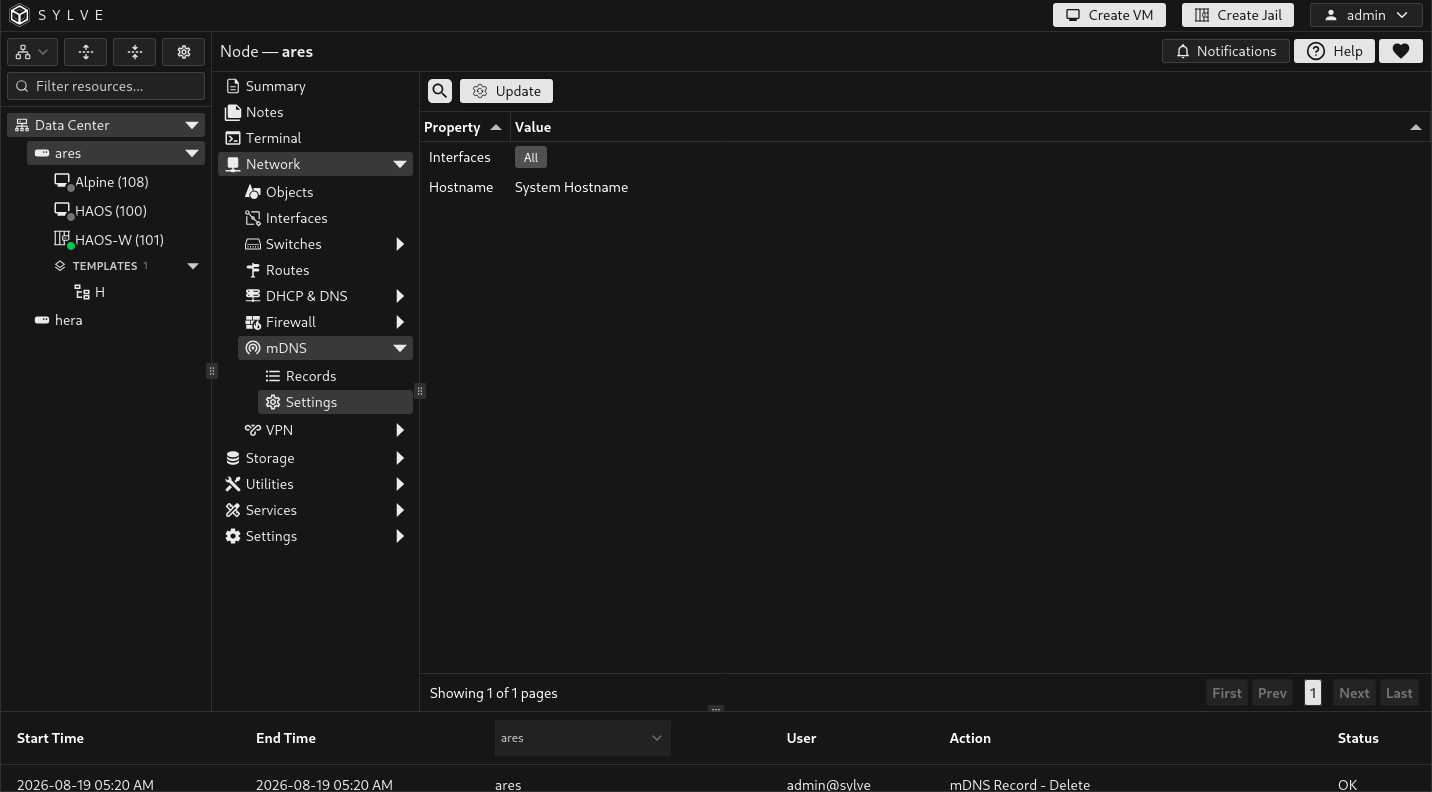
Update mDNS settings
Section titled “Update mDNS settings”Choose Update to change the responder configuration. Sylve validates the selection, rebuilds the responder, then saves the change. If the new responder cannot start, the previous active configuration is restored.
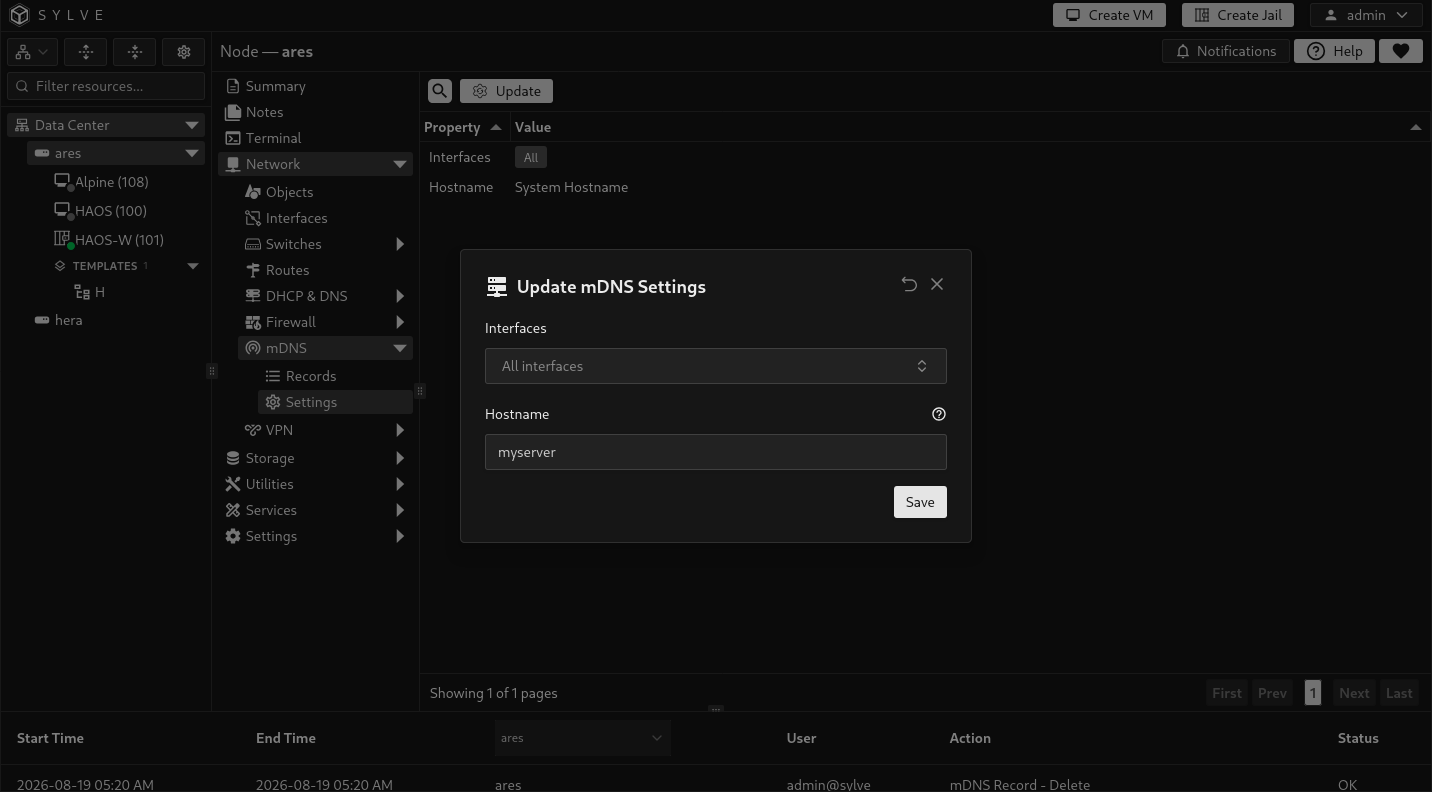
| Field | What it controls |
|---|---|
| Interfaces | Limits advertisements to the selected network interfaces. Leave it empty to advertise through all available interfaces. A selected interface must still exist when the settings are saved. |
| Hostname | The hostname used by the responder. Leave it empty to use the node’s system hostname. A custom hostname may contain DNS labels, numbers, and hyphens, with a maximum length of 253 characters. |
Choosing interfaces
Section titled “Choosing interfaces”Use a specific LAN-facing interface when mDNS must stay within one network. Leaving the setting empty is useful on a small single-LAN node, but can expose service discovery on every connected network. Interface-specific records can further narrow an individual advertisement; see Records.