

Hardware
The Hardware page controls how much host memory and how many logical CPU cores a jail can use. Limits can be changed while the jail is running or stopped.
Changes to a running jail are applied immediately. Changes to a stopped jail are saved and applied the next time it starts.
Understand resource limits
Section titled “Understand resource limits”The table contains two properties:
| Property | Limited behavior | Unlimited behavior |
|---|---|---|
| RAM | FreeBSD RCTL denies memory use above the configured limit. | No Sylve-managed jail memory limit is applied. |
| CPU | The jail is assigned an automatically selected set of logical CPU cores. | The jail may run on every logical CPU available to the host. |
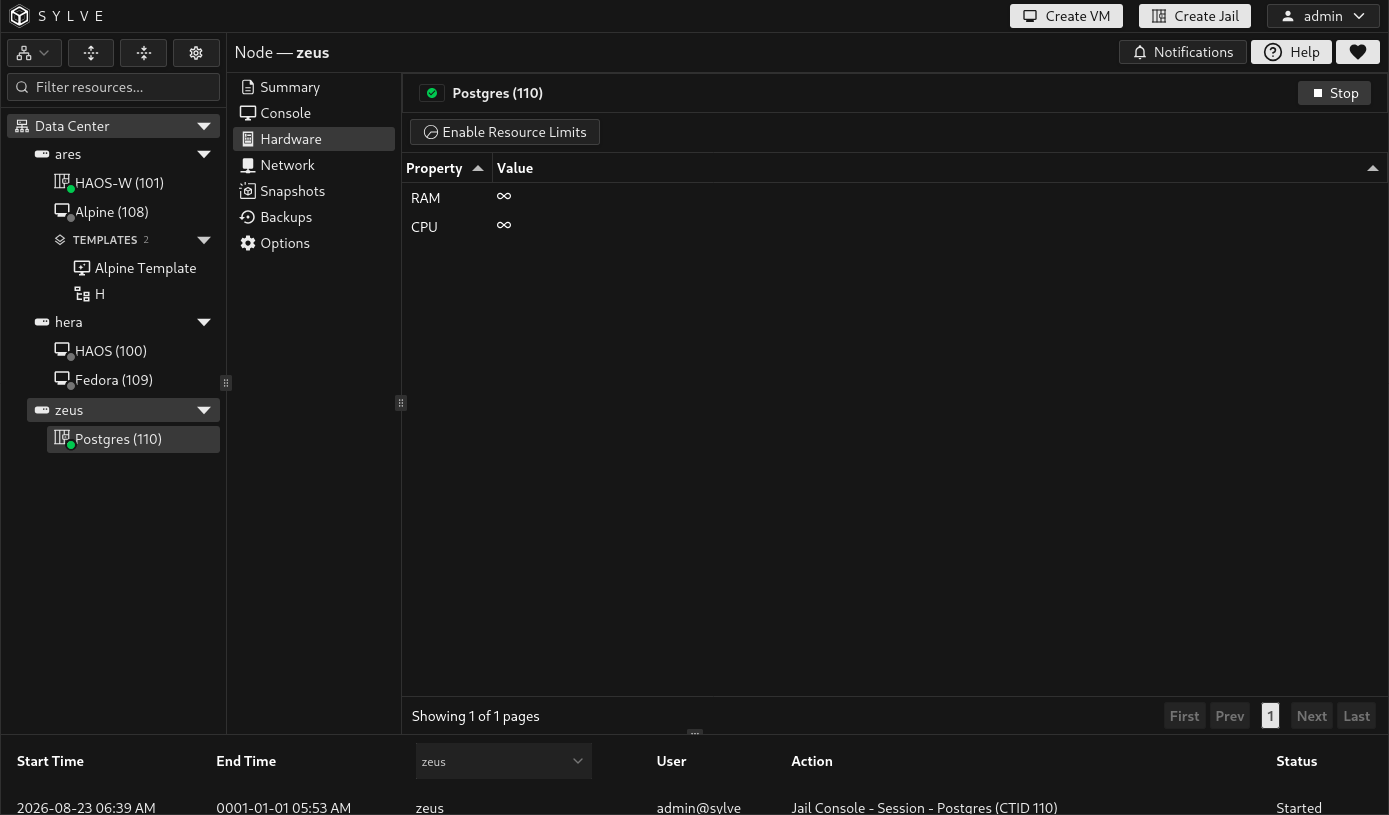
The infinity symbol means resource limits are disabled. It does not reserve resources for the jail or protect it from contention with other host workloads.
Enable resource limits
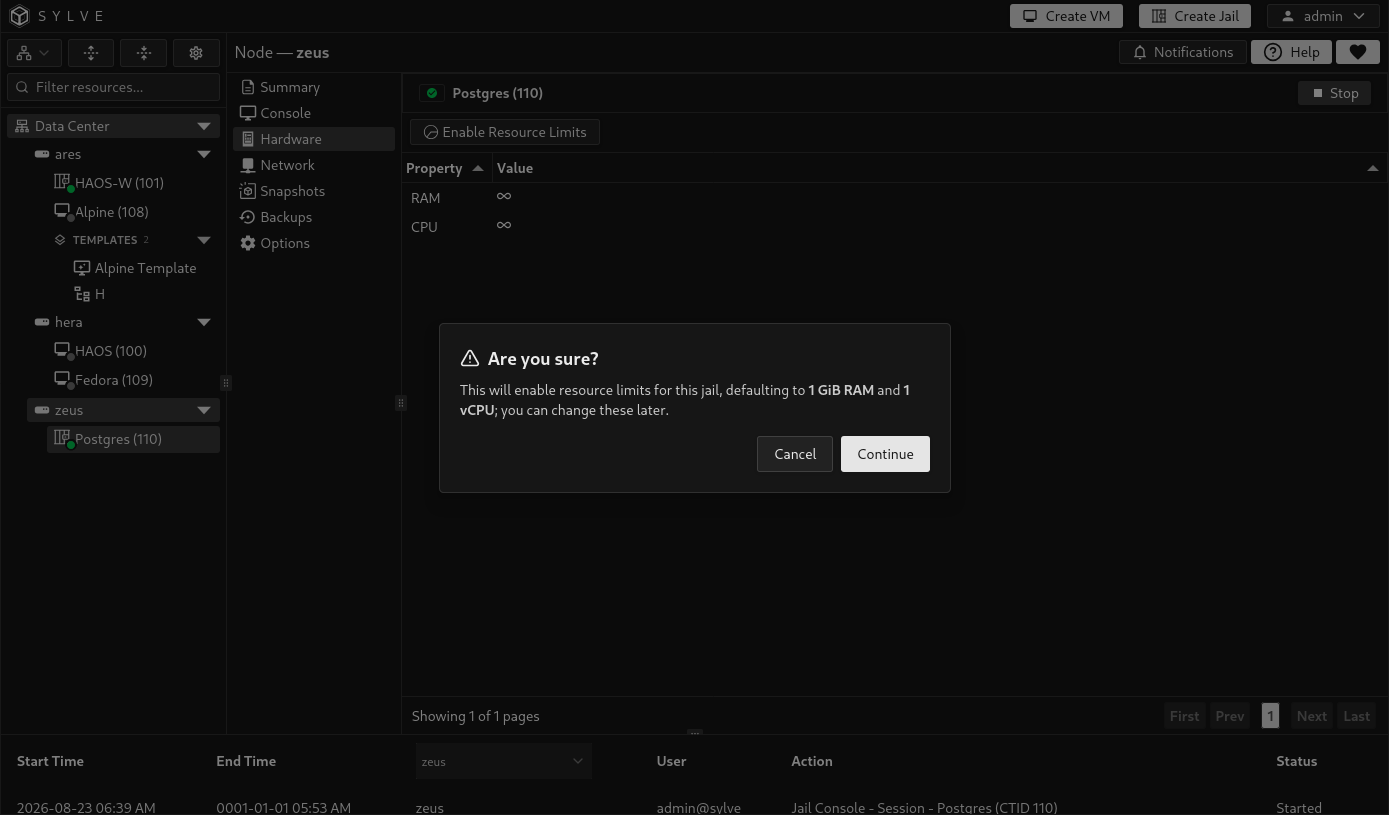
Section titled “Enable resource limits”With no table row selected, select Enable Resource Limits in the toolbar and confirm the action. Sylve starts with:
- 1 GiB RAM
- 1 vCPU
You can edit both values after limits are enabled. Enabling limits can fail when the host has less than the required memory available after its reserved capacity is considered.
Change the RAM limit
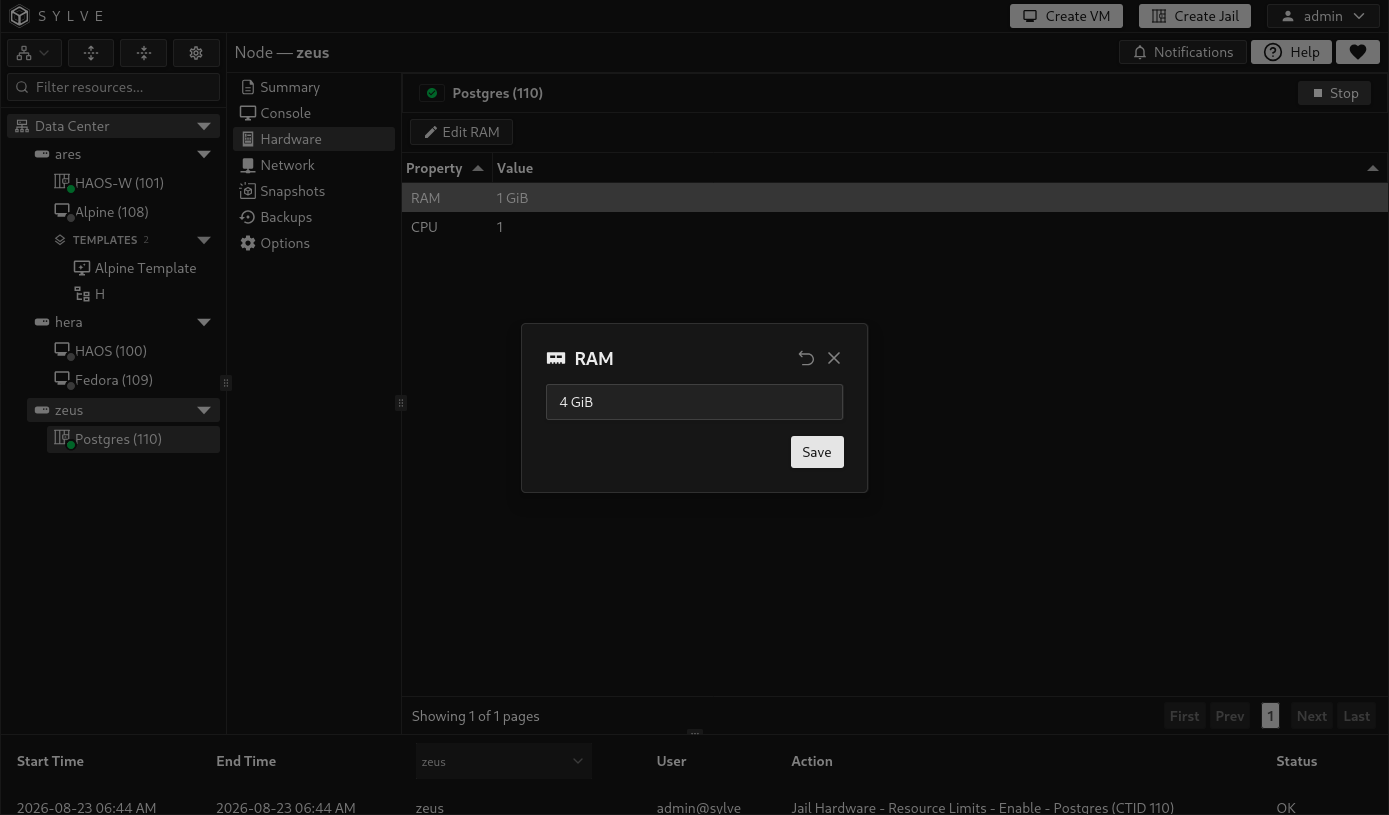
Section titled “Change the RAM limit”Select the RAM row, then select Edit RAM in the toolbar. Enter a value with a binary or decimal size unit, such as 512 MiB, 2 GiB, or 4 GB, and select Save.
RAM values follow these rules:
- The minimum is 1 MiB.
- At least 1 GiB of total host memory must remain outside the jail’s configured limit.
- The value is stored at MiB precision. Values between whole MiB boundaries are rounded up to the next MiB.
- The field is unavailable when host memory information cannot be read.
The limit controls memory used by the jail as a whole, not memory for each individual process.
Change the CPU limit
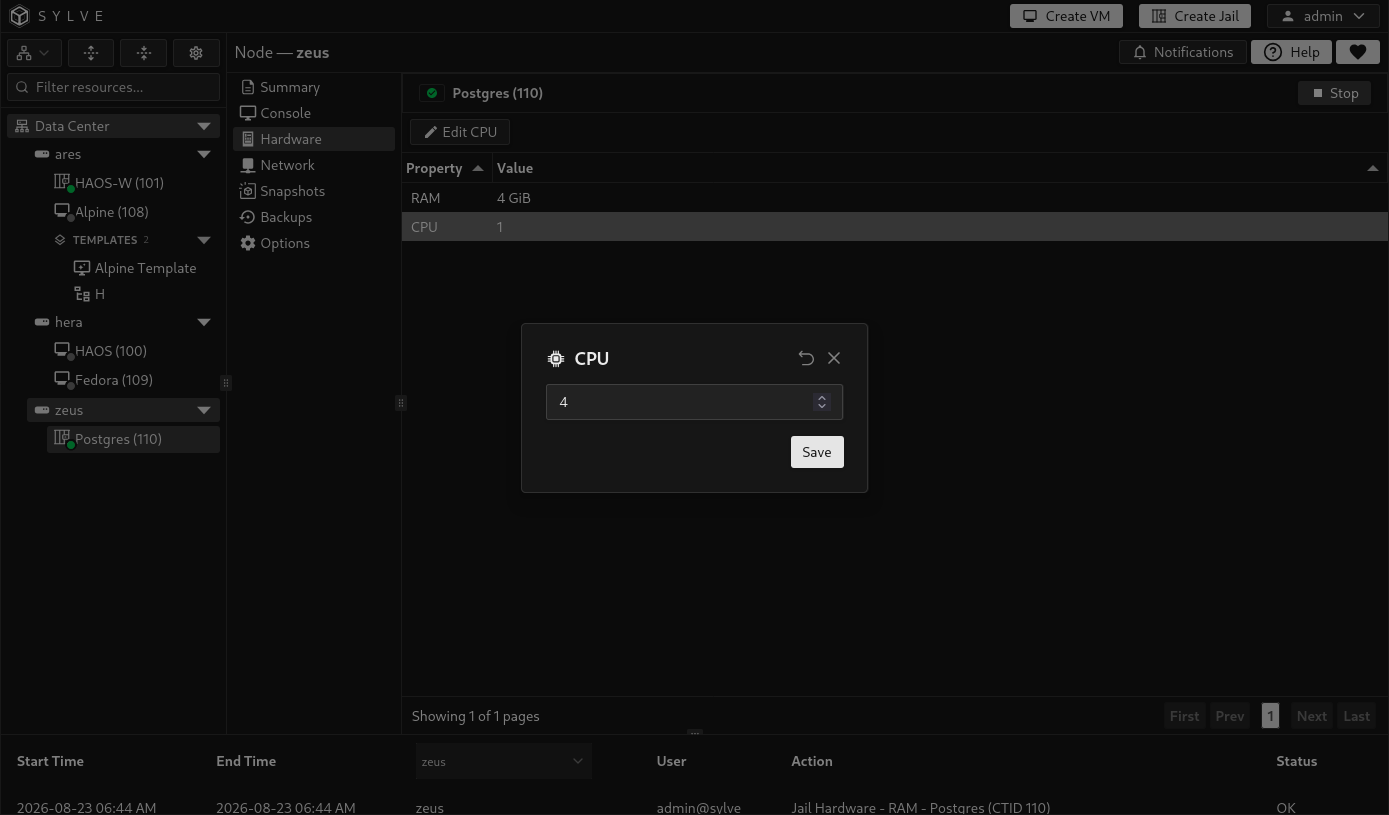
Section titled “Change the CPU limit”Select the CPU row, then select Edit CPU in the toolbar. Enter a whole number and select Save.
The value must be between 1 and the number of logical CPUs reported by the host. Sylve selects that number of logical CPU IDs automatically, preferring CPUs assigned to fewer other managed jails. The page does not provide manual CPU-affinity selection.
Changing the count can therefore move the jail to a different CPU set. It limits where the jail can run, but it does not reserve those CPUs exclusively or guarantee a fixed percentage of CPU time.
Disable resource limits
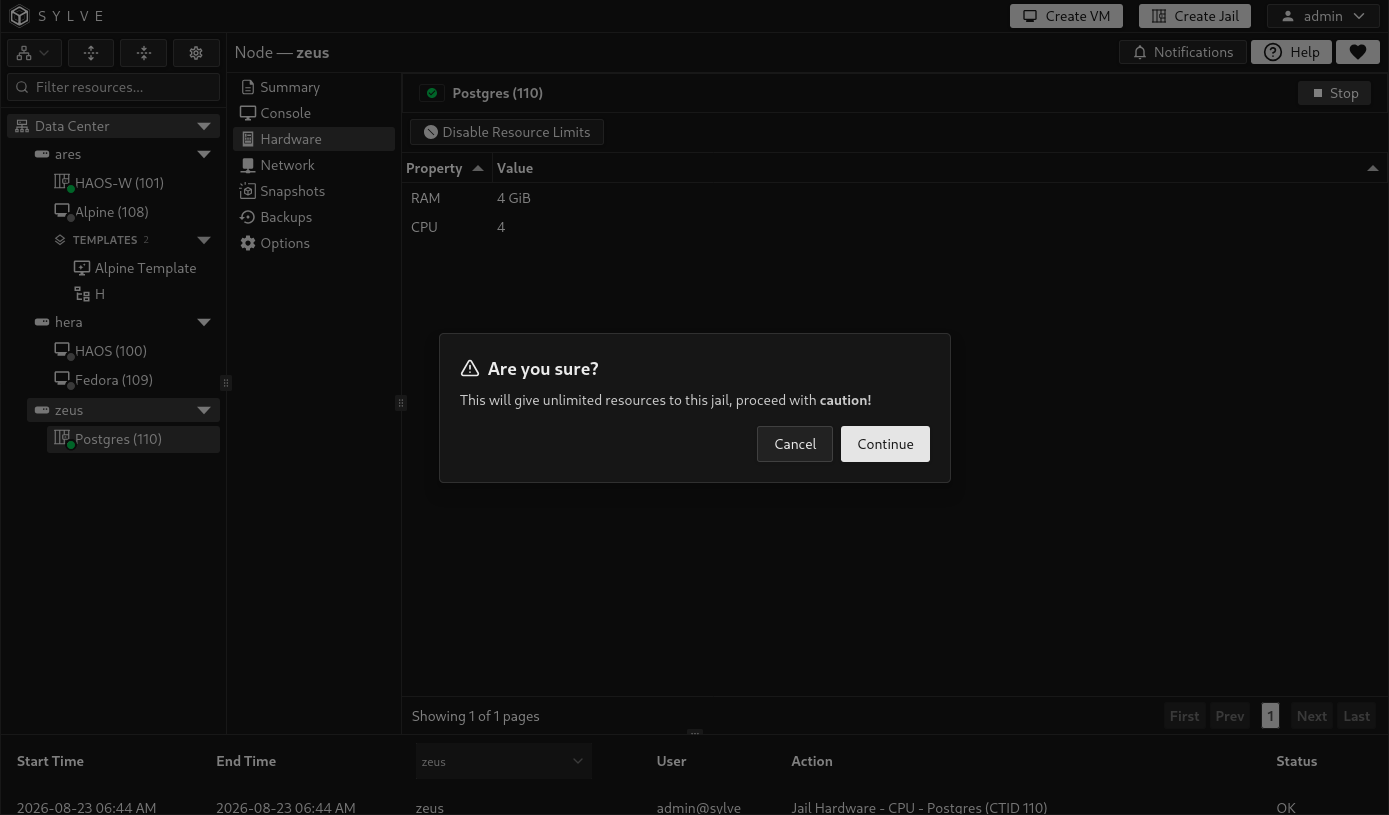
Section titled “Disable resource limits”Clear the selected table row so the resource-limit action is visible, then select Disable Resource Limits and confirm the warning.
Disabling limits removes the managed memory restriction, restores access to all host logical CPUs, and clears the saved RAM, core-count, and CPU-set values. Enabling limits again starts from the 1 GiB RAM and 1 vCPU defaults rather than restoring the previous values.
When controls are unavailable
Section titled “When controls are unavailable”Hardware controls are disabled in these situations:
- A jail lifecycle operation is still pending.
- The jail state is neither active nor inactive.
- Resource limits are disabled and you are trying to edit RAM or CPU.
- Host RAM or CPU information required by the editor is unavailable.
A change can also be refused while the jail is being restored or when the current node does not own its replication lease. Wait for the active operation to finish or manage the jail from the node that owns the workload.
If the jail changes state during a live update, Sylve attempts to restore the previous hardware configuration rather than leaving a partially applied change. Refresh the page, confirm the final state, and retry the update when no lifecycle operation is running.