

Users
Adding Users
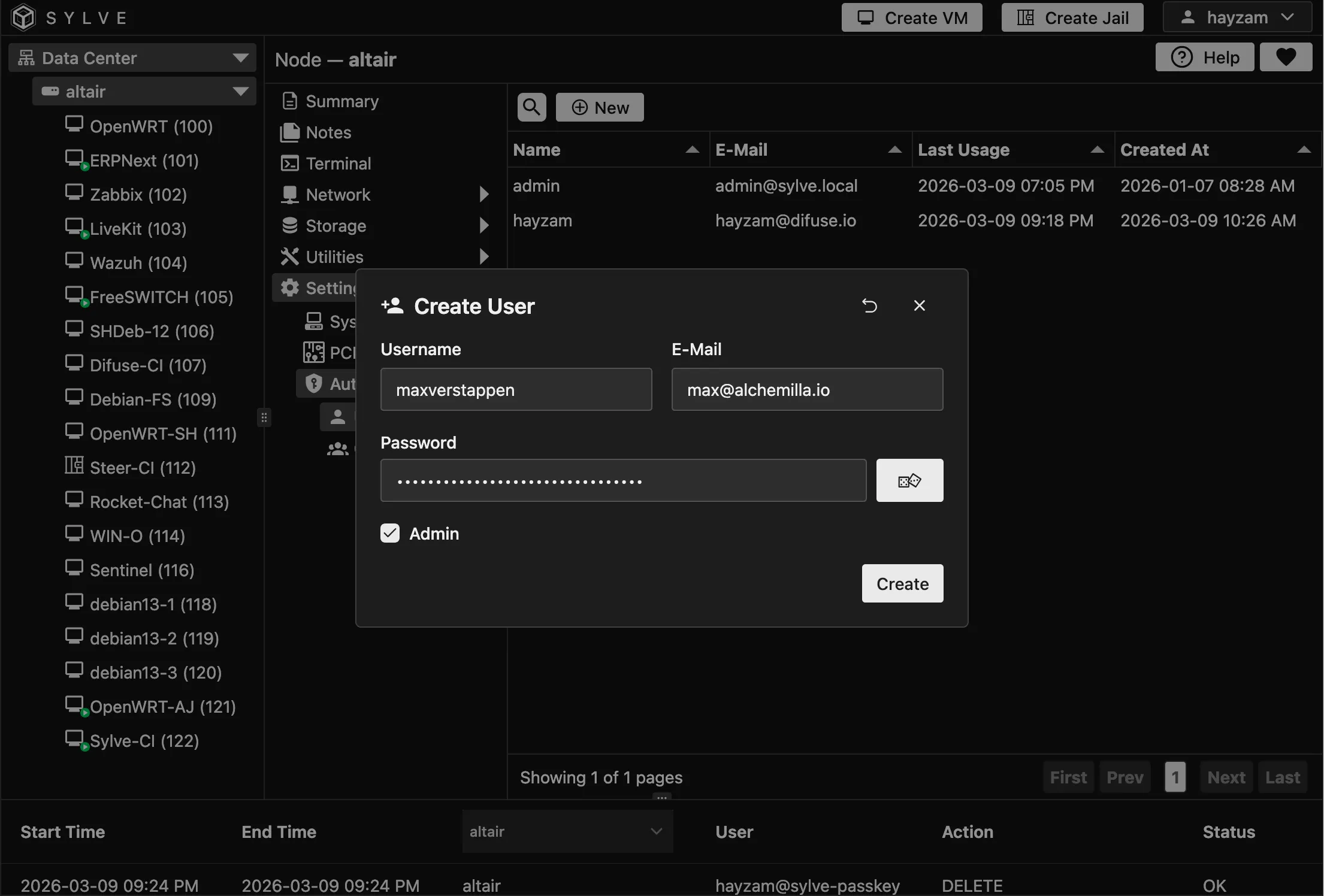
Section titled “Adding Users”Adding a user is very straight forward, simply click the “New” button and fill out the form with the new user’s information. You can specify a username, password, and role for the new user.
Editing Users
Section titled “Editing Users”Editing and deleting users are just as straight forward, simply click the edit button on the user you want to edit or delete and make your changes or confirm the deletion.
Passkeys
Section titled “Passkeys”Now this is a cool feature that allows you to setup a passkey for a user that they can use to login without a password. This is especially useful for users that need to access the web interface from a device that doesn’t have a password manager or for users that simply prefer using passkeys over passwords.
It is much more secure than using passwords and is also more convenient for users. To set up a passkey for a user, simply click the “Passkeys” button on the user you want to set up the passkey for and follow the instructions as given in the video: